MV-32/64 Multiviewer www.snellgroup.com Operation
Issue 1 Rev 11 Page 73 © 2014 Snell Limited
4.16.5.9 Text Properties Tab (Text object)
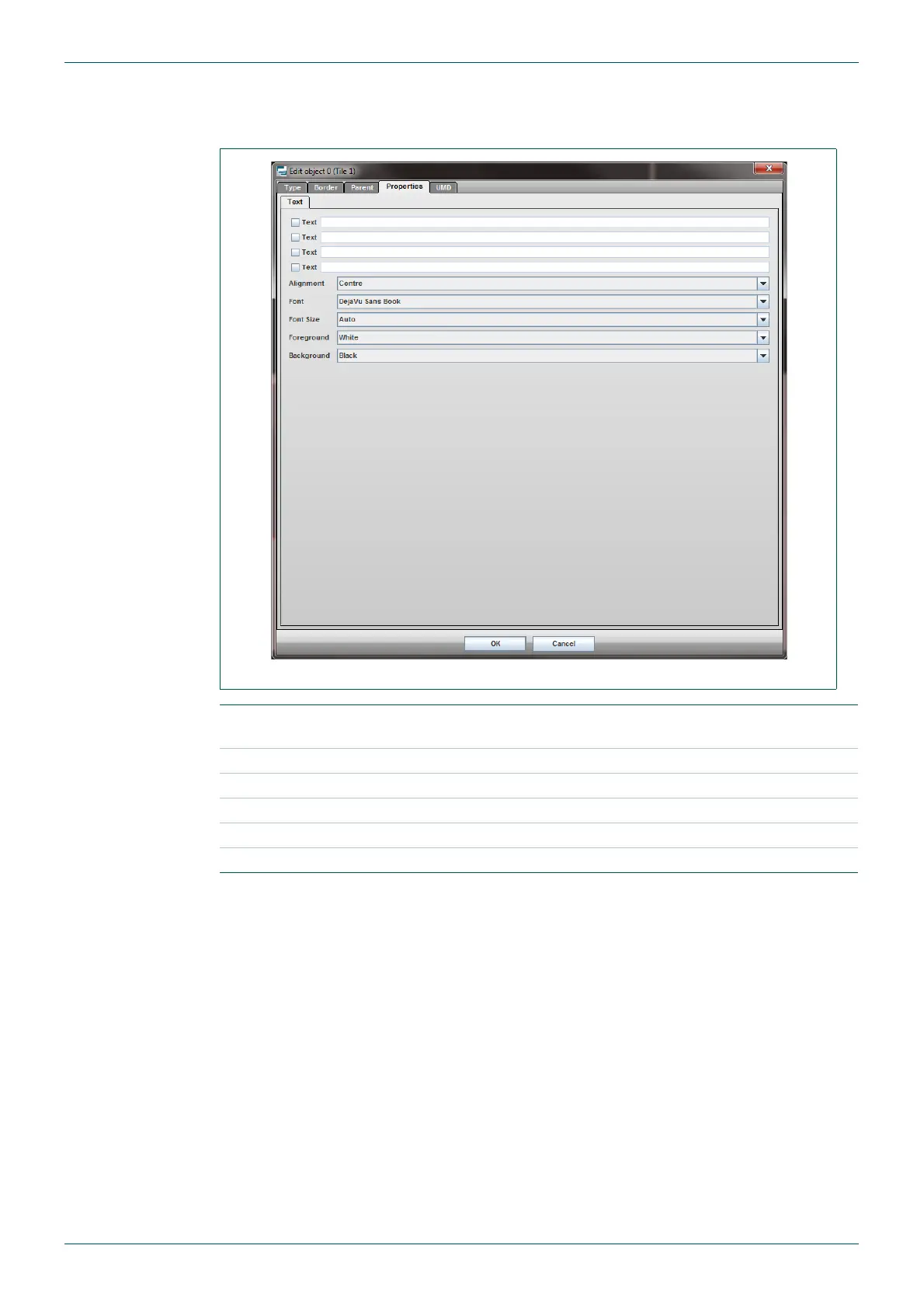
This tab only exists in tiles that are of Text type.
Fig 59. Edit Object - Properties - Text Tab.
Text
Enter up to four lines of text and set it to visible or hidden by ticking or
unticking the check boxes.
Alignment Justify text within the tile.
Font Select font type.
Font Size Select font point size.
Foreground Set text color.
Background Set text background color.
Table 42. Edit Object - Properties - Text Tab.



 To Next Page