106 Wave User Manual
Version 4
18 Wave Companion
Wave Companion is the desktop application that accompanies Wave. It offers an
environment in which dedicated applications can be designed and uploaded to Wave
units as well as a way to download files.
18.1 Connect Wave to the Wave Companion
In order to take advantage of all the features available in Wave Companion, the unit and
application must be connected to the same network. Please refer to Section 14.3 to learn
how to connect Wave to a network.
18.2 Version Compatibility
Here is some important information regarding the compatibility between different
application versions, Wave and Wave Companion:
• Wave Companion can manage several applications that are based on the current
version or older versions. However, these applications should not be corrupted.
• Wave Companion will transfer an application if its version is not as recent as the
version of Wave. Once exception is version 1.0.X of Wave Companion.
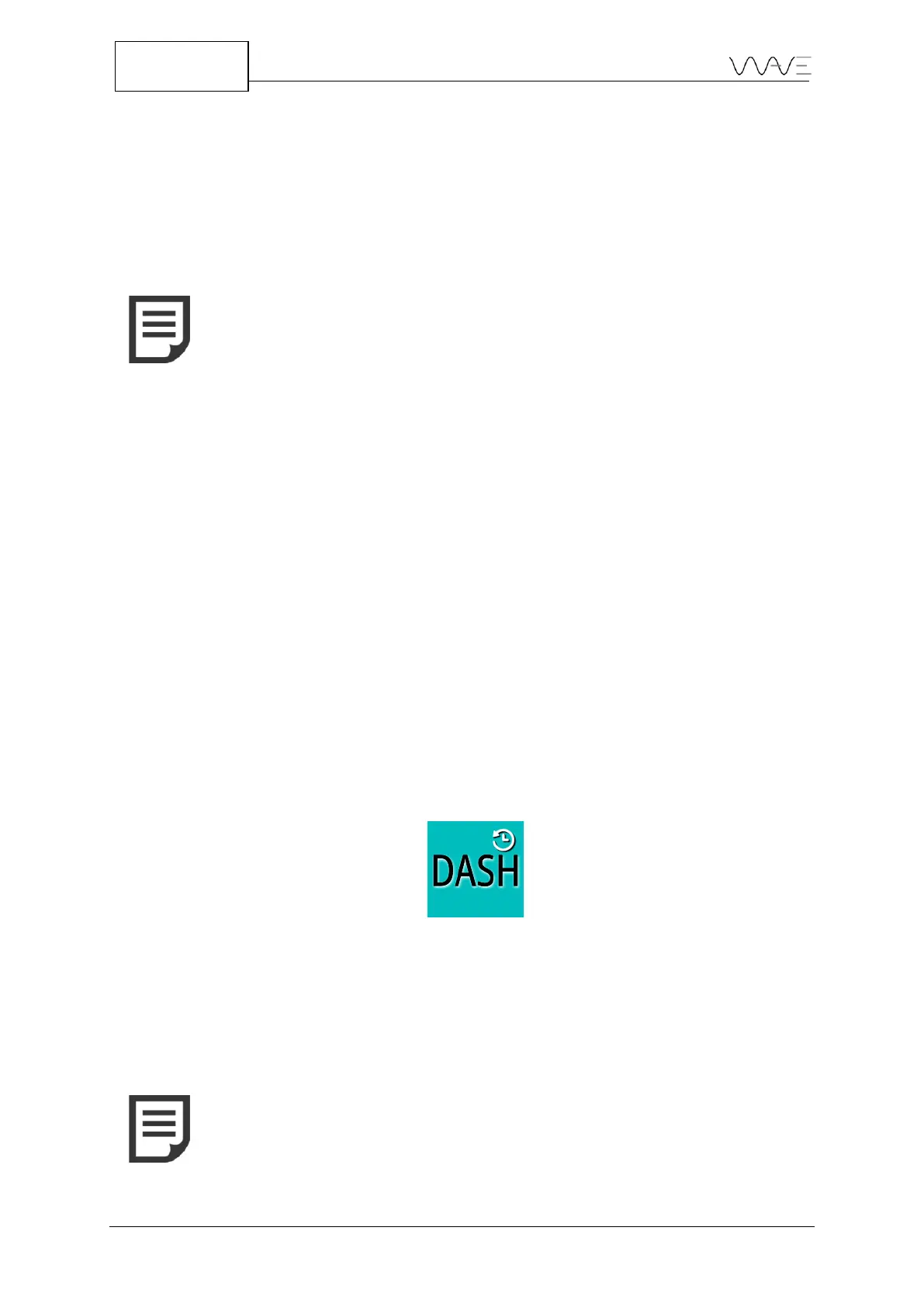
• When an application based on an old version is transferred to Wave, a clock icon
will appear on the application. This helps you distinguish old from current
applications.
Figure 91 – Old application
• When Wave is updated, default applications (Default imperial, T-joint, Default,
DGS, DAC and DASH) are also updated. For all other applications, you must update
them in Wave Companion or leave them as is.



 To Next Page