88 Wave User Manual
Version 4
13.5.1 Navigation in the PDF Report
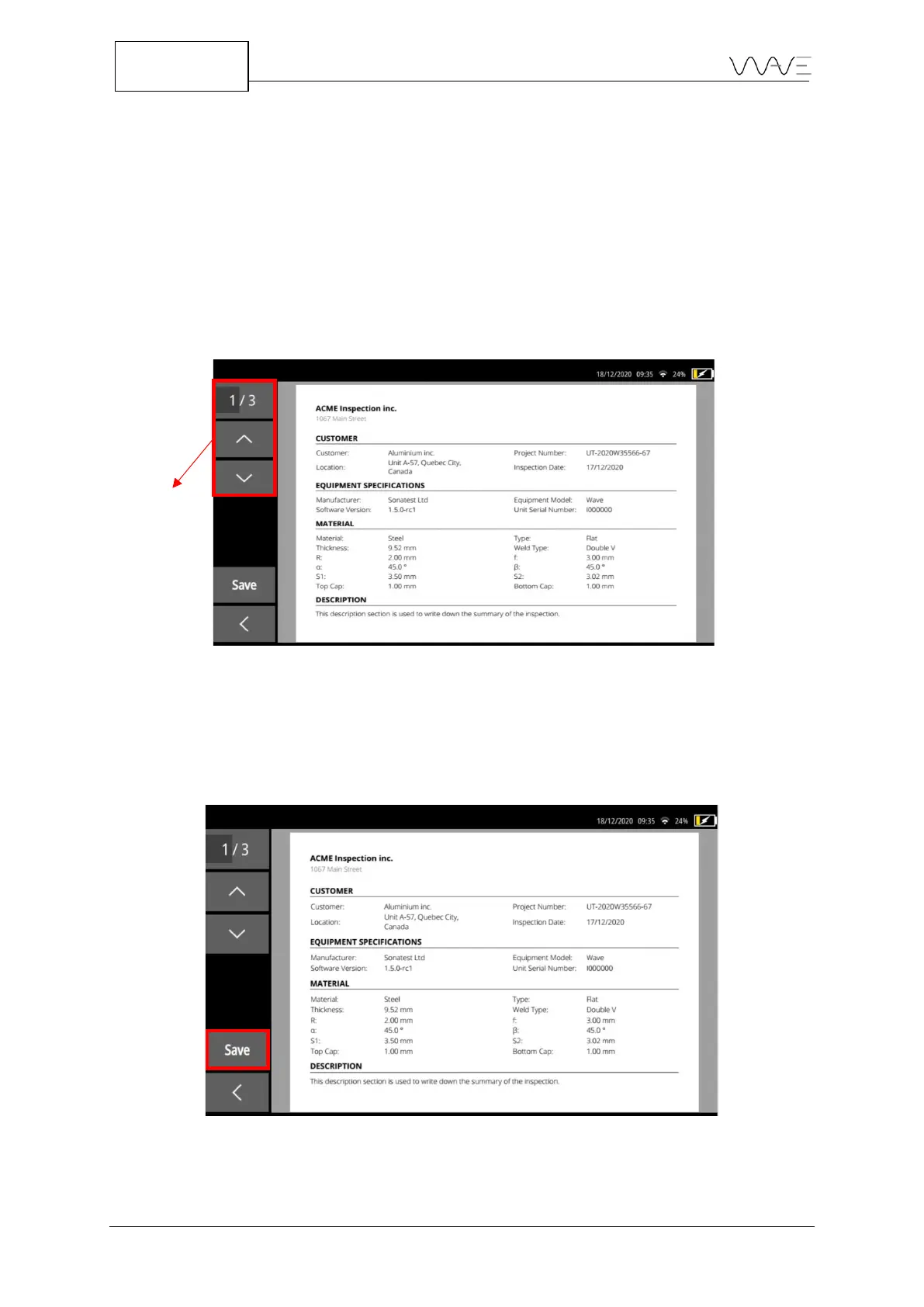
Navigating within the report is easy thanks to the touch screen. In order to zoom in or
zoom out, you simply have to pinch in or pinch out the screen. Use your fingertip to
navigate anywhere on the screen.
More traditional methods can also be used. You can enter the page number of the page
you want to access directly or simply use the navigation arrows, as shown inFigure
73Figure 73.
Figure 73 – There are several ways to navigate through the report
13.6 Save and Name a Report
In order to save a report, you must press the Preview button in the Report screen. Once
the report preview is visible, click on the Save button.
Figure 74 – It is from the report preview that it is possible to save it.



 To Next Page