Wave User Manual 81
Version 4
13.4.2.1 Company Information
This section allows you to enter your company information, such as the name and the
address. This information will be visible in the header of the report once it is generated.
13.4.2.2 Customer Information
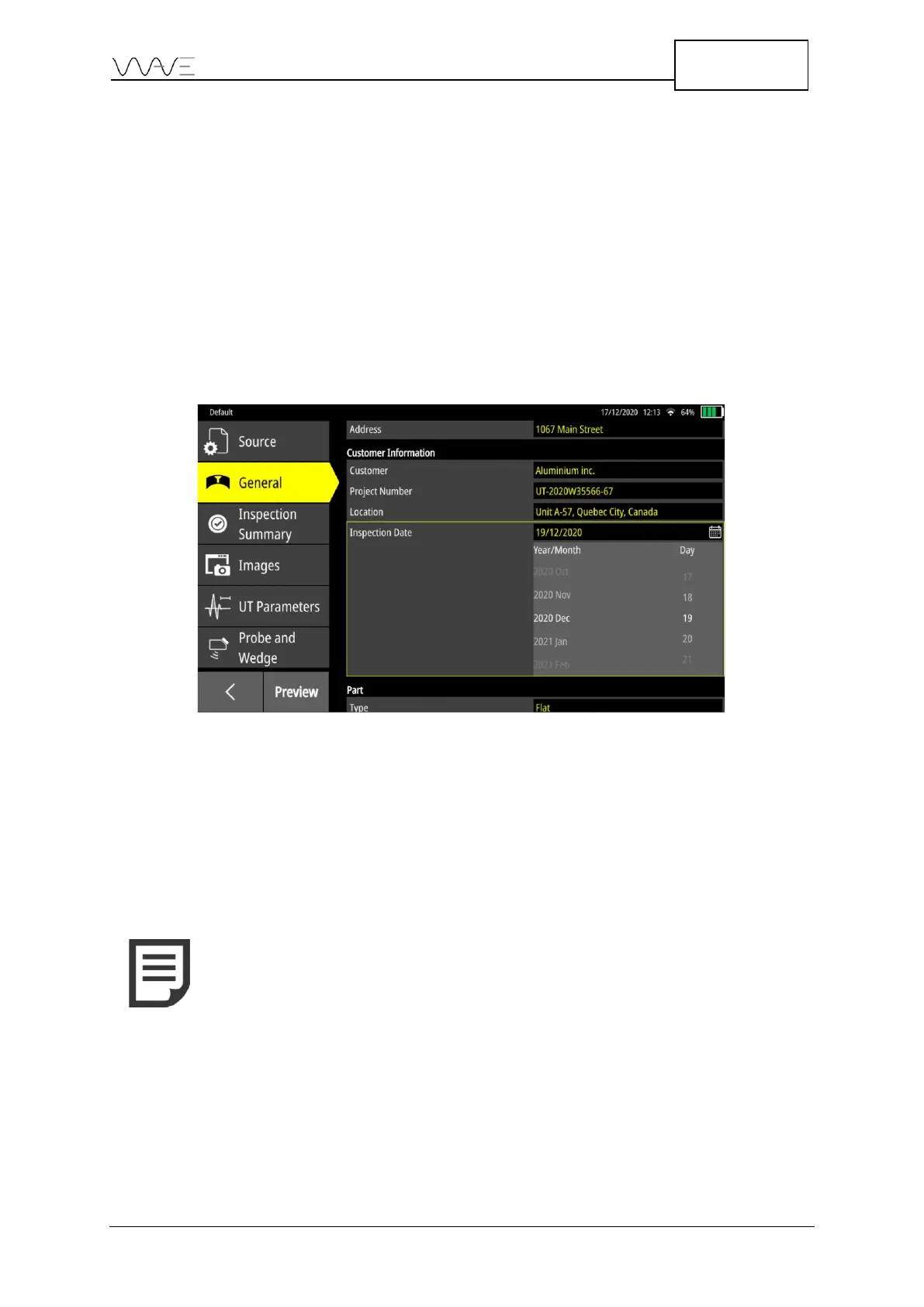
The parameters of this category are Customer, Project Number, Location and
Inspection Date. By default, the fields are empty; they have to be entered manually.
Regarding the date, there are two ways to change it. It is possible to write the date in text
form, e.g., December 19, 2020, or use the date picker. If the date picker method is chosen,
the date format will be linked to the language choice in Settings (see Section 14 for more
information). To use the date picker method, click on the Calendar icon.
Figure 65 – Scroll down to choose the date
13.4.2.3 Part and Weld Dimensions
All the parameters of this category are intrinsically linked to the Source. For example, if
the part from the Source is a T-joint, only the parameters related to the T-joint are
displayed. However, it is still possible to modify them. Parts and welds can be edited; they
will follow the same behaviours as in the Inspection screen. Changing the type of each
one will show only their respective parameters and possible choices.
13.4.3 Inspection Summary
This tab, as its name suggests, provides a global summary of the inspection. There are
three sections: Description, Inspected by and Approved by.



 To Next Page