82 Wave User Manual
Version 4
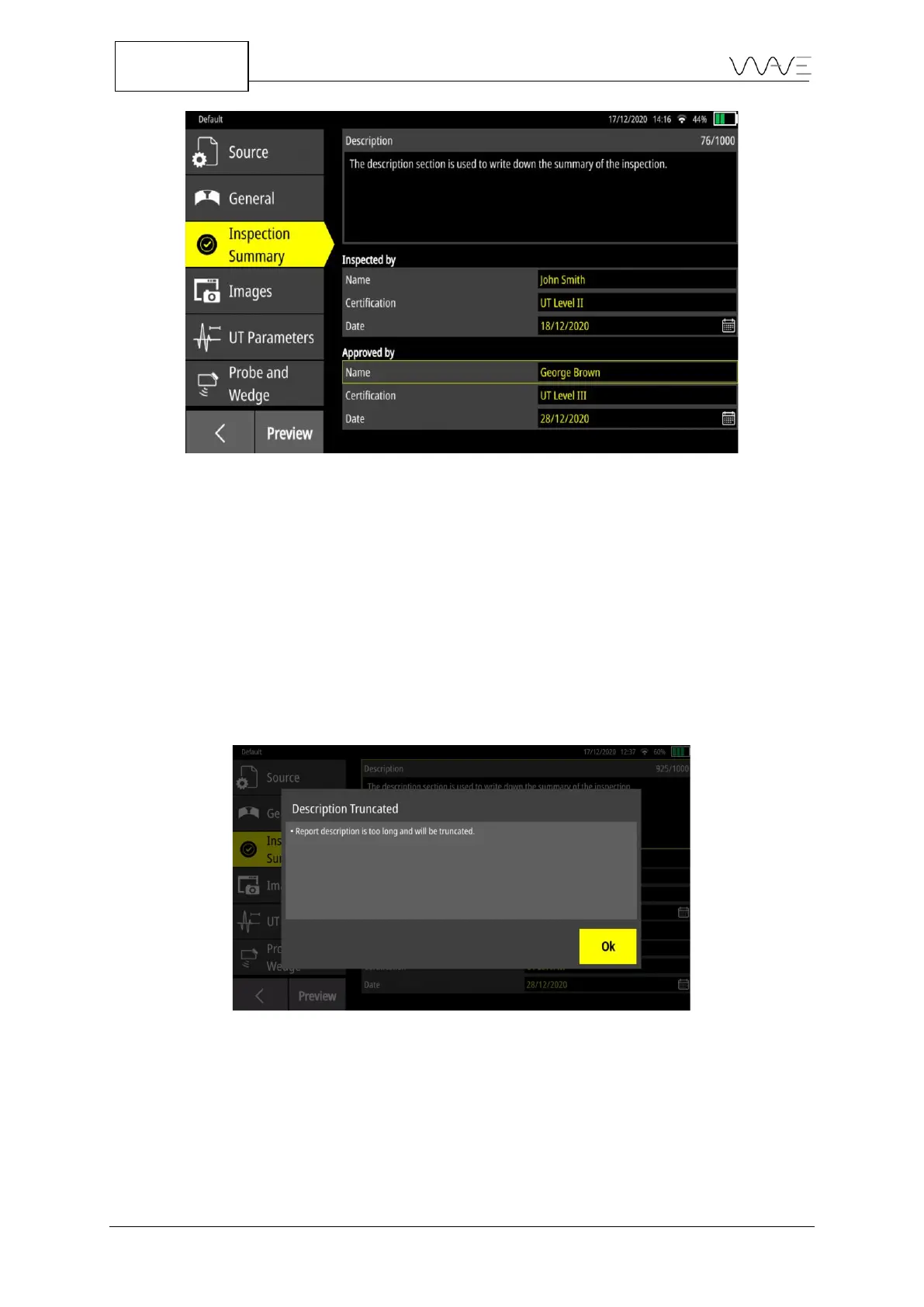
Figure 66 – The sections for the Inspection Summary tab
By default, the fields are empty; they have to be entered manually.
13.4.3.1 Description
This field is designed to allow you to write down a summary of the inspection. You have
a limit of 1000 characters, including line breaks. If the limit is reached, it will not be
possible to add more text.
Note that line breaks may affect the layout even if the number of characters is not
reached. If this is the case, by clicking on the Preview button, a pop-up appears on the
screen indicating that the text is too long and will be truncated in the PDF report.
Figure 67 – The pop-up that warns the description will be truncated.
13.4.3.2 Inspected by and Approved by
The purpose of this section is to identify the people who inspected and approved the
report.



 To Next Page