Wave User Manual 75
Version 4
As will be explained in the following sections, the reporting module is not limited to the
specific workflow described above. For example, once a report is created and saved, it is
very possible to suspend the process at this point and only send the report at a later time,
for example once someone would be near a Wi-Fi access point.
13.2 Screenshot
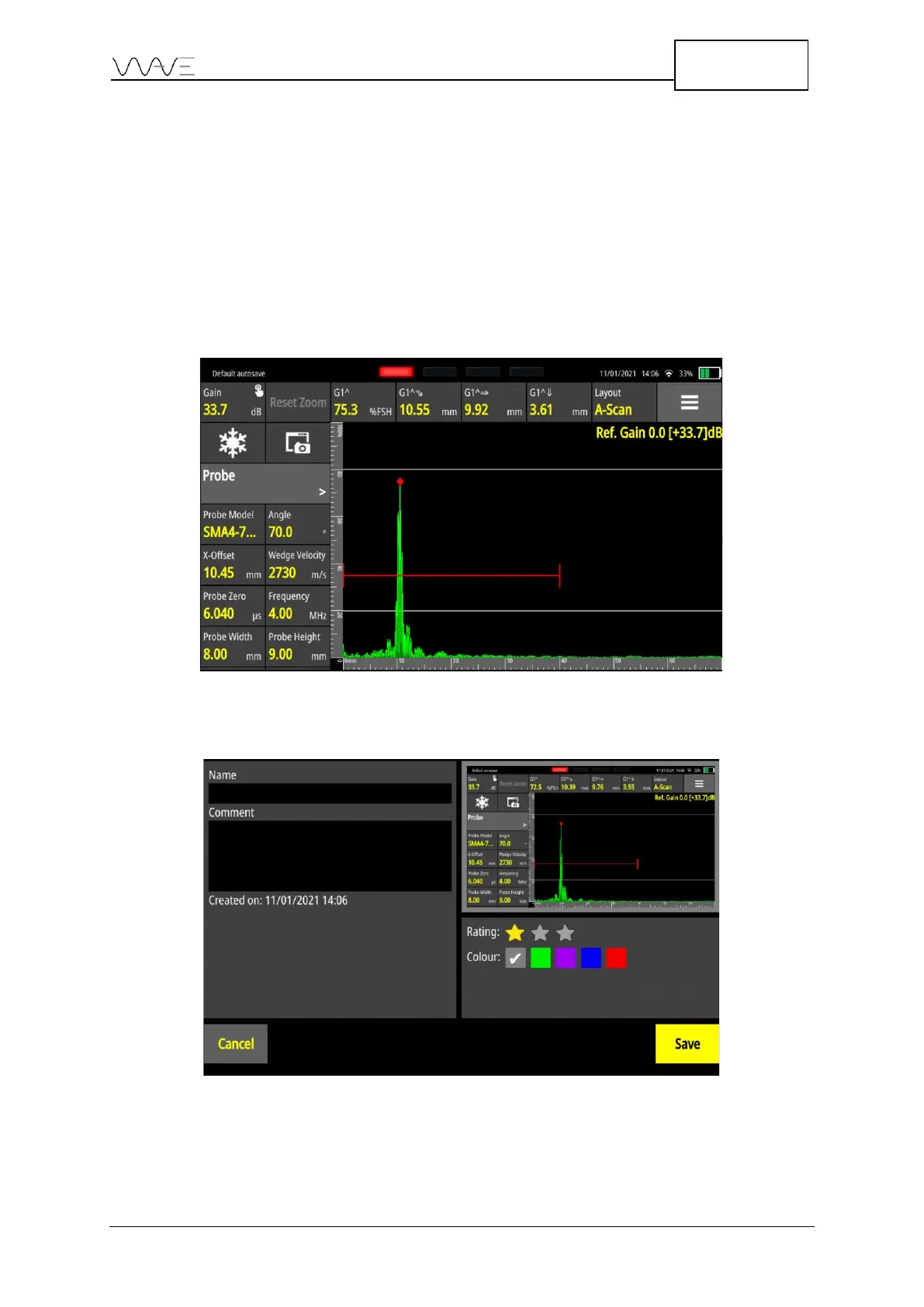
Taking screenshots during the inspection process allows to capture images of A-Scans,
Scan Plans, or both, as well as the 4 measurements displayed on the screen. This is done
using the Screen Capture button.
Figure 57 - Using the screenshot button (highlighted in red)
Once the Screen Capture button is hit, you are presented with the following screen:
Figure 58 - Entering more information associated with a screenshot
As shown in Figure 58, it is then possible to add basic information to the screenshot just
taken.



 To Next Page