32 Wave User Manual
Version 4
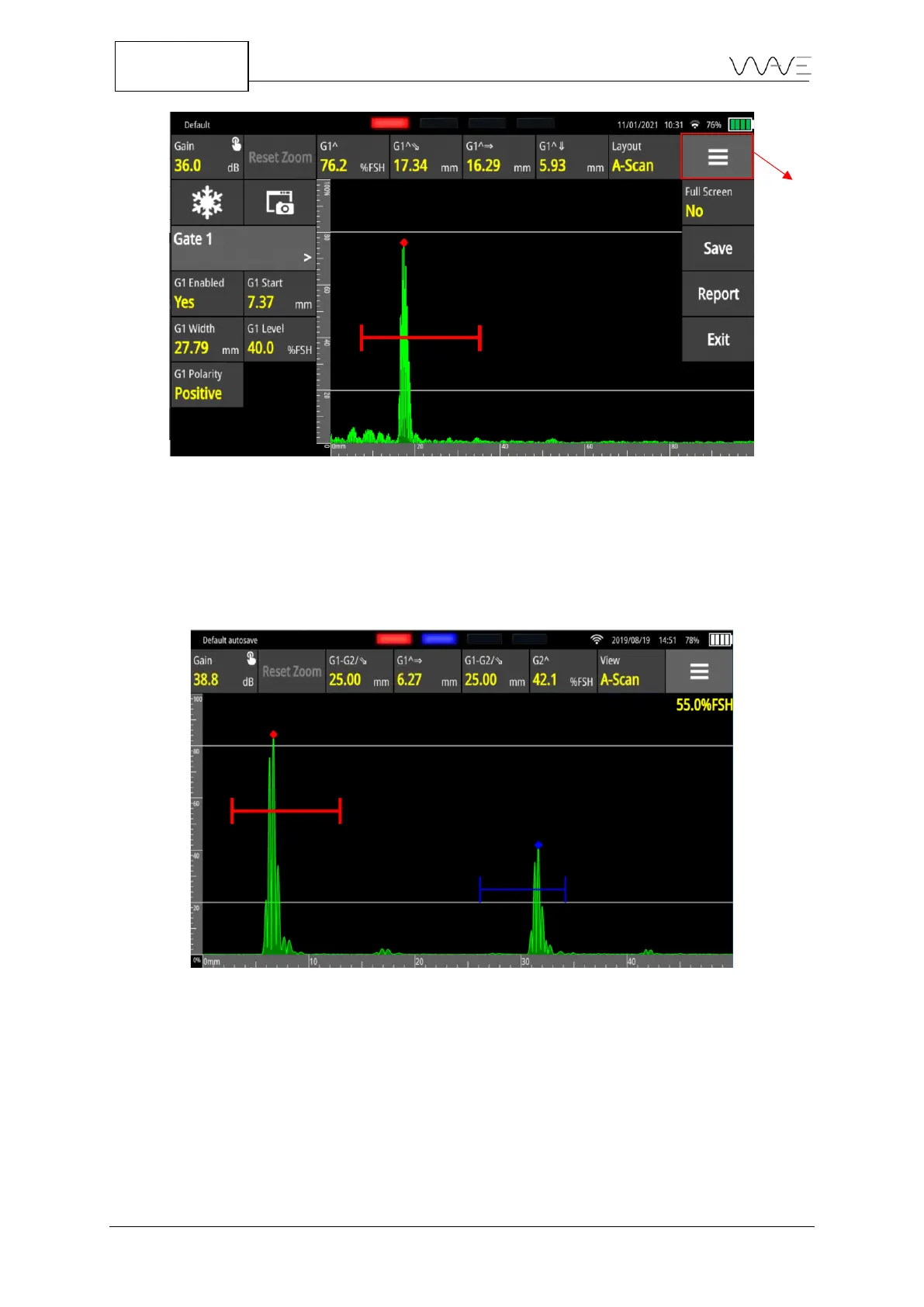
Figure 25 – Toolbar menu
6.8.1 Full Screen Mode
This drop-down menu is where you can get access to the full-screen display where only
the Gain, Reset Zoom and measurements remain displayed, allowing the A-Scan to
extend to the full width of the screen.
Figure 26 - Full-screen mode
6.8.2 Save a Configuration
This is where you can save a configuration, that is the complete set up of all parameters.
It is important to understand that configurations are associated with applications. This
means a configuration saved when using App A will only be available when using App A.
It will not be visible when using another application.



 To Next Page