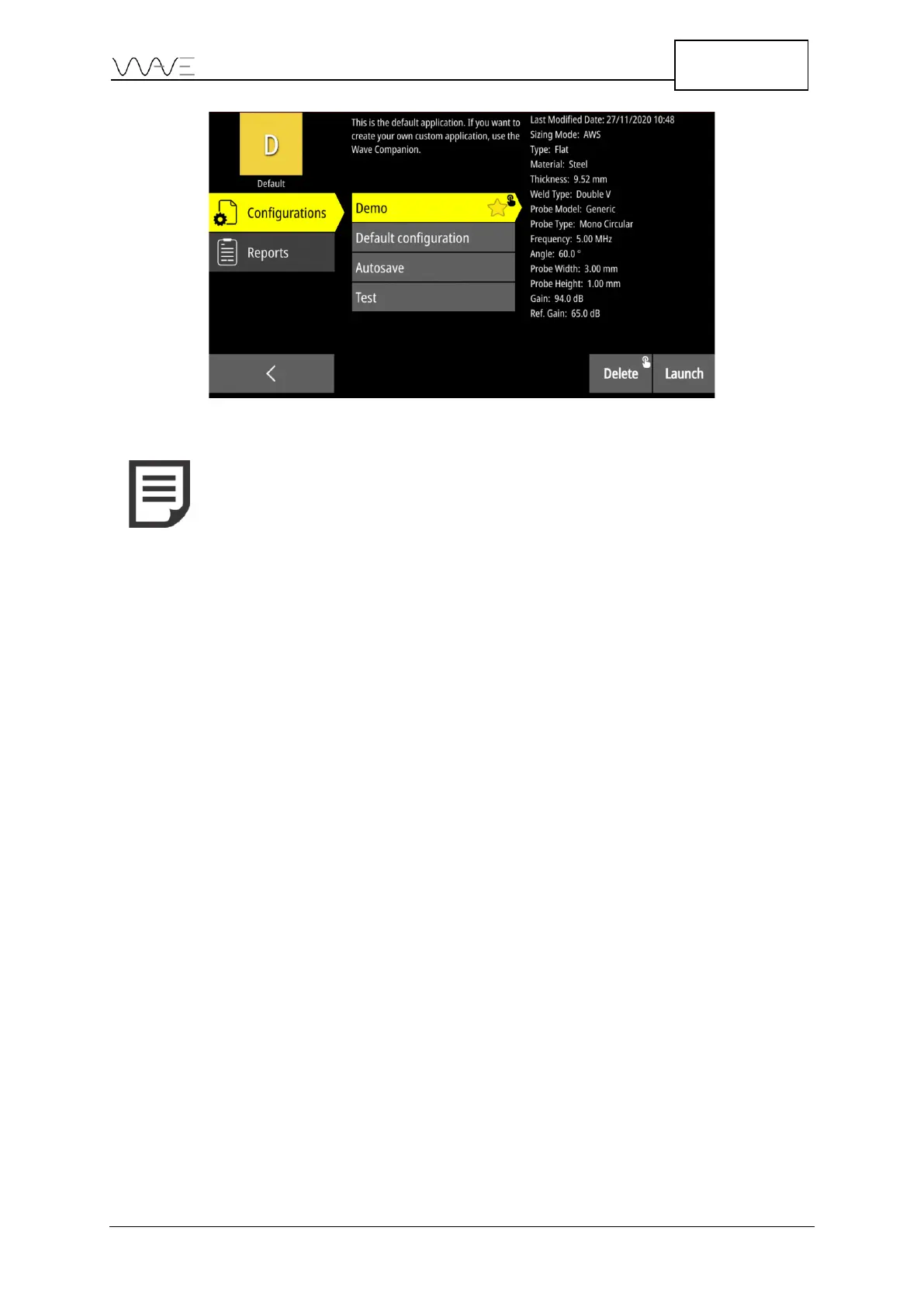
NOTE: From the App Description screen, you can delete a
configuration or a report by using the Delete button. This requires a
long press, as indicated by the long press icon.
5.2.1 Preferred Configuration
A preferred configuration can be selected. This allows the preferred configuration to be
located at the top of the list. Also, this will be the default configuration launched.
In order to create the preferred configuration, long press on the desired configuration. A
star will appear on the chosen configuration. In order to remove the preferred status
from a configuration, simply make another long press.



 To Next Page