Wave User Manual 67
Version 4
12.5.1 Performing an AWS Calibration
Couple your probe with your standard block and try to maximise the echo from the
reference reflector. Depending on your range size and the sound path associated to your
reflector, the refracted echo can be located outside of the reference window. You can
move the reference window (forward/backward) through the A-Scan until it encompasses
the echo, by just clicking on the touch panel. You can also enlarge or reduce the window
width by directly clicking on the window and then adjusting it according to your needs.
At this point, you do not need to be aware of echo amplitude (Gain level). You just need
to make sure that the echo corresponds to your reference reflector and maximise its
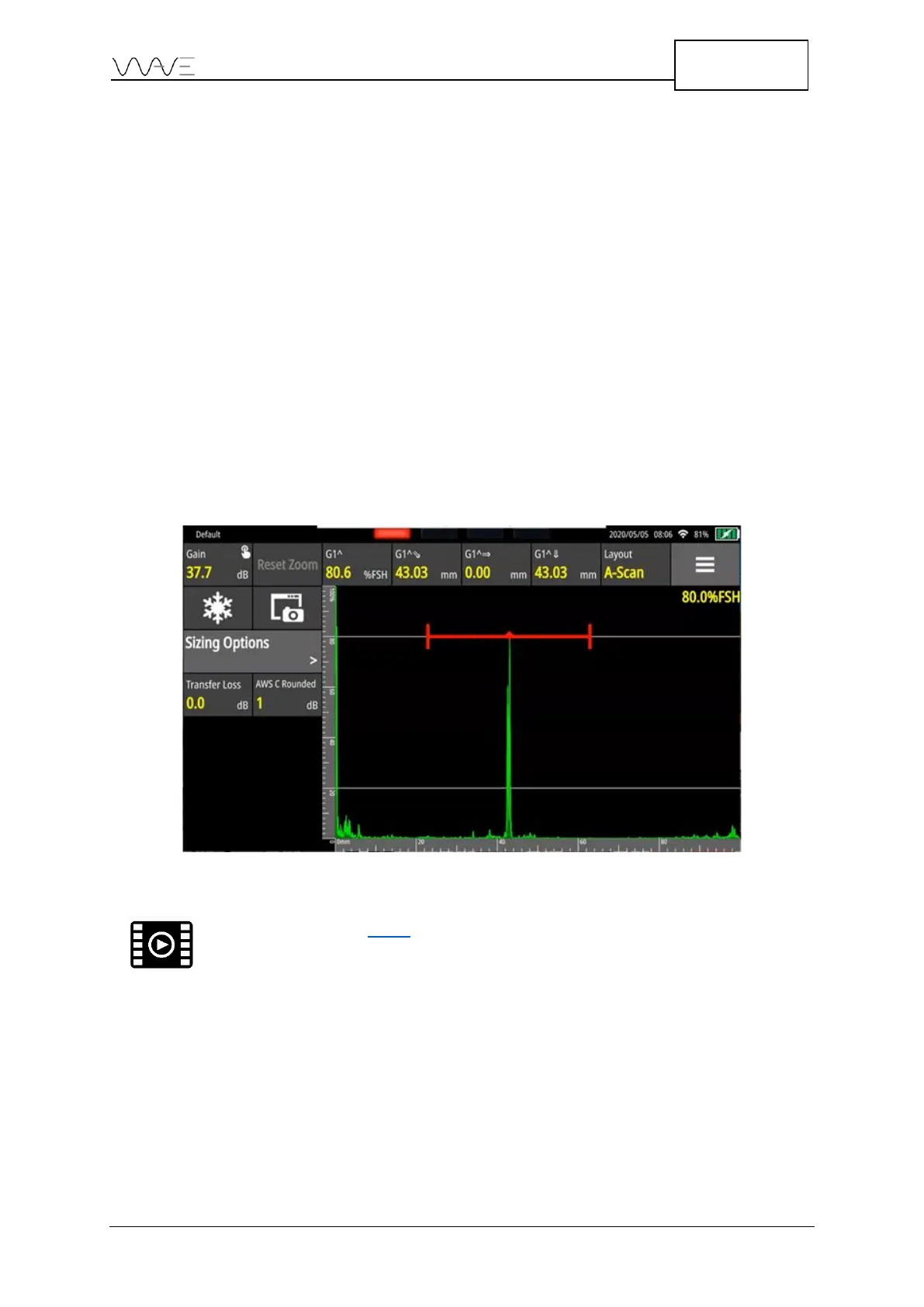
amplitude. When the echo is recorded, Wave automatically sets the Gain at 80% FSH by
default. You can change the refence amplitude to other values on Ref. Amplitude button
based on your requirements. Since the reference level is taken (dB level), it is no longer
possible to make adjustments on the reference gain; however you can still set the range.
For calibration, echoes must reach the gate at a proper amplitude level.
Figure 49 – AWS calibration has been performed on this echo
12.5.2 AWS Sizing Options
Once AWS is set and calibrated, the following sizing options are available in the AWS
menu.



 To Next Page