Wave User Manual 33
Version 4
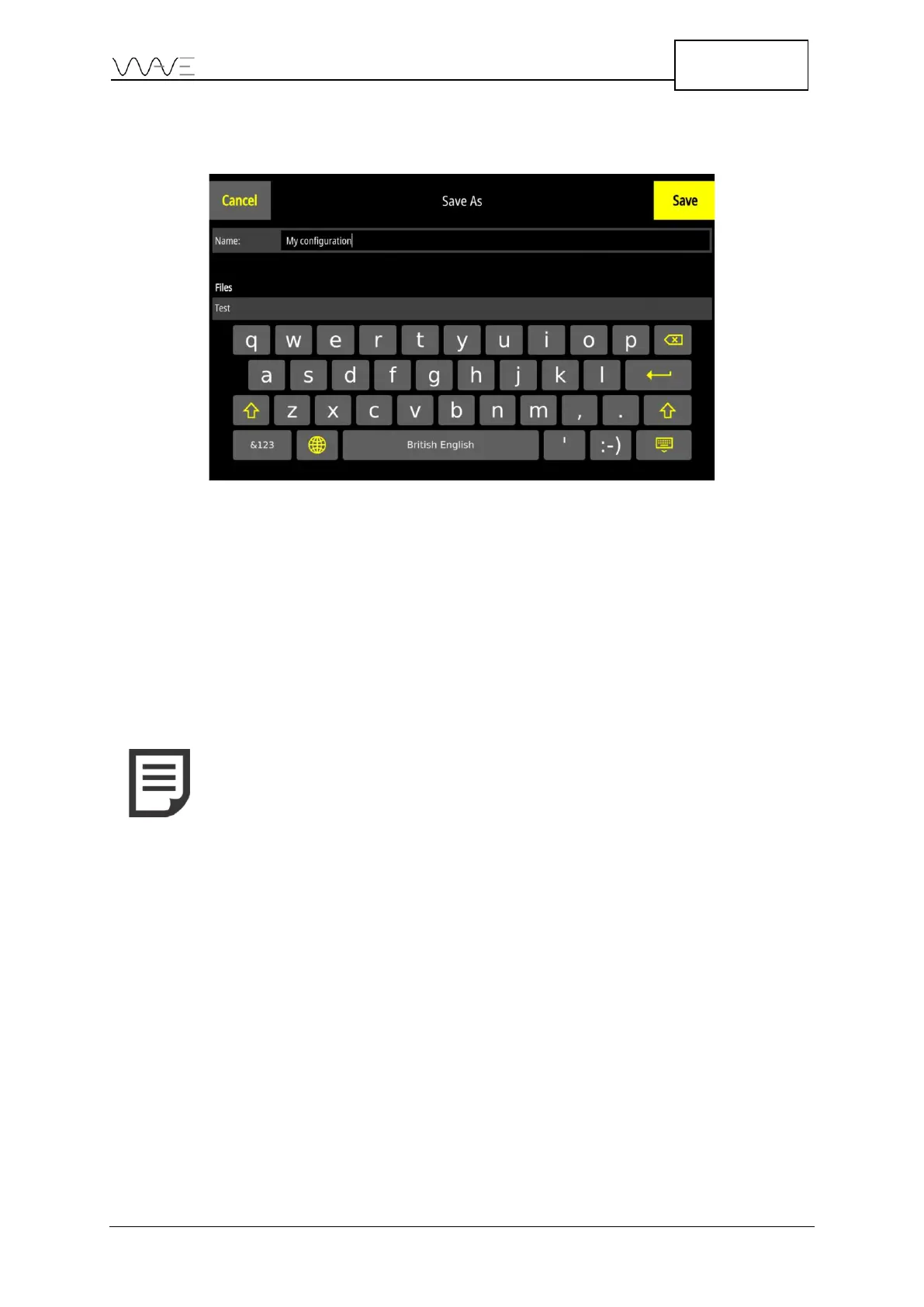
When saving a configuration, you will be presented with the following screen, allowing
you to enter a file name under which the file content will be saved.
Figure 27 – Save a configuration
6.8.3 Create a Report
This button allows you to create a report directly from an inspection. For more details on
how to create reports, see Section 13.
6.8.4 Quit an Application
This button brings you back to the actual App Description screen where the list of
configurations and existing reports are shown.
NOTE: When you exit an application, the configuration is always
automatically saved in the Autosave file. Since each application
possesses its own list on configuration files, a different autosave file
is created for each application.



 To Next Page