Wave User Manual 29
Version 4
6.6 Alarms
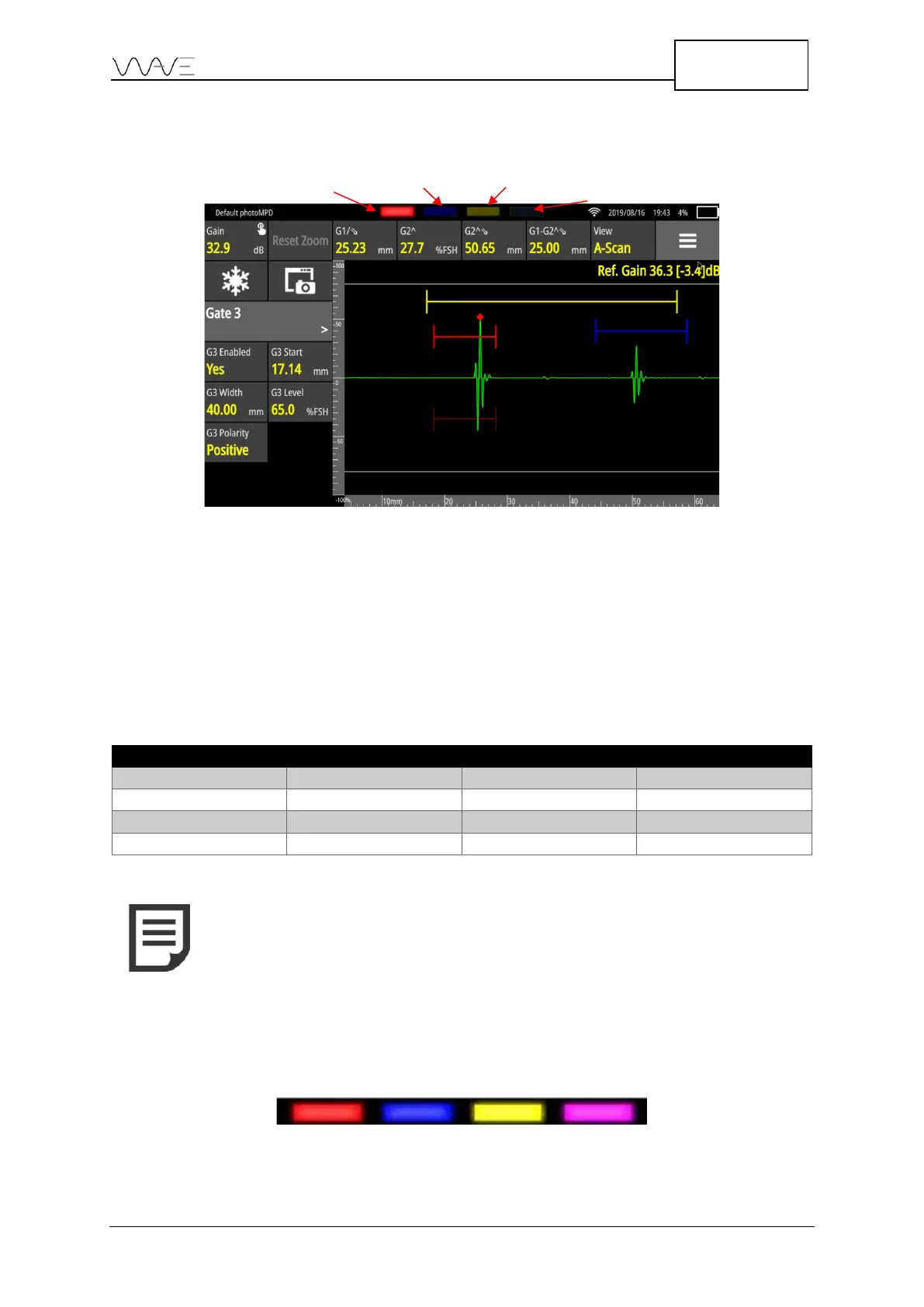
Figure 21 – Alarm position
There are four alarms, simply named Alarm 1 to Alarm 4. They all appear at the top of
the Wave display. If an alarm is not active, it will not be visible. If it is enabled but not
triggered, it will appear dimmed, like a turned-off LED. When enabled and triggered, the
alarm will appear bright, like a turned-on LED.
In the above table, we can see the status of each of the four (4) alarms.
Table 9 - Alarms
6.6.1 Alarm On-Screen LED Colours
Alarms 1 to 4 will have the same colours as their corresponding gate. This is their default
colour.
Figure 22 - Alarm default colours



 To Next Page