54 Wave User Manual
Version 4
10.2.1 Weld Dimensions
You have the possibility to modify as desired all the dimensions of a weld. Again, the tiles
are dynamic. Thus, depending on the type of weld chosen, the visibility of the available
dimensions will be modified. It should be noted that all dimensions are available in the SI
system as well as in the imperial system (see Section 7.5)
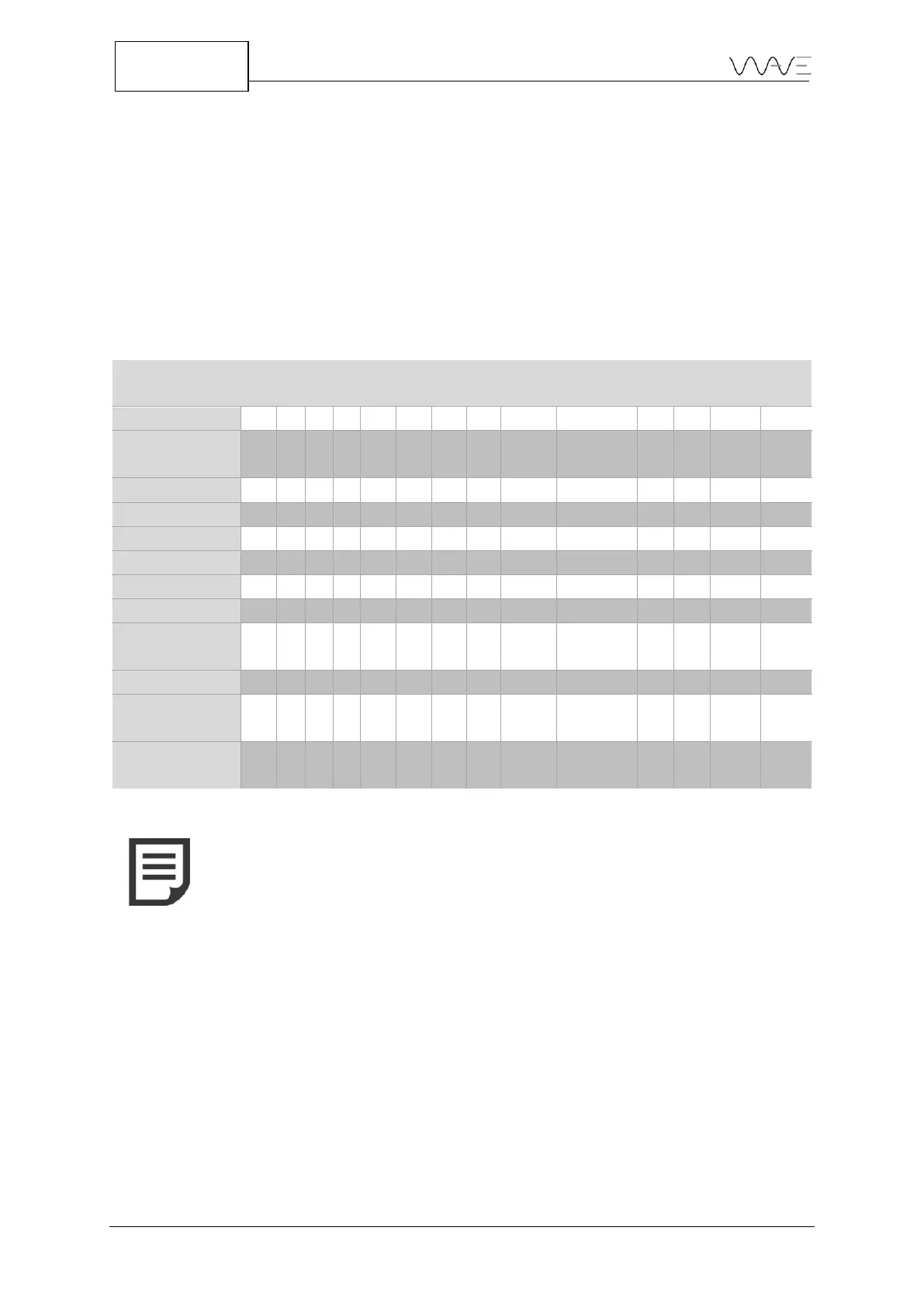
Table 19 shows the dimensions according to the type of weld chosen. An X indicates that
the parameter is visible for a given weld.
Table 19 - Weld types and their dimensions
NOTE: For Single U and Double U welds, the root opening (R) is equal
to zero. Since the parameter cannot be modified, it is not visible.
Here are the meanings of each weld symbol parameters:
● R: Root opening
● α: Bevel angle α
● β: Bevel angle β
● f: Root face
● S1: Weld depth of the bevel #1
● S2: Weld depth of the bevel #2
● r1: Groove radius #1
● r2: Groove radius #2
● L1: Length of the left-side fillet weld
● L2: Length of the right-side fillet weld



 To Next Page