Wave User Manual 83
Version 4
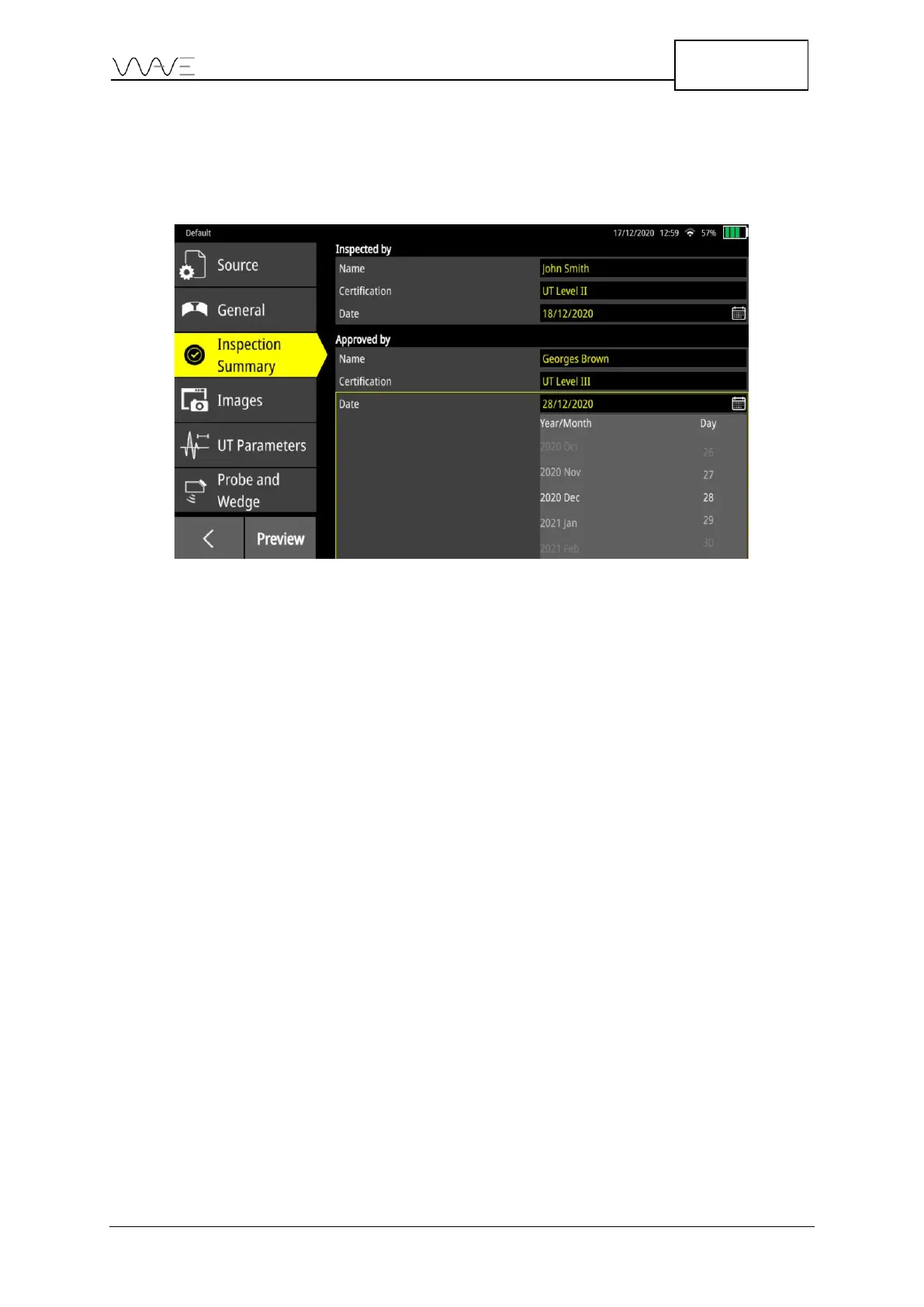
Regarding the date, there are two ways to change it. It is possible to write the date in text
form, e.g., December 19, 2020, or using the date picker. If the date picker method is
chosen, the date format will be linked to the language choice in Settings (see Section 14
for more information). To use the date picker method, click on the Calendar icon.
Figure 68 – Scroll down to choose the date
13.4.4 Images
The Images tab presents a list of screenshots in a very similar way as the Source tab (see
above). Here, multiple selection can be made. All selected screenshots will be added to
the report. Note that the screenshot selected in the Source tab remains the main one,
meaning that it will be used to determine the UT parameters that will appear in the report.
Selected images will appear with a large checkmark. To unselect, just hit again the
screenshot. An alternative way of unselecting images consists of selecting the name of
the screenshot that appears in the right-hand side of the window and dragging it to the
left.



 To Next Page