92 Wave User Manual
Version 4
14 Settings
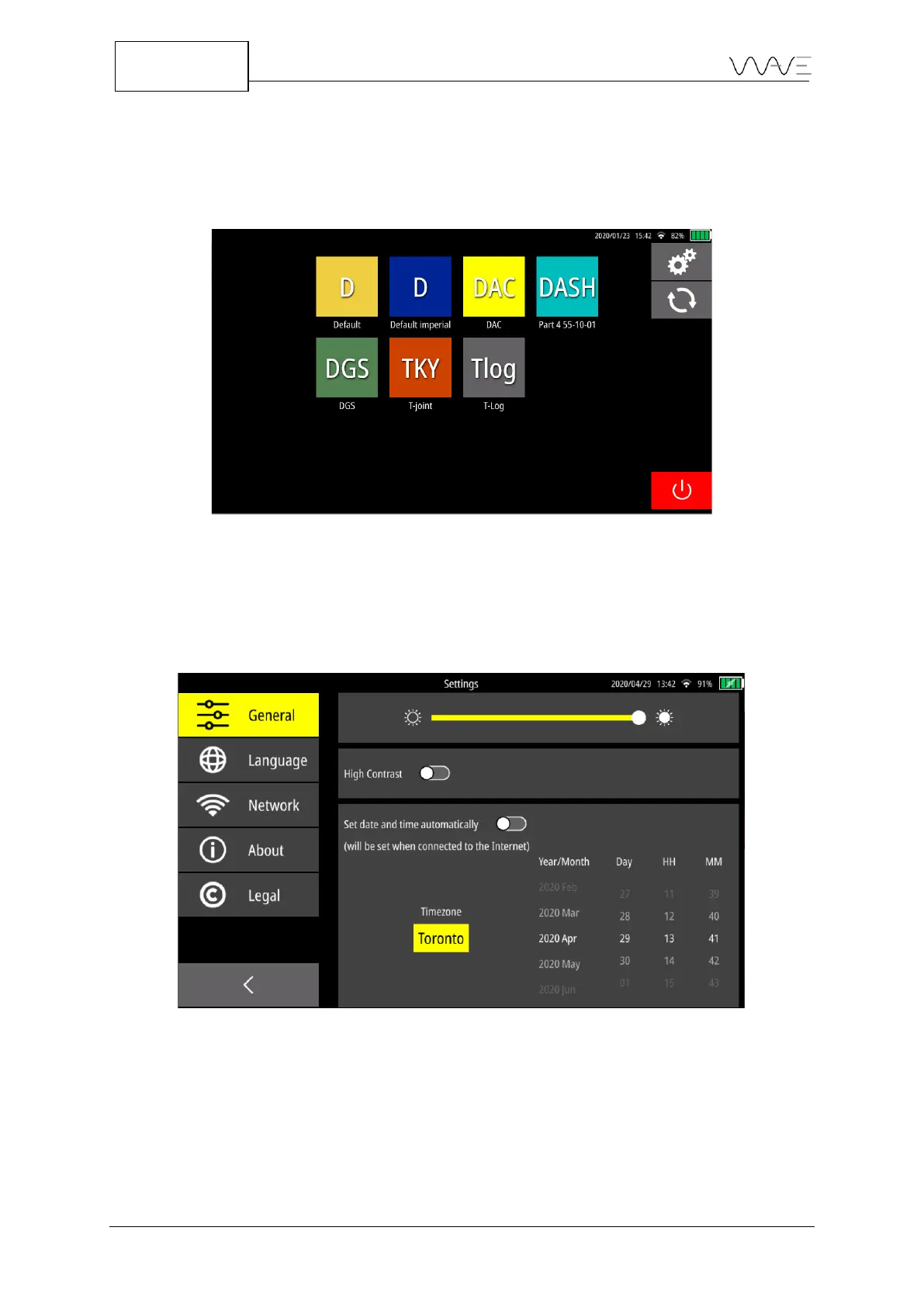
Wave settings are available by clicking the gear wheel located in the top right corner of
the Home screen.
Figure 79 - Access to the Settings via the Home screen
14.1 General
The General includes three sub-menus, which include the brightness, contrast, and date
and time.
Figure 80 –The General sub-menus
14.1.1 Brightness
You can change the brightness of the screen by moving your finger on the slider.



 To Next Page