84 Wave User Manual
Version 4
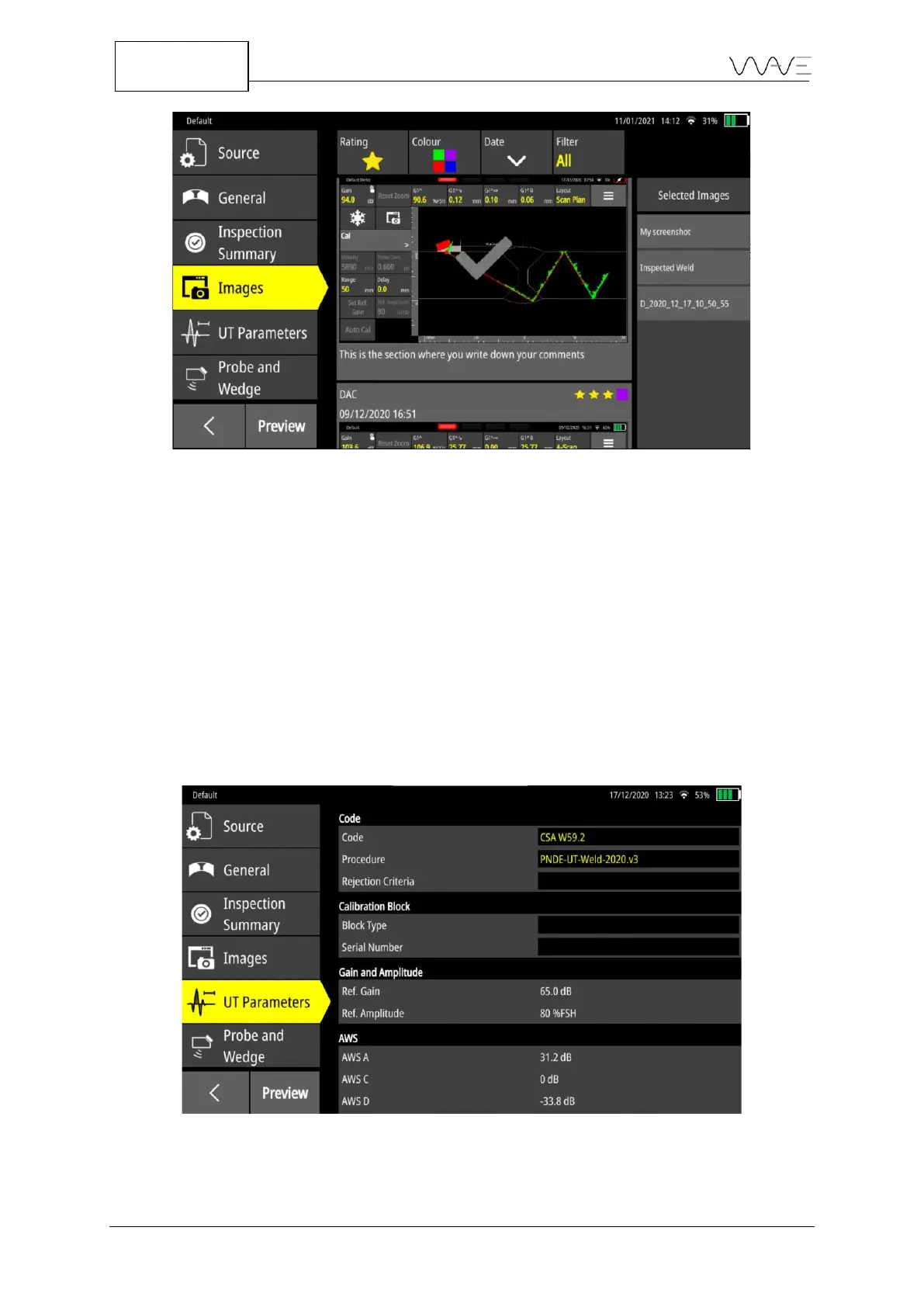
Figure 69 - Additional screenshots to add to the report
The list of selected screenshots can be easily reordered by simply dragging and dropping
a specific screenshot appearing in the list on the right-hand side of the screen. Therefore,
you can have the screenshots appear in any order in the report that will be created later.
13.4.5 UT Parameters
This tab gathers, in a single place, the parameters directly related to the inspection,
excluding those with respect to the probe and wedge. There are four sections: Code,
Calibration Block, Gain and Amplitude, and Calibration.
Figure 70 – The sections that are usually displayed for the UT Parameters tab



 To Next Page