Wave User Manual 97
Version 4
15 Updates
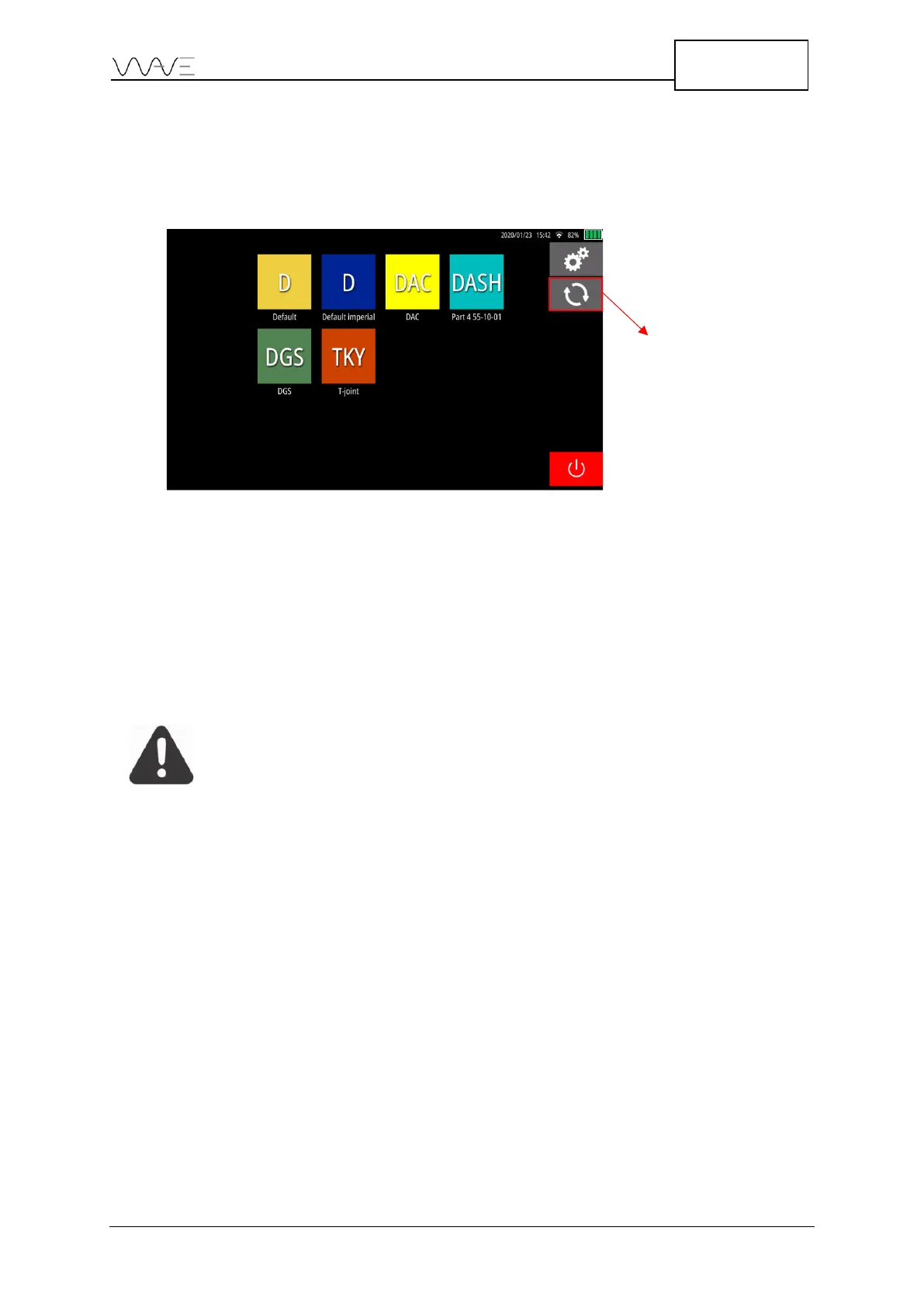
The Software Update is available by clicking on the circular arrows displayed on the
Home screen.
Figure 89 – Home screen with Software Update menu
15.1 Internet Update
The Software Update screen allows you to update the device via the Internet. If an
update is available, you will be able to click on the Update button. Release notes are
available for each update.
IMPORTANT: Wave must be connected to the Internet to be able to
update.
15.2 USB-C Update
If the Internet connection is not available, it is still possible to update the Wave. Simply
put the update file on a USB-C stick and reach the Software Update screen. From there,
click on the USB tab and the corresponding update file will be displayed. Then, just press
the Update button.



 To Next Page