22 Wave User Manual
Version 4
5.3 Inspection Screen
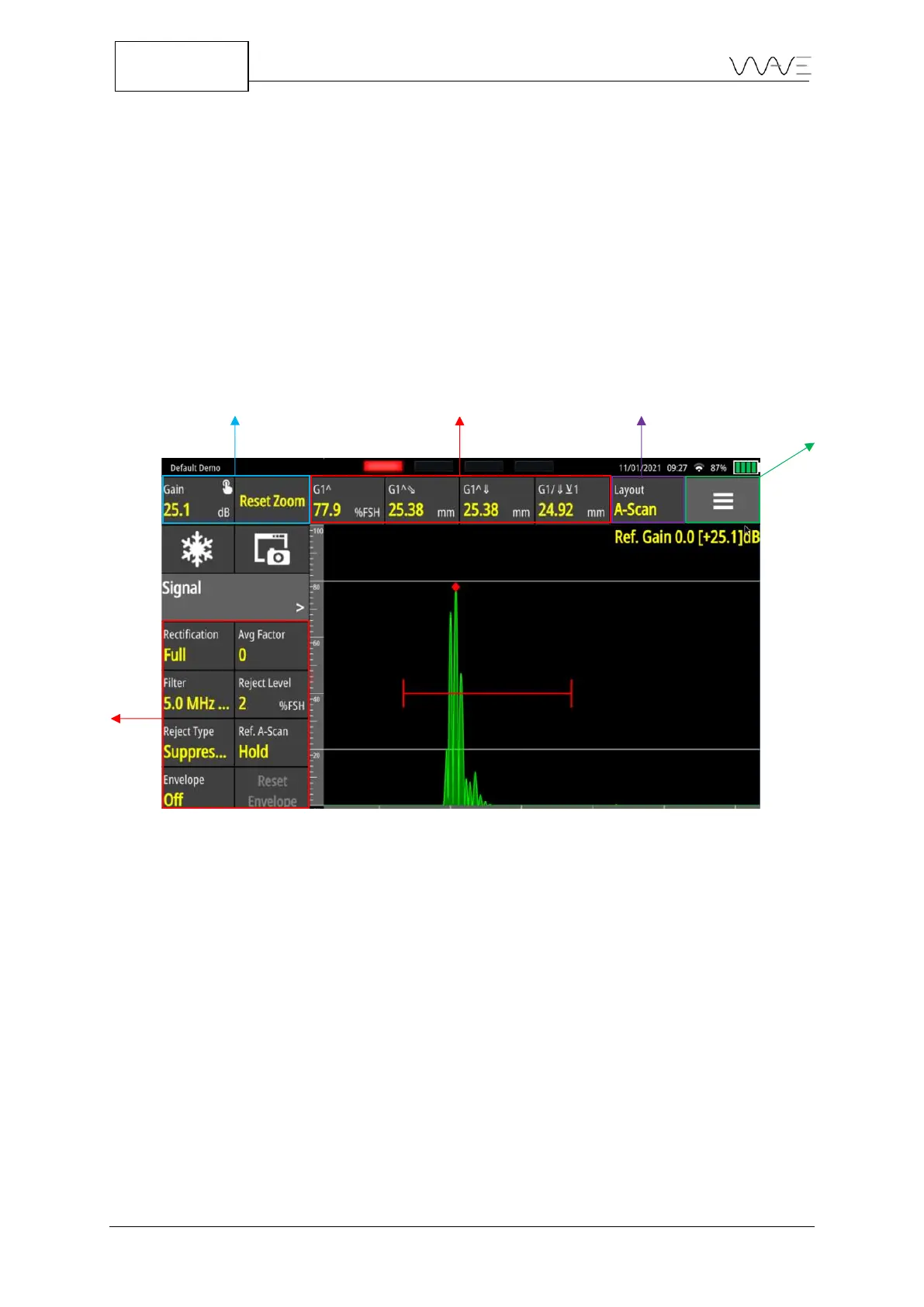
Once a configuration is chosen, the inspection will begin. From top to bottom, the on-
screen action buttons are permanent buttons that are always displayed, even in full-
screen mode (see Section 6.2). The Freeze button is used to freeze the signal on the
screen (see Section 6.3). The Screen Capture button allows you to take a screenshot,
name it, and add important information (see Section 6.4). The menu allows you to
navigate through the menus. The parameters are dynamically linked to the selected
menu.
Figure 15 – Inspection screen
Starting from left to right, the Inspection screen always displays four measurements. The
Layout button allows you to change views or groups of views (see Section 6.7). Finally,
the Toolbar menu is a toggle menu (see Section 6.8).



 To Next Page