94 Wave User Manual
Version 4
14.3.1 Wired Network Connection
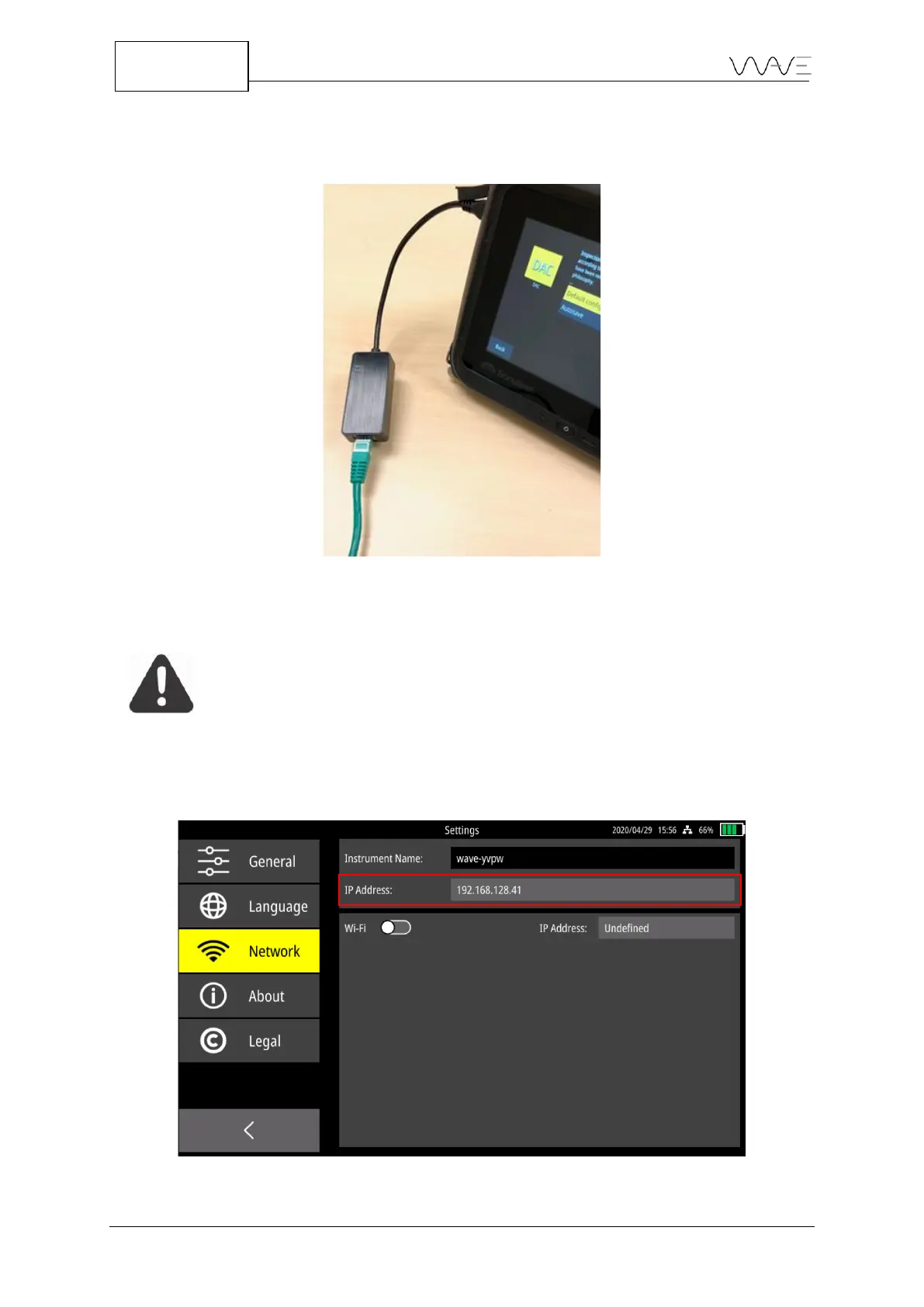
In order to connect Wave to an Ethernet wire, you must use a USB-C/Ethernet adapter.
Figure 83 – USB-C/Ethernet adapter plugged into the Wave USB-C connector
IMPORTANT: Properly connect the USB-C/Ethernet adapter into the
Wave USB-C connector. This reduces the risk of damaging the
connector pins.
No matter how Wave is connected to a network (wire or Wi-Fi), an IP address will be
assigned to the device. In the case of a wire connection, the IP address is visible in the
Network section, under the Instrument Name.
Figure 84 – The IP address of a Wave unit when it is connected to a network via a wire.



 To Next Page