20 Wave User Manual
Version 4
5 Main Screen Overview
There are several screens available in Wave. This section highlights the main features of
each screen. For more details, see the corresponding sections.
5.1 Home Screen
When powering up your instrument, you will be presented with the Home screen, where
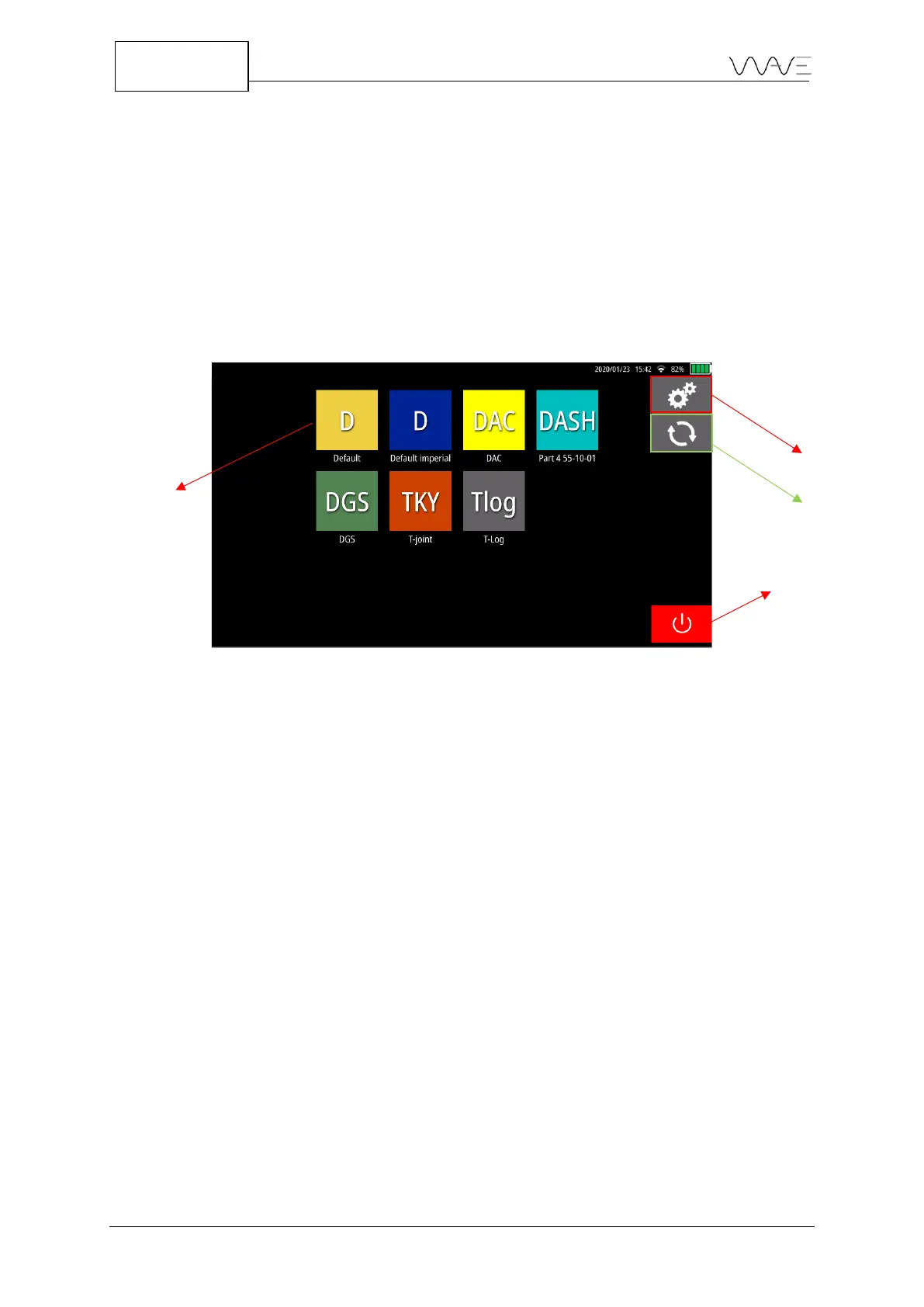
all the available applications appear. By default, Wave has seven (7) applications: Default,
Default imperial, DAC, DASH, DGS, TKY and Tlog.
Figure 13 – Wave Home screen
From this screen, you can click on an application to access the App Description screen,
Settings, Software Update. You can also close the device with the Power-off button.
5.2 App Description Screen
The App Description screen displays a short description of the app as well as a list of
configurations and reports associated with this specific app. Moreover, for a
configuration, a section to the right lists the main parameters of the highlighted
configuration, which helps you to select the right one prior to launching the app.



 To Next Page