Wave User Manual 95
Version 4
In addition, an icon, which represents a wired network connection, will appear at the top
upper right-hand corner, next to Time.
Figure 85 – Icon when the device is connected to network via a wire
14.3.2 Network Connection via Wi-Fi
In order to connect Wave to Wi-Fi, toggle the Wi-Fi button.
Figure 86 – Network connection via Wi-Fi
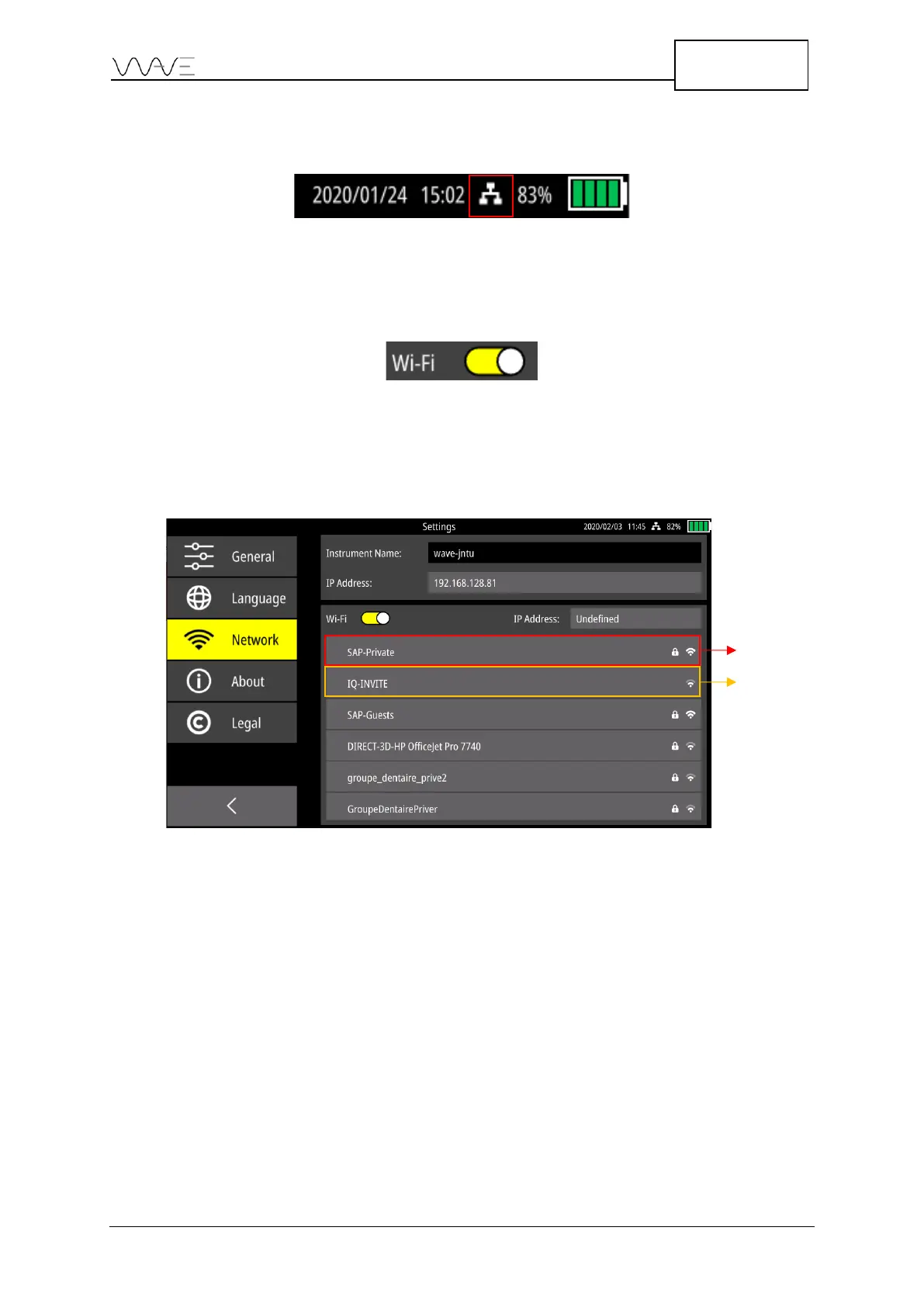
The available networks are displayed. Some icons may appear next to a Wi-Fi network:
• A lock indicates it is a private network. A password is required.
• A Wi-Fi icon indicates the network’s signal strength.
Figure 87 – Example of private and public Wi-Fi networks



 To Next Page