72 Wave User Manual
Version 4
12.7.3 T-min function
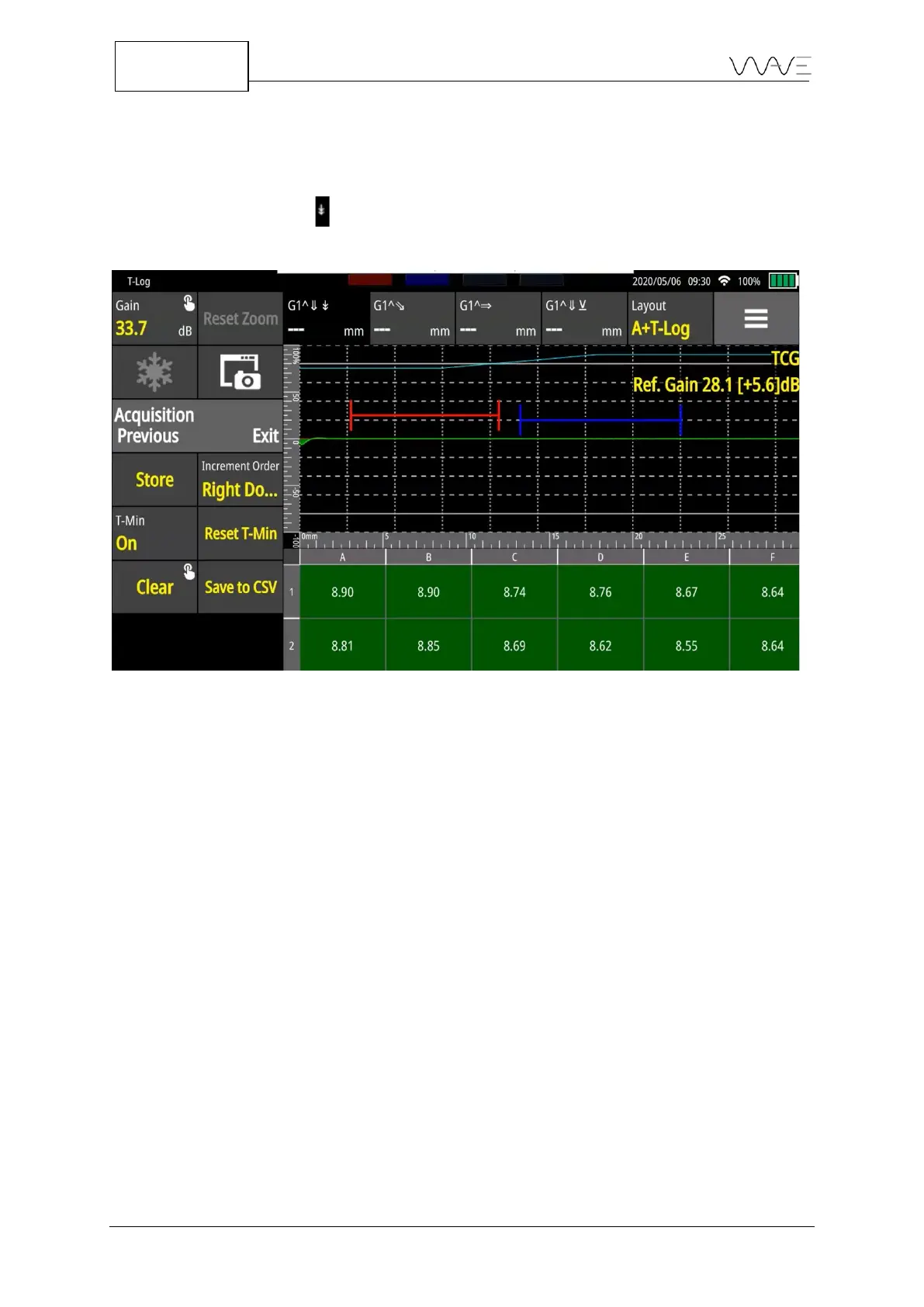
The T-min function is available to you when conducting thickness measurements. To
activate/deactivate this function, you need to click on the T-Min button, as shown in the
figure below. The symbol is added to the measurement field at the top of the screen in
order to highlight that the T-Min function is enabled.
Figure 52 – T-Min function is enabled
This function allows you to set the minimum thickness value as a reference while taking
measurements, depending on the values previously established for the minimum
threshold, maximum threshold, and tolerance (mm / in /%).
Once the T-Min function is enabled, a new button is also enabled, the Reset T-Min. This
button allows you to reset a new reference value for the minimum thickness, starting
from the active cell. Once activated, all measures taken after enabling this function will
be taken as a reference for the minimum thickness, which represents the new value
established.
This function can be very interesting for you when they perform measurements with
significant variations in thickness. It allows you to perform all the necessary
measurements without the need to save them in separate files.
12.7.4 CSV Files
You can export all stored values to a .csv file. All they need to do is click on Save to CSV
button. Wave will then automatically generate four .csv files. Each file will include one of
the measurements recorded in the data table. The names of the files will be automatically
generated with the time stamp, the name of the application used to record the



 To Next Page