Wave User Manual 23
Version 4
5.4 Report Screen
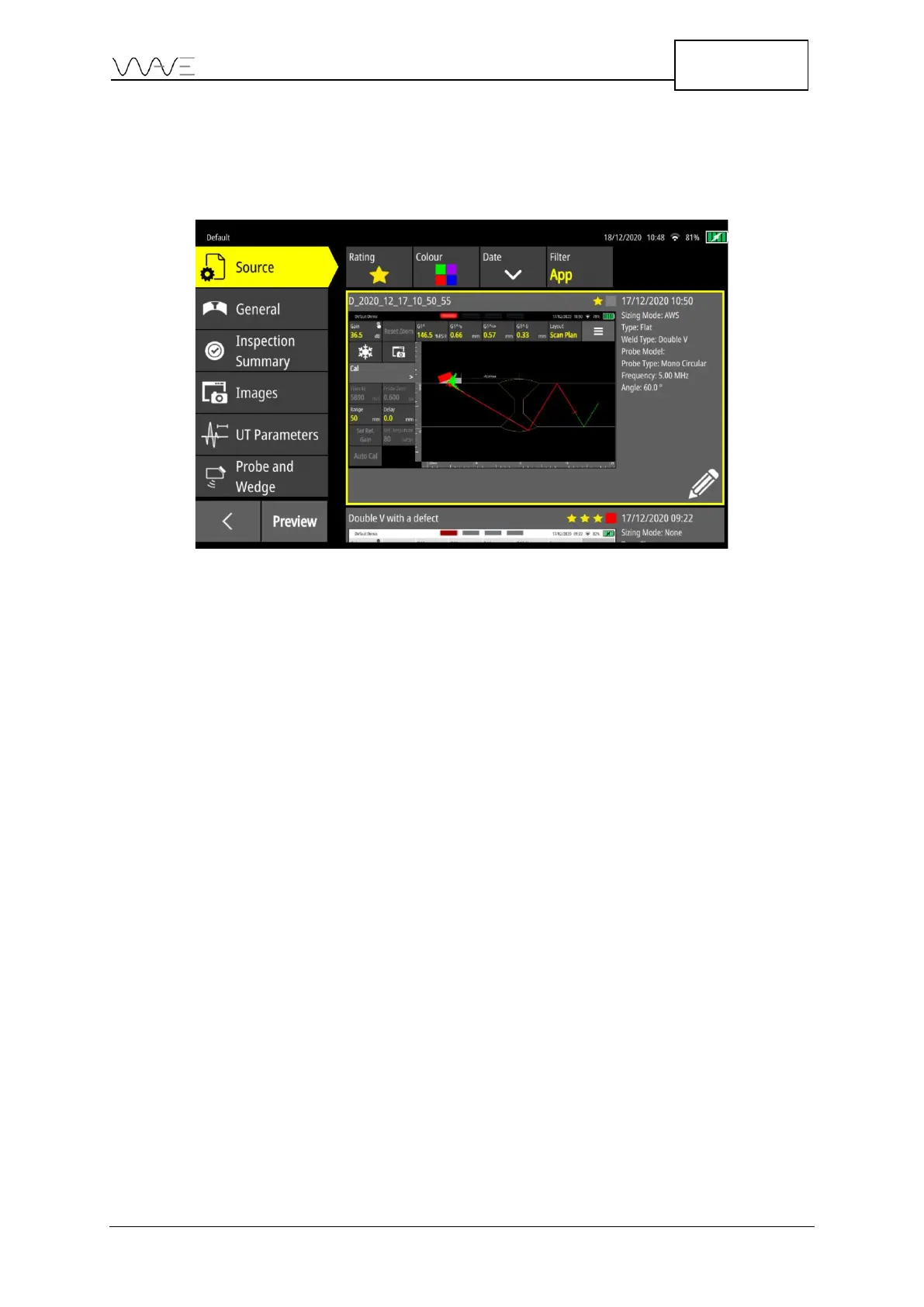
This screen has six tabs on the left and filters at the top. The filters are used only for the
selection of the Source and Image.
Figure 16 – Report screen
The Source is used to define the reference screenshot that will populate the report. The
General tab allows you to add information about the customer and the inspected part.
The Inspection Summary tab describes the inspection identifies the inspector. The
Images tab allows you to select the images in the report. The UT Parameters tab displays
the ultrasound information. Finally, as the name implies, the Probe and Wedge tab
displays information related to the probe and wedge used during the inspection. Finally,
the Preview button displayed the PDF report. For more details, please see Section 13.



 To Next Page