Dubbing only desired scenes - Digital program editing (on tapes)
7
4
9
g
Notes
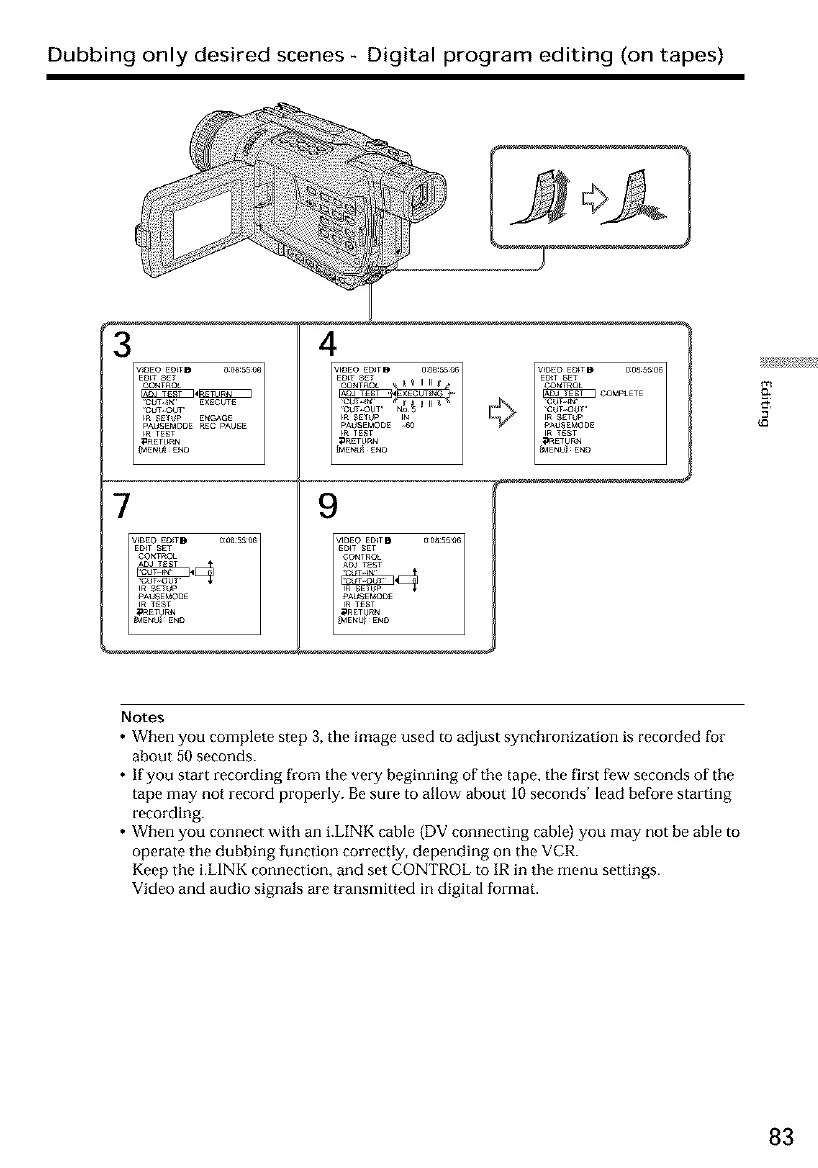
• When you complete step 3, the image used to adjust synchronization is recorded for
about 50 seconds.
• If you start recording from the very beginning of the tape, the first few seconds of the
tape may not record properly. Be sure to allow about 10 seconds' lead before starting
recording.
• When you connect with an i.LINK cable (DV connecting cable) you may not be able to
operate the dubbing function correctly, depending on the VCR.
Keep the i.LINK connection, and set CONTROL to IR in the menu settings.
Video and audio signals are transmitted in digital format.
83













 To Next Page