Viewing images recorded on a tape on your computer
(Windows users only)
®
®
Open your computer's" Device Manager" .
For Windows XP:
Select "Start" -_ _Control PaneF _" System _ _" Hardware _ tab, and click
the _ Device Manager _ button.
If there is no" System" inside" Pick a Category" after clicking" Control Panel",
click" Switch to Classic View _ instead.
For Windows 2000 Professional:
Select" My Computer" -+" Control Panel" -+" System" -+" Hardware" tab,
and click the" Device Manager" button.
For Windows 98SE/Windows Me:
Select" My Computer" -+" Control Panel" -+" System", and click the _ Device
Manager" button.
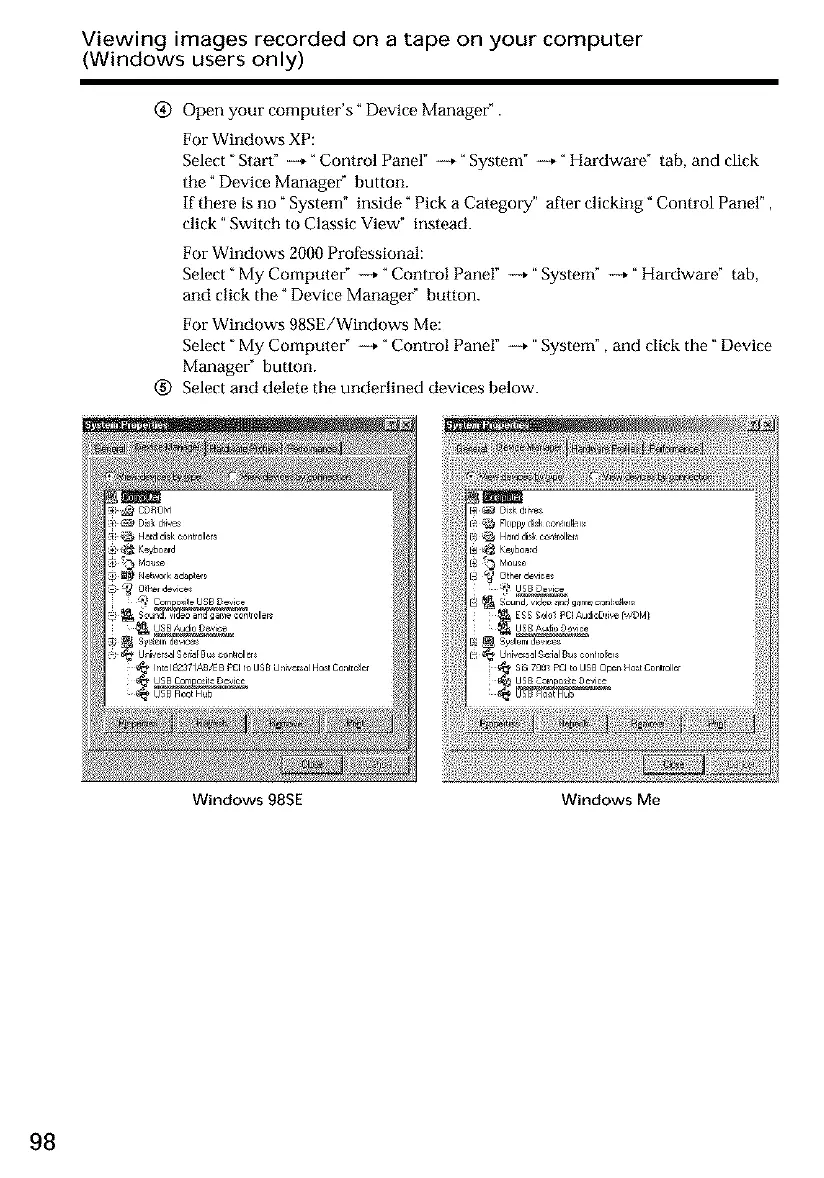
Select and delete the underlined devices below.
Windows 98SE Windows Me
98













 To Next Page