5 — Component Identification
31
10085896_H
V-PRO
®
maX 2
Operator Manual
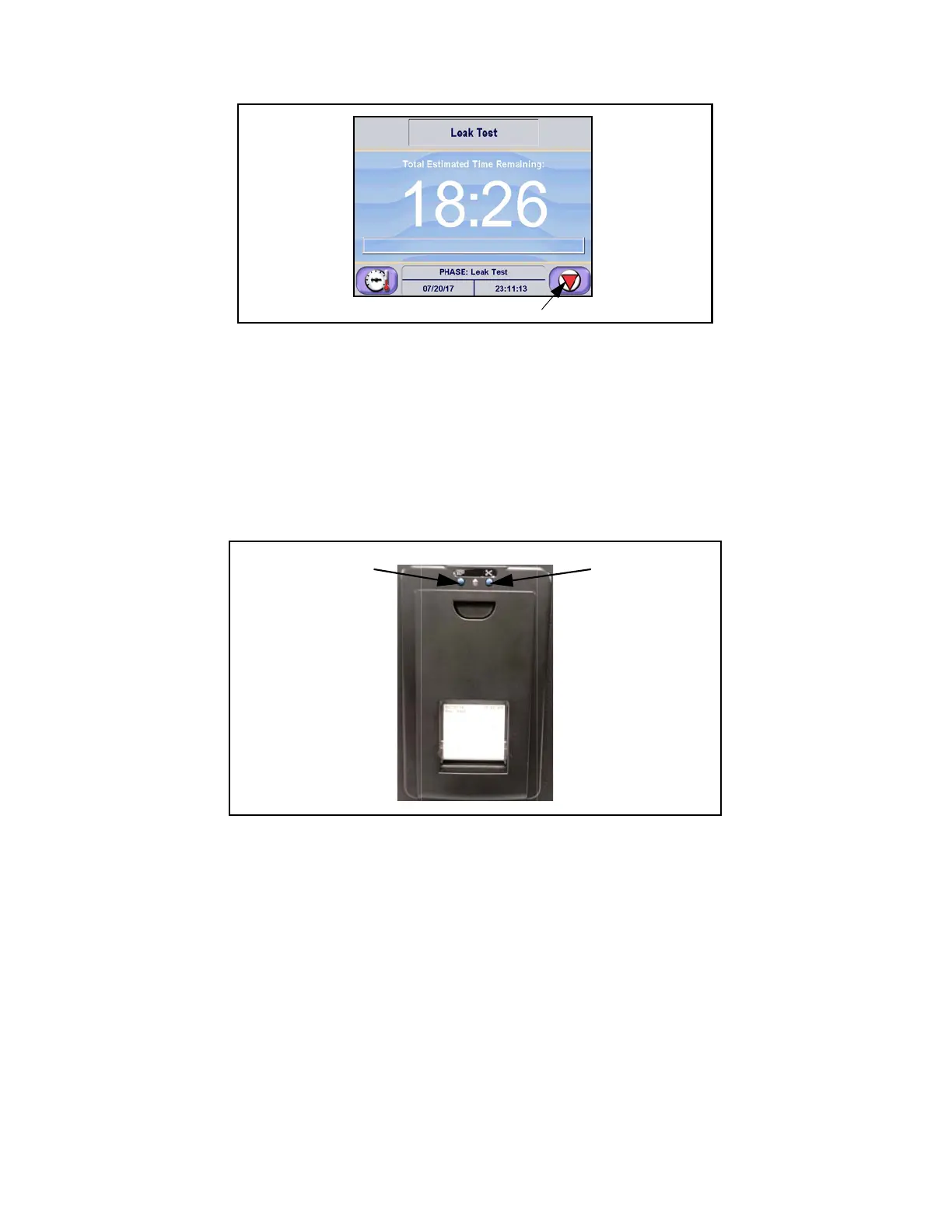
Figure 5-6. Abort Touch Pad
5.5 Thermal Printer
The Sterilization Unit is equipped with a thermal printer.
NOTE: Front cover is magnetically held closed.
Printer records all cycle data on 2-1/4" (57 mm), 24 character, wide single-ply paper. Refer to Change Printer Paper
Roll for paper changing procedure. Printer control (Paper Feed and Paper Cut) is located on the front of the printer.
Press Paper Feed button to feed out paper from supply roll stored inside printer. Press and hold for continuous feed.
Paper Feed Button Paper Cut Button
Figure 5-7. Thermal Printer
5.6 Printouts
The printout reports useful information about each cycle the Sterilization Unit processes (refer to Section 9, Printouts).












 To Next Page