8 — Routine Maintenance
85
10085896_H
V-PRO
®
maX 2
Operator Manual
a. Pull vacuum to proper level.
b. Stabilize.
c. Perform leak test.
• Aerate:
a. Pull vacuum to proper value.
b. Continue vacuum for appropriate time.
c. Air break.
8. Upon cycle completion, screen returns to SELECT CYCLE screen.
9. Review Leak Test Cycle printout (refer to Section 9, Printouts). Leak rate must be less than 0.3 Torr/minute (0.04
kPa/minute; 0.4 mBar/minute) to pass test. If not, Sterilization Unit alarms and door remains locked. Contact
STERIS.
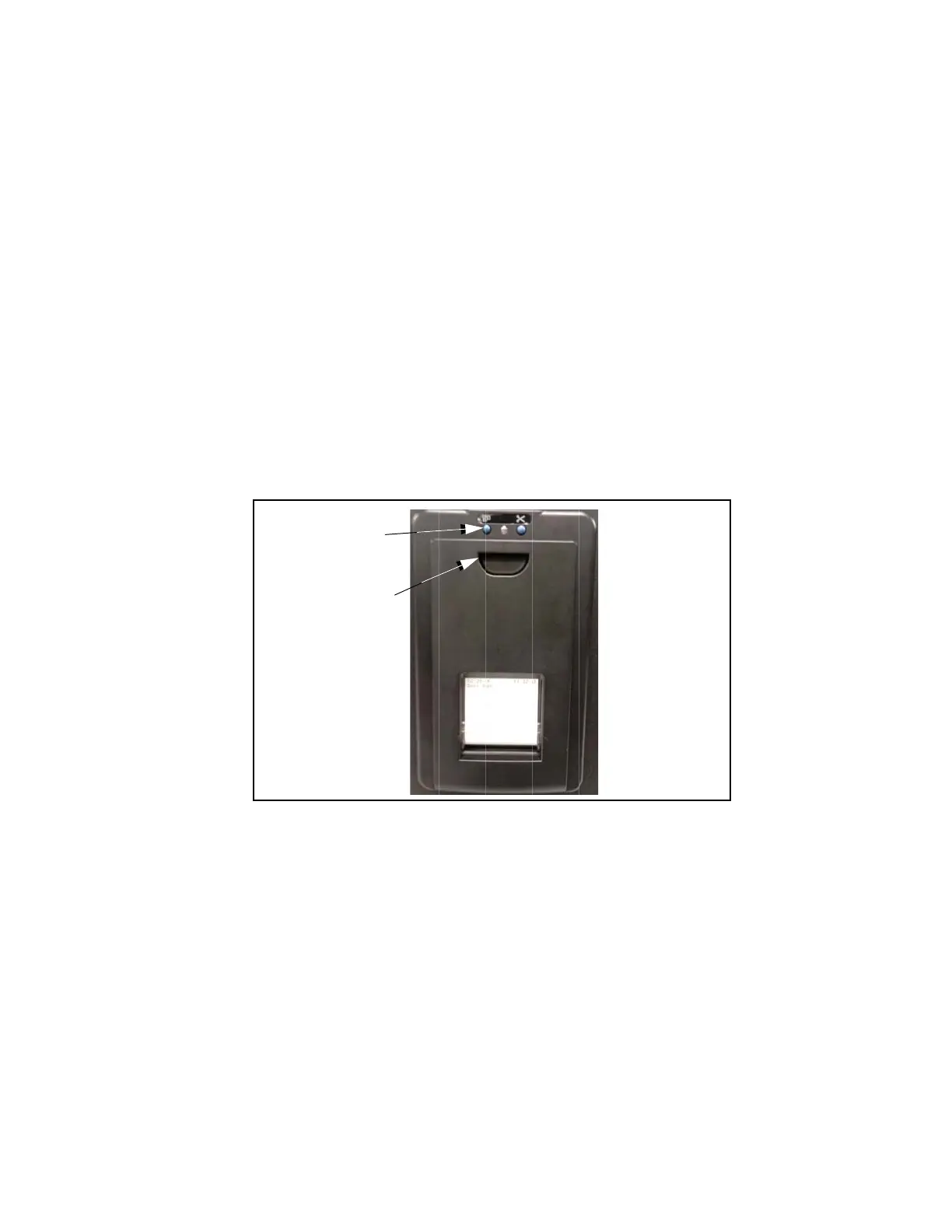
8.6 Change Printer Paper Roll
This Low temperature Sterilization System includes a thermal printer. Load or replace printer paper roll (10092606,
pack of 3 rolls) as follows:
NOTE: If the paper runs out during a cycle, the last 300 cycles can be reprinted.
1. Front cover is magnetically held closed. Open front cover.
2. Lift inside cover using blue tab.












 To Next Page