12 | Diagnostics STOBER
128
05/2019 | ID 442790.01
12.1.1.2 PROFINET state
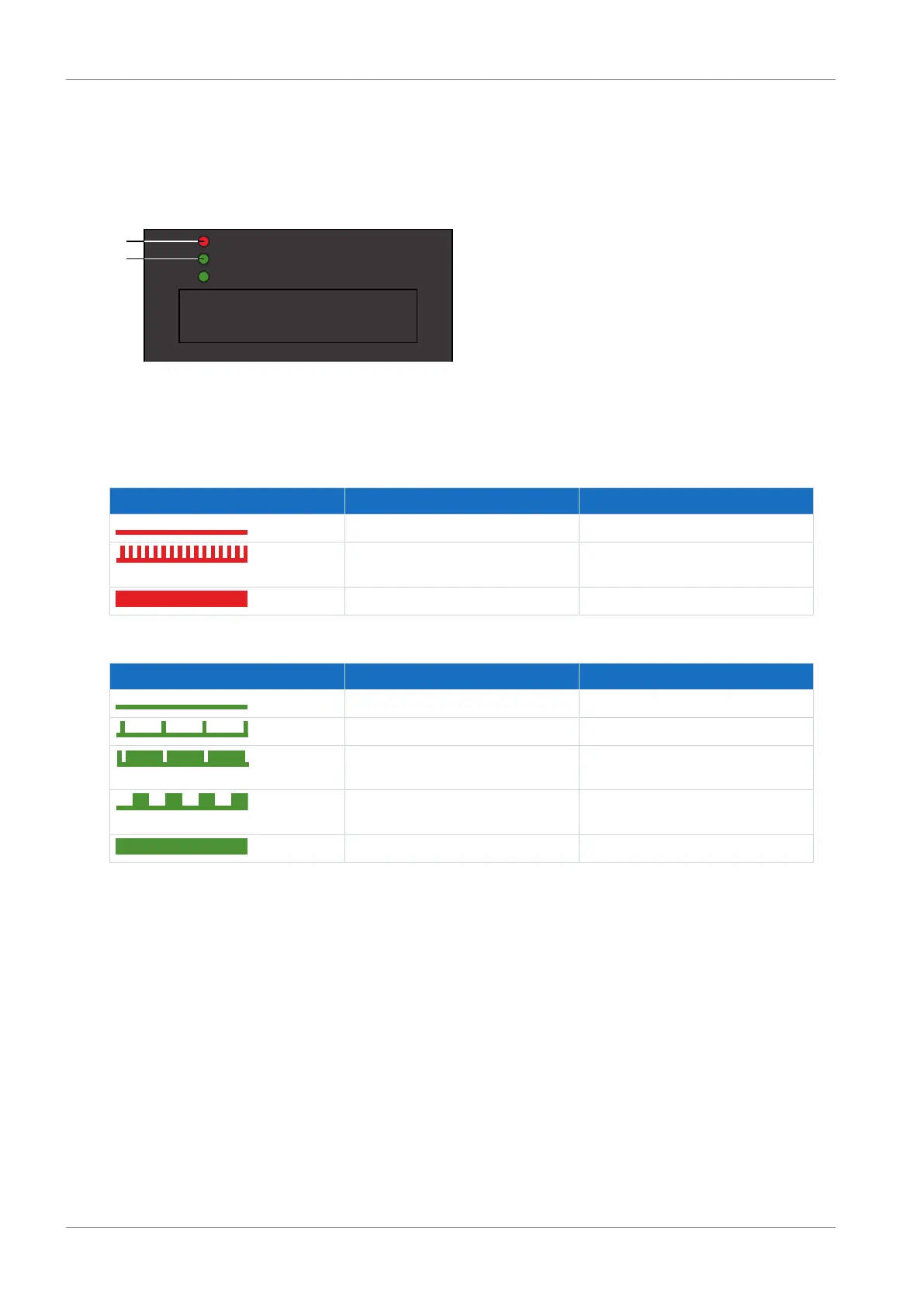
There are 2 LEDs on the front of the drive controller that provide information about the connection between the IO
controller and device and about the state of the data exchange. This information can also be read out in parameter A271
PN state.
Fig.24: LEDs for the PROFINET state
1 Red: Bus error
2 Green: Run
Red LED Behavior Description
Off No error
Rapid flashing Data exchange with IO controller not
active
On No network connection
Tab. 134: Meaning of the red LED (BF)
Green LED Behavior Description
Off No connection
Flash Connection is set up to IO controller
Flash, inverse IO controller activates DHCP signal
service
Flashing Existing connection to IO controller;
data exchange expected
On Existing connection to IO controller
Tab. 135: Meaning of the green LED (run)



 To Next Page