5-20 Sun Fire T2000 Server Service Manual • July 2007
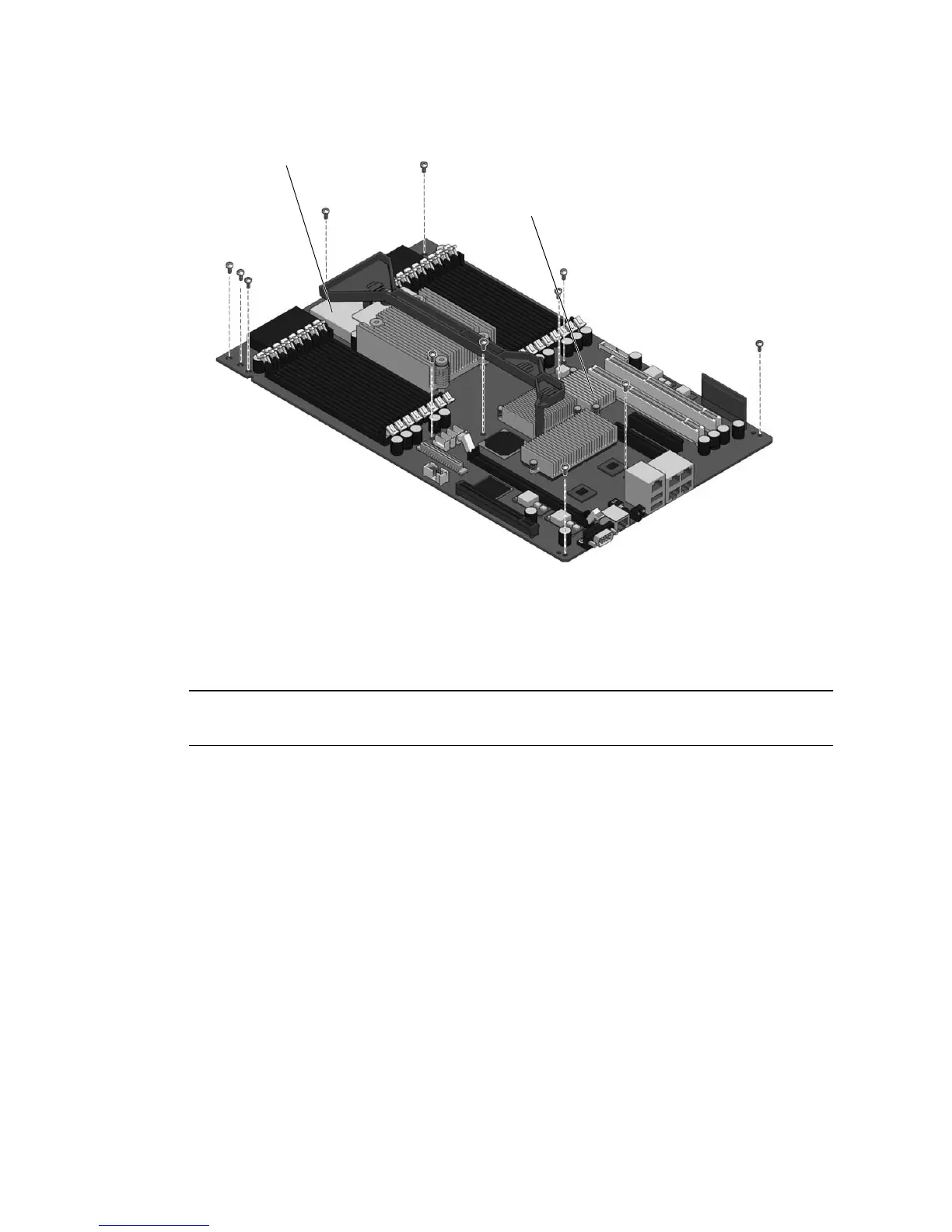
FIGURE 5-11 Motherboard Assembly
1. Perform the procedures described in Section 5.1, “Common Procedures for Parts
Replacement” on page 5-1.
Note – To avoid damage, ensure the front bezel and fan cover are completely
removed before continuing.
2. Remove all cables from the rear of the server.
Ensure that you remove all cables and power cords.
3. Remove any PCI option cards that are installed and then rotate the hold-down
brackets so they do not protrude into the chassis.
4. Remove all DIMMs from the motherboard assembly.
See Section 5.2.3, “Removing DIMMs” on page 5-12.
Note the memory configuration so you can reinstall the memory in the replacement
board.
5. Remove the system controller card from the motherboard assembly.
See Section 5.2.5, “Removing the System Controller Card” on page 5-17.
6. Disconnect cables from the motherboard assembly:
I/O board
CPU board














 To Next Page