11
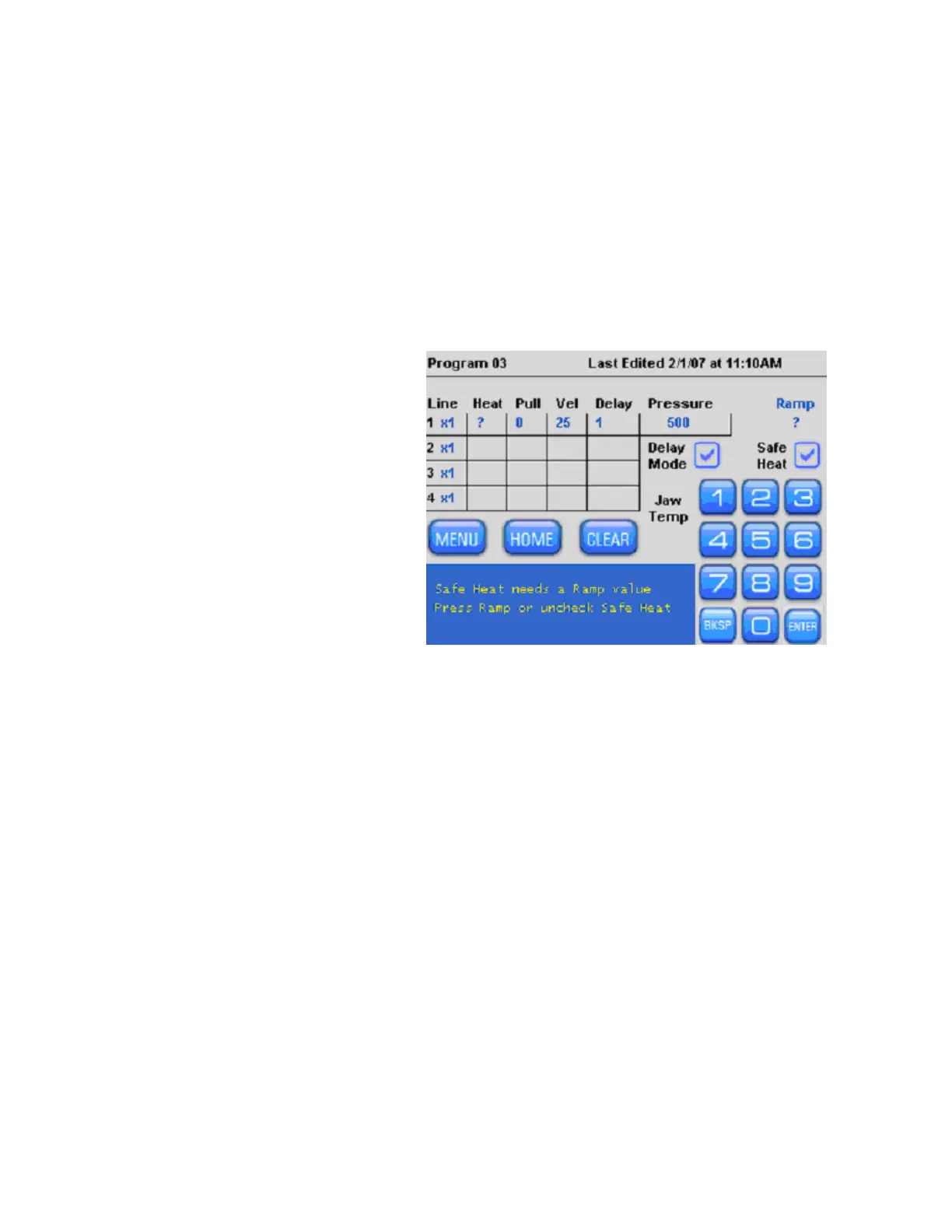
be installed into your program so the Safe Heat feature can help to protect your filament
from burning out. The Safe Heat Mode will be described later in more detail.
Install Parameter Settings
To pull a pipette you will need to install the parameter values (heat, pull, velocity,
time/delay, and pressure) or use a pre-installed program designed to pull a pipette for
your application.
Use Sutter Pipette Cookbook feature to find settings.
If you are not sure what program to use, or do not know what parameter settings to
install, please use the Sutter Pipette Cookbook feature found in the Menu or Home
Screen where you can search for and install a predesigned program.
Pull a Pipette
Once you have successfully run
a ramp test, installed the ramp
value and your parameter
settings, load the appropriate
glass and press [Pull].
During the pull, the progress
will be displayed in the blue text
box at the bottom of the display.
You will see which Line or Loop
is currently being executed.
Figure 2-4. Pulling a pipette.
After the glass separates, the pull result is shown in summary. You will see the total
number of Lines executed, the number of times the program Looped, the last Line
number used when the glass separated, and the total Heat-On-Time. You can review the
detailed results of the two most recent pulls by selecting [Menu] and then [View Pull
Results]
P-1000 FLAMING/BROWN MICROPIPETTE PULLER SYSTEM OPERATION MANUAL – REV. 3.02 (20161118)



 To Next Page