1
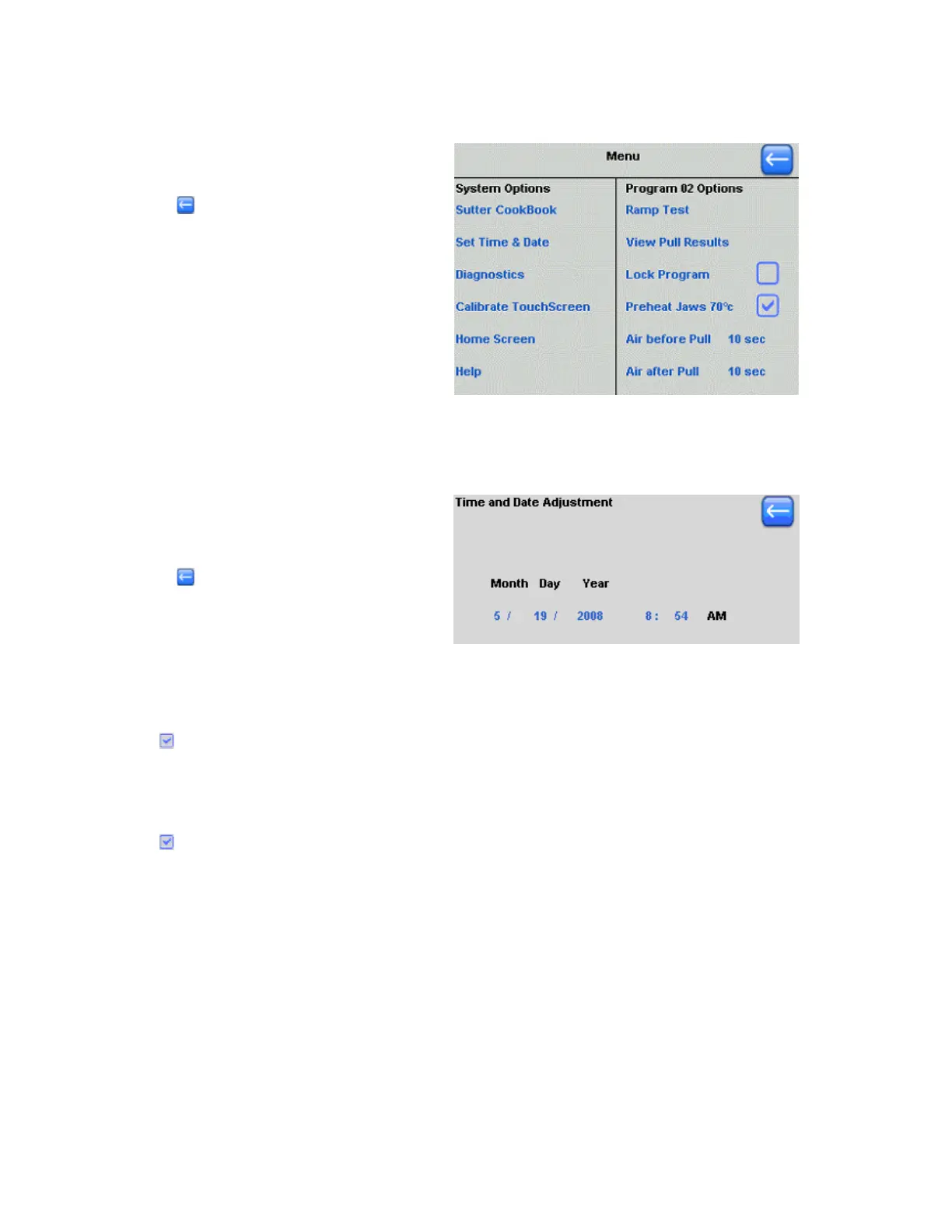
2.4 Menu Screen
Touch any of the blue titles in this
menu to open that option.
Press to return to the
previous screen.
Figure 2-9. Menu Screen.
2.4.1 Set Time & Date
The date and time set in your puller
is used to “time-stamp” a program
when it is installed or edited.
Press when you are ready to
save your settings of date and time.
Figure 2-10. Setting time and date.
2.4.2 Lock Program
Press
next to “Lock Program” to lock the current program. A locked program cannot be
edited or nor cleared. To unlock the current Program, touch the box next to “Lock Program”
and uncheck it.
2.4.3 Preheat Jaws 70°C (Thermolock™)
Press
next to “Preheat Jaws 70°C” to enable Thermolock mode for the current program.
This feature preheats the jaws to 70°C and maintains that temperature throughout the
pulling process. While in Thermolock mode, the pulling conditions in a multi-stage program
are regulated so that the tip sizes, taper lengths, and cone angles of resulting pipettes are
more consistent between pulls. To disable Thermolock mode for the current program, press
the box next to “Preheat Jaws 70°C” to uncheck it.
2.4.4 Air before Pull
This is the duration of time before the pull that the Humidity Control Chamber surrounding
your filament is purged with dry air. This helps to remove humidity and control for the
ambient conditions in your lab. The default setting is 5 seconds. Time settings between 5-20
seconds are reasonable.
P-1000 FLAMING/BROWN MICROPIPETTE PULLER SYSTEM OPERATION MANUAL – REV. 3.02 (20161118)



 To Next Page