P-1000 FLAMING/BROWN MICROPIPETTE PULLER SYSTEM OPERATION MANUAL – REV. 3.02 (20161118)
2
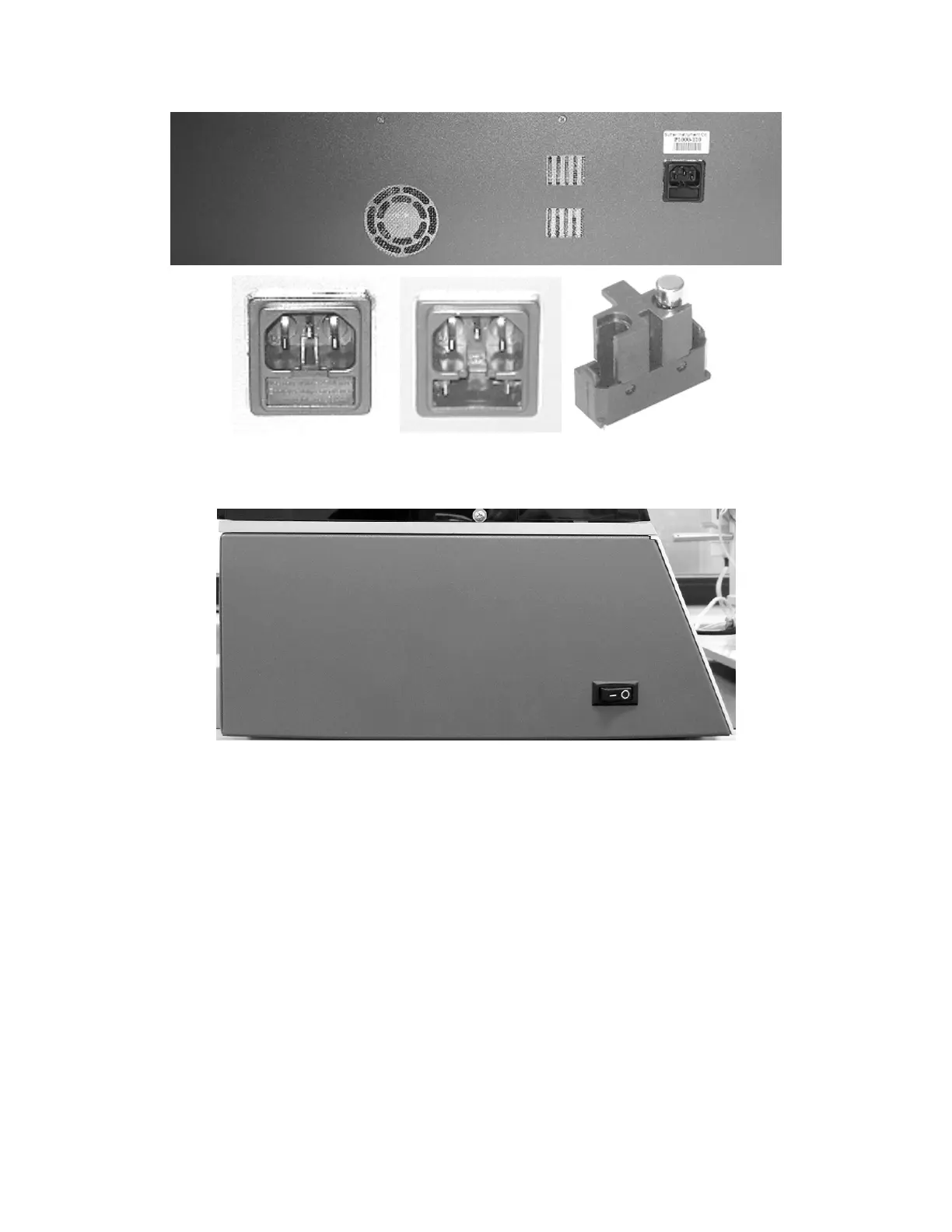
Figure 3-1. P-1000 Cabinet (rear view), detailing power entry module, fuse-holder, fuse, and spare fuse holder.
Make certain that the Power Switch located on the left end of the P-1000 cabinet is OFF (O).
Figure 3-2. P-1000 Cabinet (end view, left), showing power switch.
Plug the power cord provided with the P-1000 into the Line Input socket on the Power Entry
Module and then to a power source.



 To Next Page