33
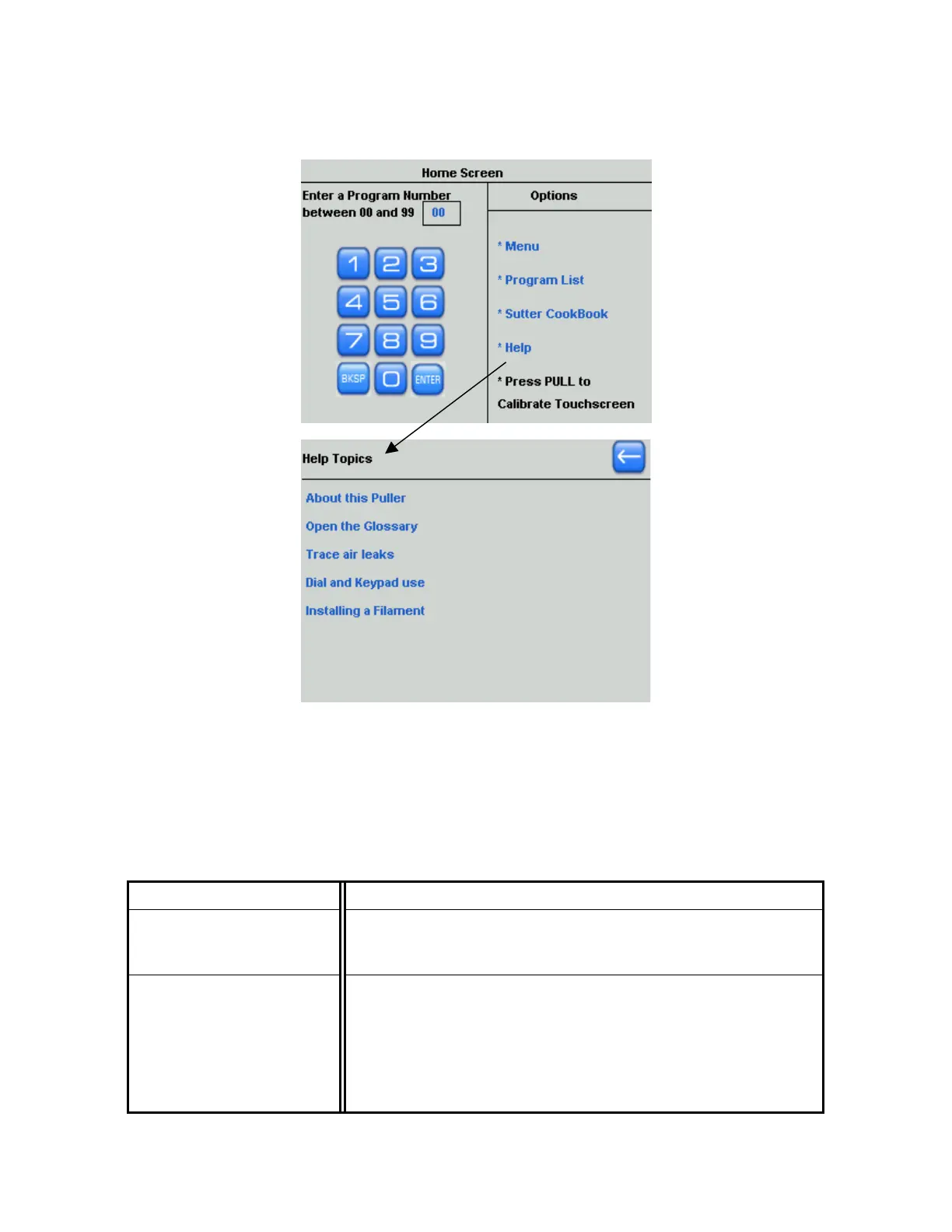
21. In the Help Menu, you can access additional features including the Glossary, step-by-step
instructions on how to install a filament, and more.
Figure 4-17. Obtaining Help information.
4.1.2 Default Configuration
Unless requesting special programming or setup at the time of purchase, the puller is setup
and shipped with the following standard factory configuration:
Table 4-1. Standard factory configuration.
Heating Filament Installed 2.5mm Box (Catalog # FB255B)
Glass used to program
puller (sample sent with
puller)
1.0mm O.D. x 0.5mm I.D. borosilicate, with filament (Catalog #
BF100-50-10)
Factory installed programs
(see enclosed program
sheet)
0 - Micropipette 0.06 μm tip for high Megohm recording.
1 - Patch pipette
2 - Microinjection pipette tip < 1 μm
3 - Patch pipette using 1.5 x 0.86 mm glass
4 - Pronuclear injection pipette using 1.0 x 0.78 mm glass
5 - Patch pipette using 1.5 x 1.1 mm glass
P-1000 FLAMING/BROWN MICROPIPETTE PULLER SYSTEM OPERATION MANUAL – REV. 3.02 (20161118)



 To Next Page