41
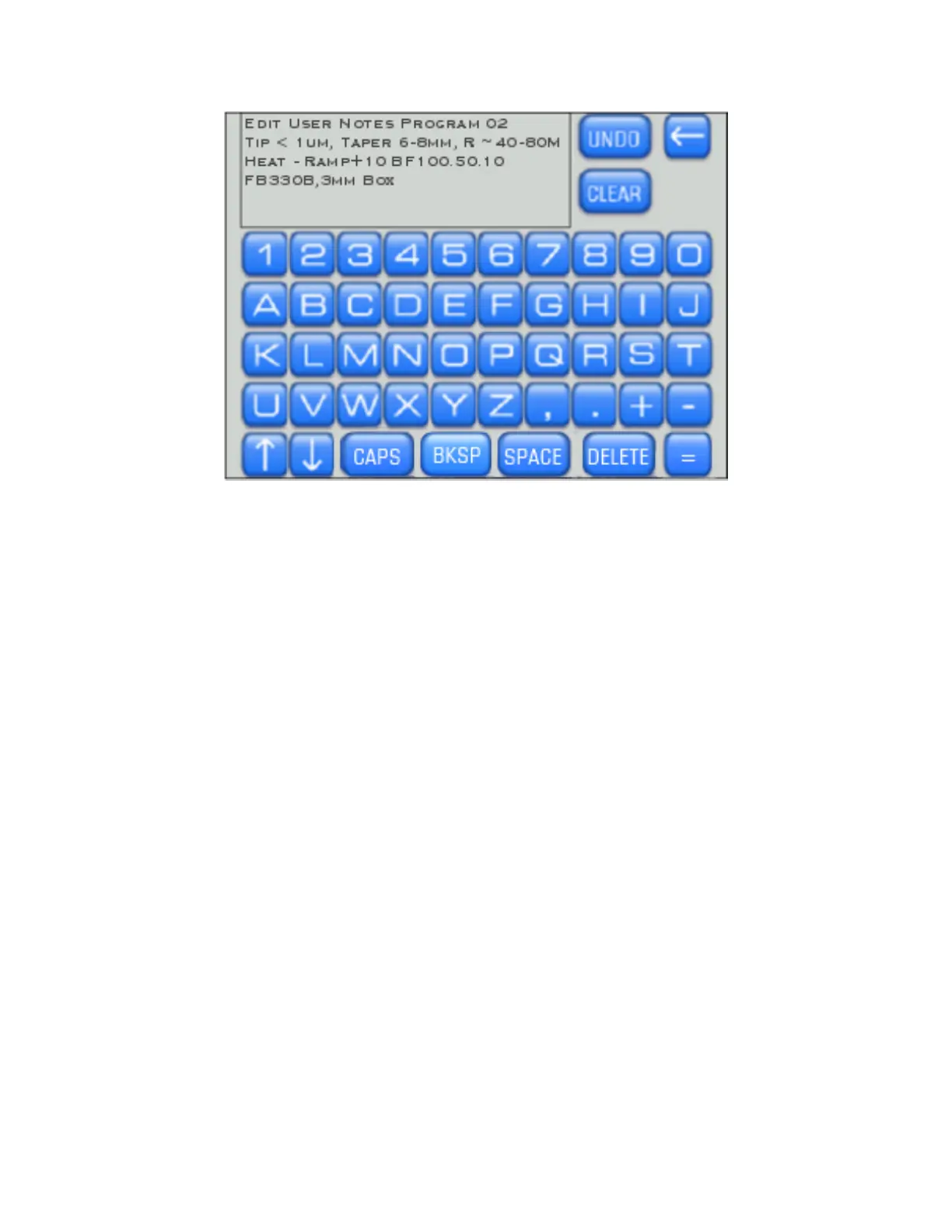
Figure 4-22. Edit user notes.
Here you can edit the notes, press [Undo] to start over, or [Clear] all text and write your own
notes. Pre-installed factory programs (0-5) and any programs imported from the Cookbook
feature will have pre-written text notes detailing the filament, glass, pipette type and
appropriate heat to use with that program. Take caution before clearing all text, as you
might want to retain some information already describing this program. If the notes no
longer apply to your program, clear all text and write your own notes.
The “Notes” section is a good place to record whose program it belongs to, the filament type
(box or trough), the glass size (OD/ID), and the application for which the program was
designed. You might also want to record the heat setting you are using in relation to the
Ramp Value (e.g., Heat = Ramp +10).
The Rotary Dial allows cursor movement through the text. Cursor position is indicated by
the character in which the cursor is positioned turning green.
P-1000 FLAMING/BROWN MICROPIPETTE PULLER SYSTEM OPERATION MANUAL – REV. 3.02 (20161118)



 To Next Page