73
6.3 Diagnostics
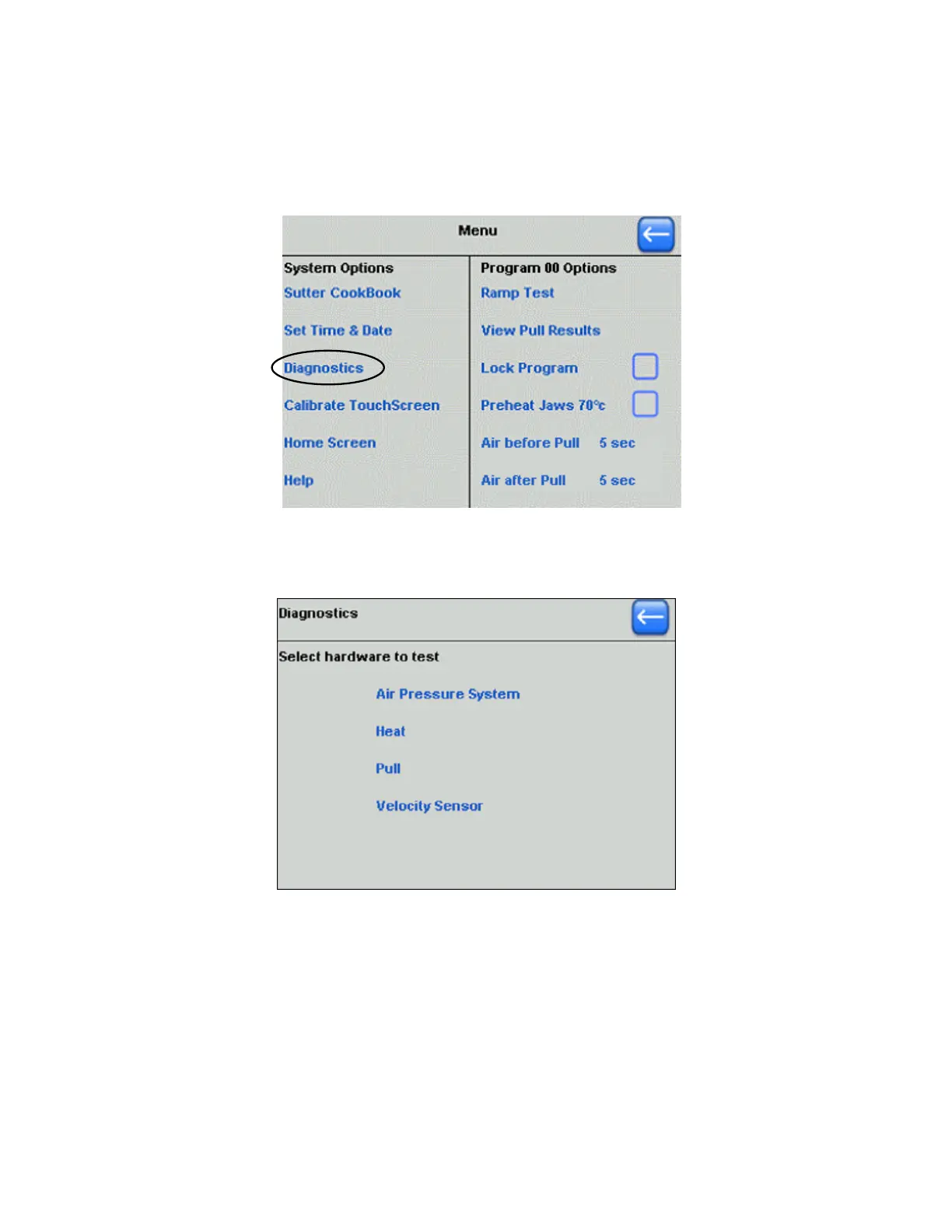
The P-1000’s built-in diagnostics is started by selecting “Diagnostics” in the main menu
screen.
Figure 6-1. Starting Diagnostics from the Main Menu screen.
The Diagnostics screen provides the means by which each P-1000’s hardware
subsystem can be operated and tested independently.
Figure 6-2. Diagnostics screen.
The Diagnostics screen can be invoked at any time should test and diagnostics be
desired on any of the four hardware subsystems listed in the menu. These same
diagnostics can be useful in troubleshooting problems while in telephone contact with
Sutter Instrument Company Tech Support. The rest of this section covers the use of
the Air, Heat, Pull, and Velocity Sensor subsystem diagnostics.
P-1000 FLAMING/BROWN MICROPIPETTE PULLER SYSTEM OPERATION MANUAL – REV. 3.02 (20161118)



 To Next Page