EasyManua.ls Logo

TECHNIKA PRO SH-1060 - User Manual

TECHNIKA PRO SH-1060
78 pages
Print Icon
To Next Page IconTo Next Page
Loading...
SH-1060
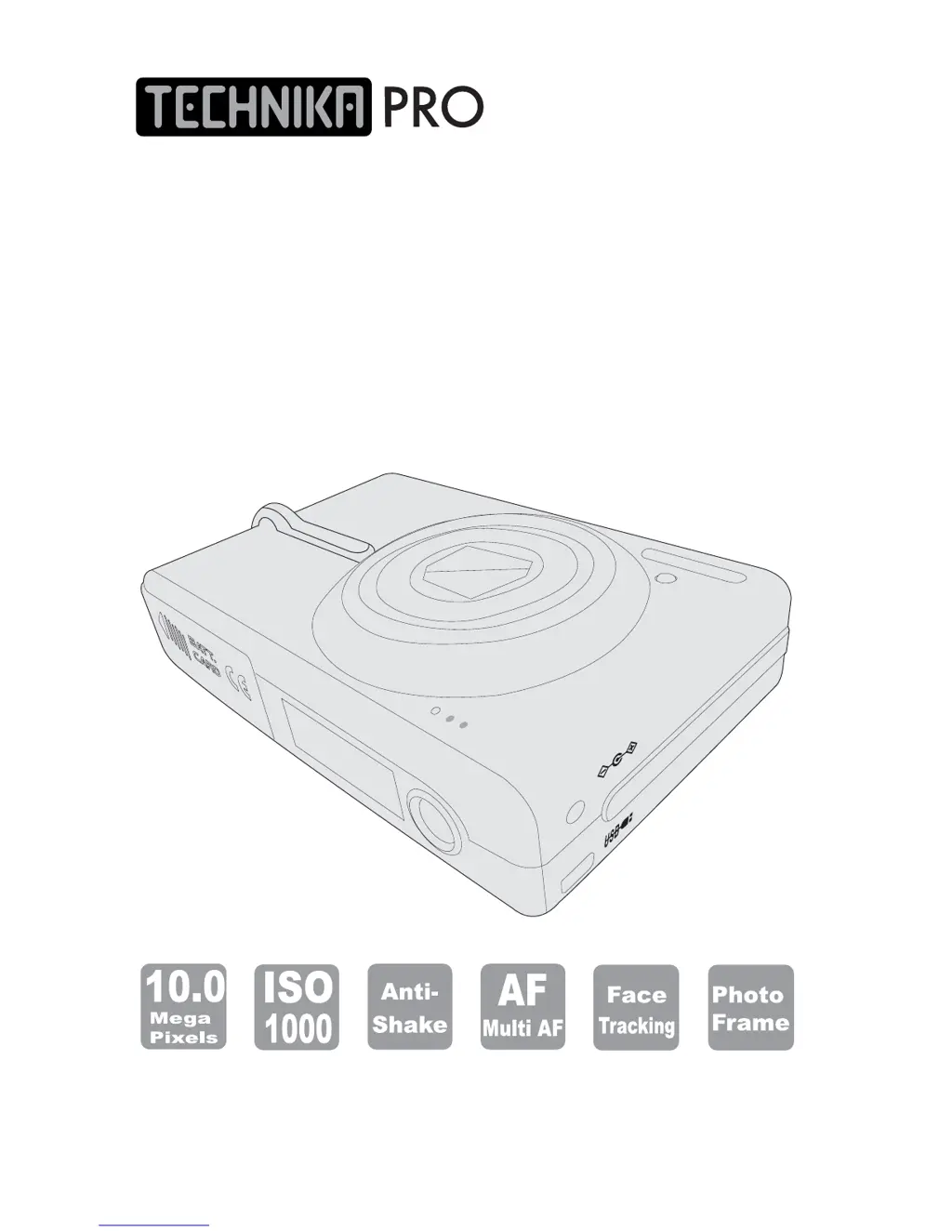
Digital Camera
User Guide
A/V OU
T
DC IN 5V

Table of Contents

Questions and Answers

  • J
    James Mcdonald IIIAug 13, 2025
    Why TECHNIKA PRO SH-1060 Digital Camera does not work?
    • M
      Michelle CopelandAug 13, 2025
      Your TECHNIKA PRO Digital Camera might not be working due to a few reasons: the power could be off, so try pressing the power button. The battery might be incorrectly inserted; make sure it's properly reloaded. Alternatively, the battery may be low or completely drained, in which case you should replace it with a new one or charge it.
  • M
    Mackenzie SalinasAug 16, 2025
    What to do if TECHNIKA PRO SH-1060 images are blurry?
    • C
      Cindy BryantAug 16, 2025
      If your TECHNIKA PRO Digital Camera images are blurry, consider these possibilities: the camera might be moving when you press the shutter release button, so hold it steady or use a tripod. Ensure the focus brackets are positioned correctly on your subject. Also, check if you're using the appropriate focus mode (normal or macro) for the subject's distance. Dim light without flash can also cause blurriness, so use a tripod and turn on the flash. Lastly, a dirty lens can lead to blurry images, so gently clean the lens.
  • E
    Erik WilliamsAug 21, 2025
    Why I can't take a picture with TECHNIKA PRO SH-1060 Digital Camera?
    • S
      Sara KaiserAug 21, 2025
      If you're unable to take a picture with your TECHNIKA PRO Digital Camera, here are a few potential reasons: The camera might not be in capture mode, so ensure the mode switch is set correctly. You may not be pressing the shutter release button down fully. The memory card could be full, requiring you to replace it, upload images, or delete some. The camera might still be saving the last image, or the flash could still be recharging, so wait until these processes are complete. Check if the battery power is low, and replace or charge the battery if needed. Finally, ensure a memory card is inserted.
  • W
    williamsonstevenAug 25, 2025
    What to do if TECHNIKA PRO SH-1060 Digital Camera images are too bright?
    • J
      julia85Aug 25, 2025
      If your TECHNIKA PRO Digital Camera images appear too bright, it could be because the flash is on in a well-lit environment; try turning it off. Also, if you're too close to the subject when using the flash, move back and try again. Bright light sources other than the flash might also be the issue, so avoid pointing the camera at them and use exposure compensation.
  • D
    Danielle SmithAug 28, 2025
    Why TECHNIKA PRO SH-1060 Digital Camera flash does not fire?
    • J
      Jenna MatthewsAug 28, 2025
      If the flash on your TECHNIKA PRO Digital Camera isn't firing, it could be due to low battery power; try replacing or charging the battery. Alternatively, the flash might be turned off, so switch to another flash mode.
  • K
    Kaitlyn BrownAug 31, 2025
    What to do if TECHNIKA PRO SH-1060 Digital Camera images are too dark?
    • M
      Mitchell MartinezSep 1, 2025
      If your TECHNIKA PRO Digital Camera images are too dark, it might be because the flash is off in a dark environment, so try turning it on. If the flash is on, ensure the subject is within the effective range of the flash (1.8M~2.5M); move closer if necessary.
  • E
    Edward GarciaSep 5, 2025
    Why TECHNIKA PRO Digital Camera can not playback?
    • K
      Keith PetersonSep 5, 2025
      If your TECHNIKA PRO Digital Camera is unable to playback, it is possible that the camera is not in the playback mode. Press the appropriate button to switch to playback mode.
  • R
    rachel88Sep 8, 2025
    Why is there no sound in TECHNIKA PRO SH-1060 playback mode?
    • A
      Adam PerrySep 8, 2025
      If there's no sound in playback mode on your TECHNIKA PRO Digital Camera, the volume might be too low. Adjust the volume accordingly.

Summary

Read First

Warning & Cautions

Crucial safety precautions and warnings for correct camera operation to prevent injury or damage.

Cautions

Essential guidelines to prevent camera damage and maintain optimal performance.

Chapter 1: Getting Started

Set Up

Instructions for preparing the camera, including attaching strap, charging battery, and inserting cards.

Chapter 2: Taking Images and Recording Video Clips

Capture & Video Modes

Details modes for capturing images and recording video, including zoom and focus.

Image Settings

Covers exposure, flash, white balance, ISO, focus, anti-shake, exposure area, color, sharpness, contrast, saturation, and drive modes.

Chapter 3: Reviewing Images & Video Clips

Playback Operations

Guides on using playback mode, menus, digital enlargement, index display, and rotation.

Managing Images

Provides instructions on deleting, protecting, adding voice memos, and setting DPOF for images.

Chapter 4: Installing the Software

Chapter 6: Adjusting the Camera Settings

Trouble Shooting

TECHNIKA PRO SH-1060 Specifications

General IconGeneral
BrandTECHNIKA PRO
ModelSH-1060
CategoryDigital Camera
LanguageEnglish