46
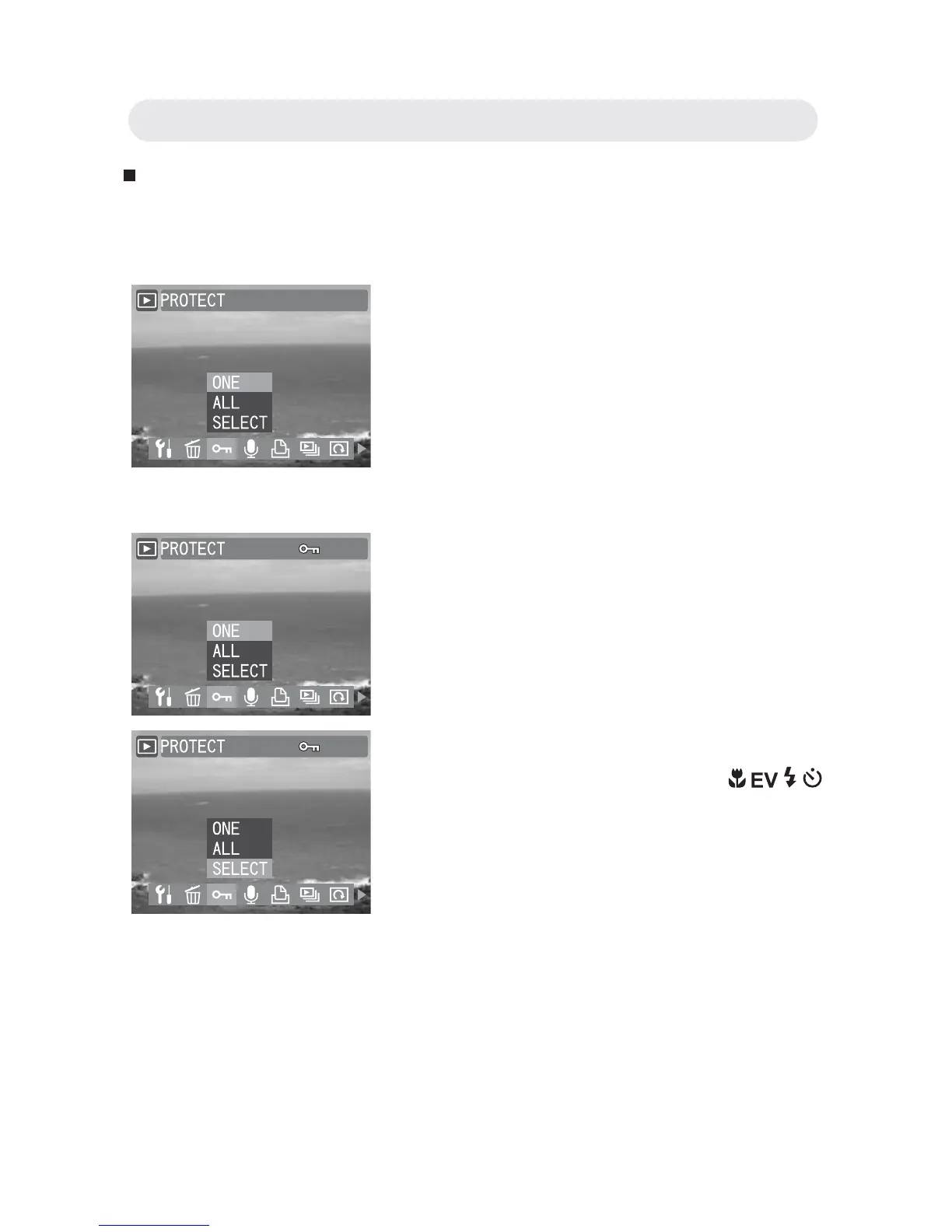
Protecting Images and Video Clips
This function prevents images and video clips from being modifi ed or
deleted accidentally.
1 In Playback menu, select
“PROTECT”.
2 Select “ONE” to protect the selected
one or select “ALL” to protect all
images or video clips. Press the OK
button.
3 A protected fi le is indicated by the mark.
Follow step 1 and 2 again and then
press OK button to remove the
protection.
4 Select “SELECT” and a thumbnail
image gallery appears. Press
/ / /
button to select the image you want to
protect. Press the OK button.
5 A confi rmation dialogue appears, stating
“IMAGES PROTECTED!”. The selected
images and video clips are now protected.
Chapter3: Reviewing Images and Video Clips



 To Next Page