24
Mode Options
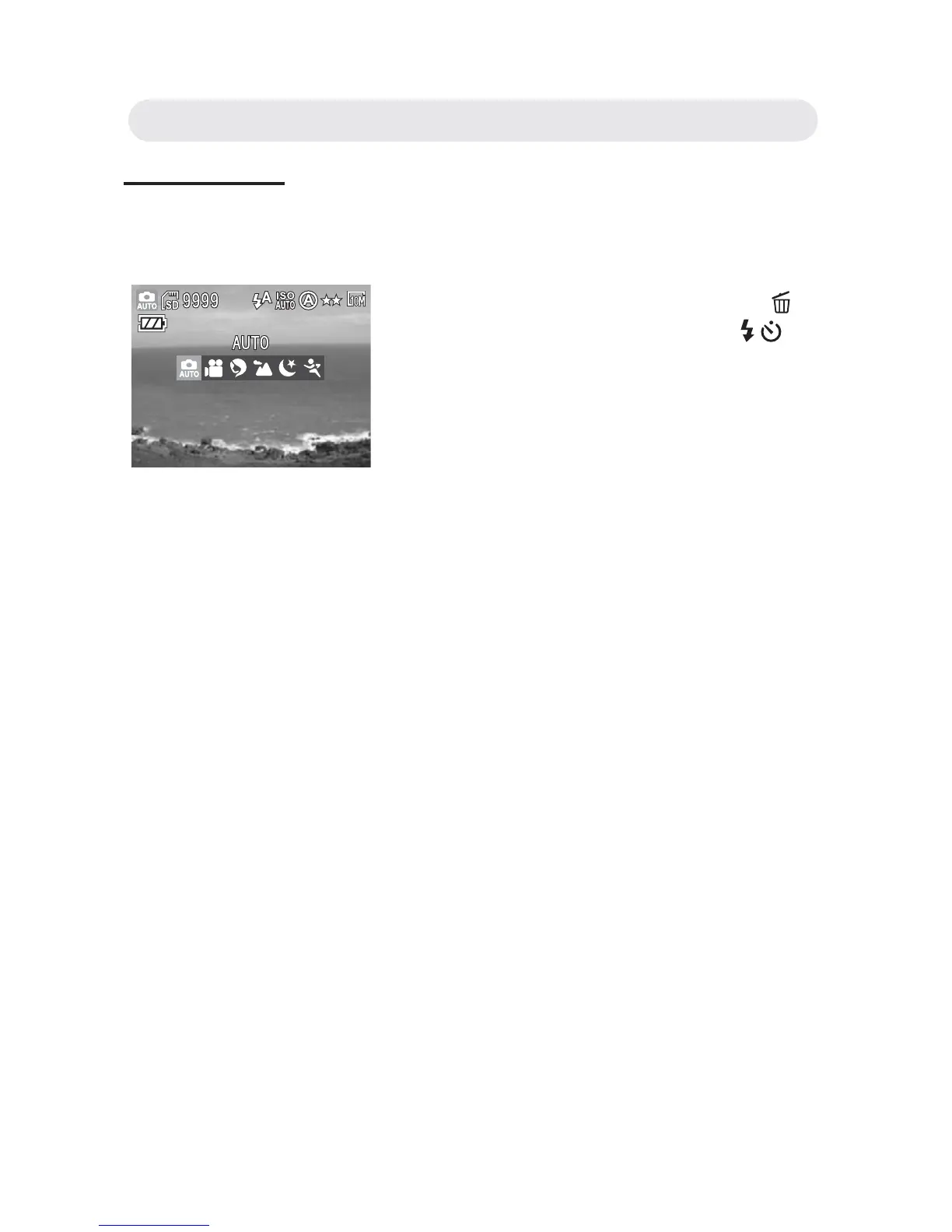
There are six scene mode options (Auto, Video, Portrait, Landscape,
Night scene and Sports modes) of this camera.
• Auto Mode
The simplest way to shoot basic images.
• Video Mode
To get the video clips.
• Portrait
You can take a natural person image.
• Landscape
To take the distant or outdoor scenes.
• Night Scene
The camera will decrease the shutter speed when taking images in the
dark conditions (i.e. at night). We recommend using a tripod.
• Sports
The camera will increase the shutter speed to capture fast-moving
subjects without blurring.
Note: The fl ash mode is “Flash Off” when the scene mode sets to
Landscape and Night.
1 In Capture live view, press the SP/
button to mode option and use
/
button to select the mode.
2 Press the OK button to confi rm all
settings.
Chapter2: Taking Images and Recording Video Clips



 To Next Page