26
Using the Capture/Video Menu
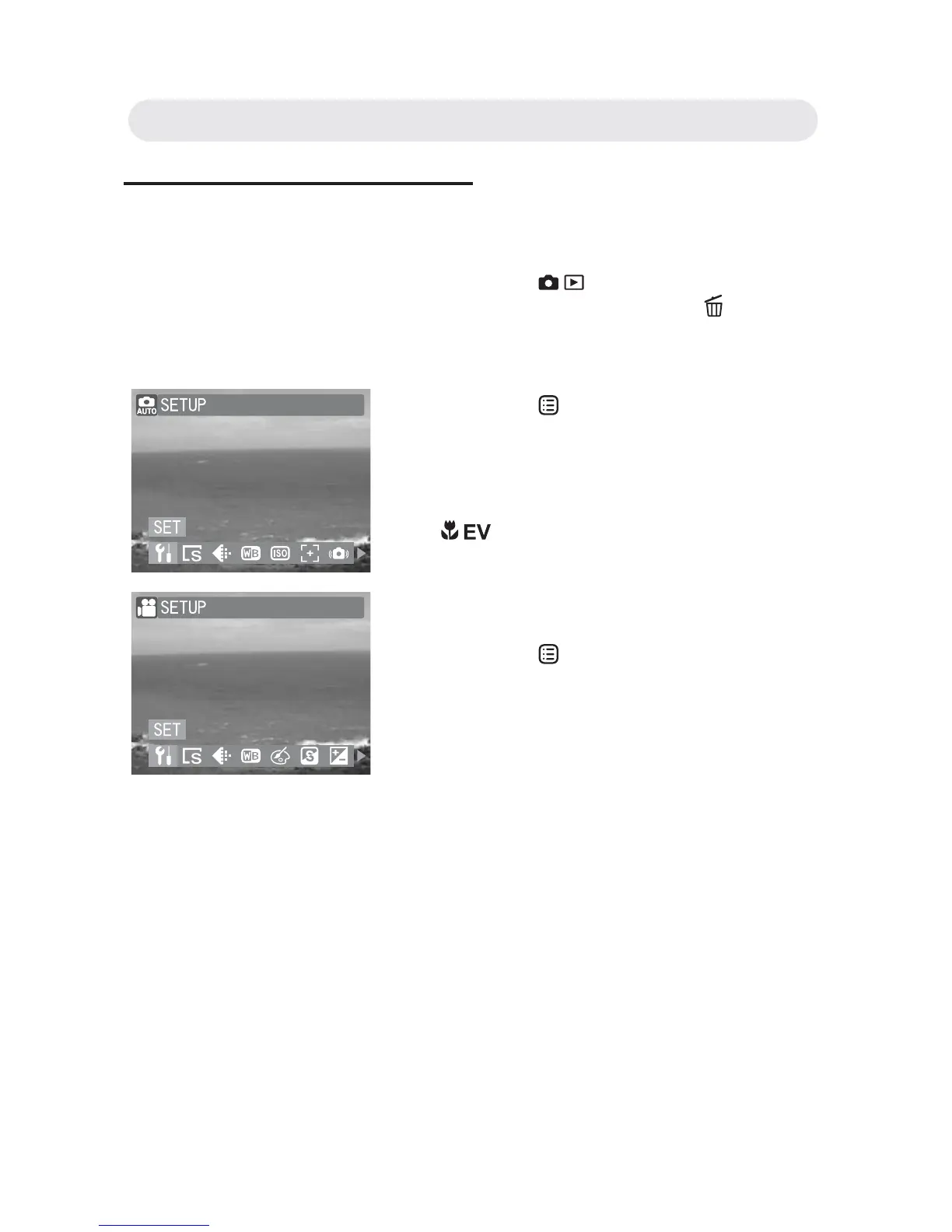
You can adjust image and video settings through the capture menu.
1 Press the / button to select
Capture mode or press SP/
button to
select Video mode.
2 Press the button to enter the capture
or video menu.
3 Scroll through the menu by pressing
/ button and highlight the option
you wish to select. Press the OK button
to confi rm all settings.
4 Press the button or shutter release
button halfway down to return to the
Capture or Video mode live view.
Chapter2: Taking Images and Recording Video Clips



 To Next Page