31
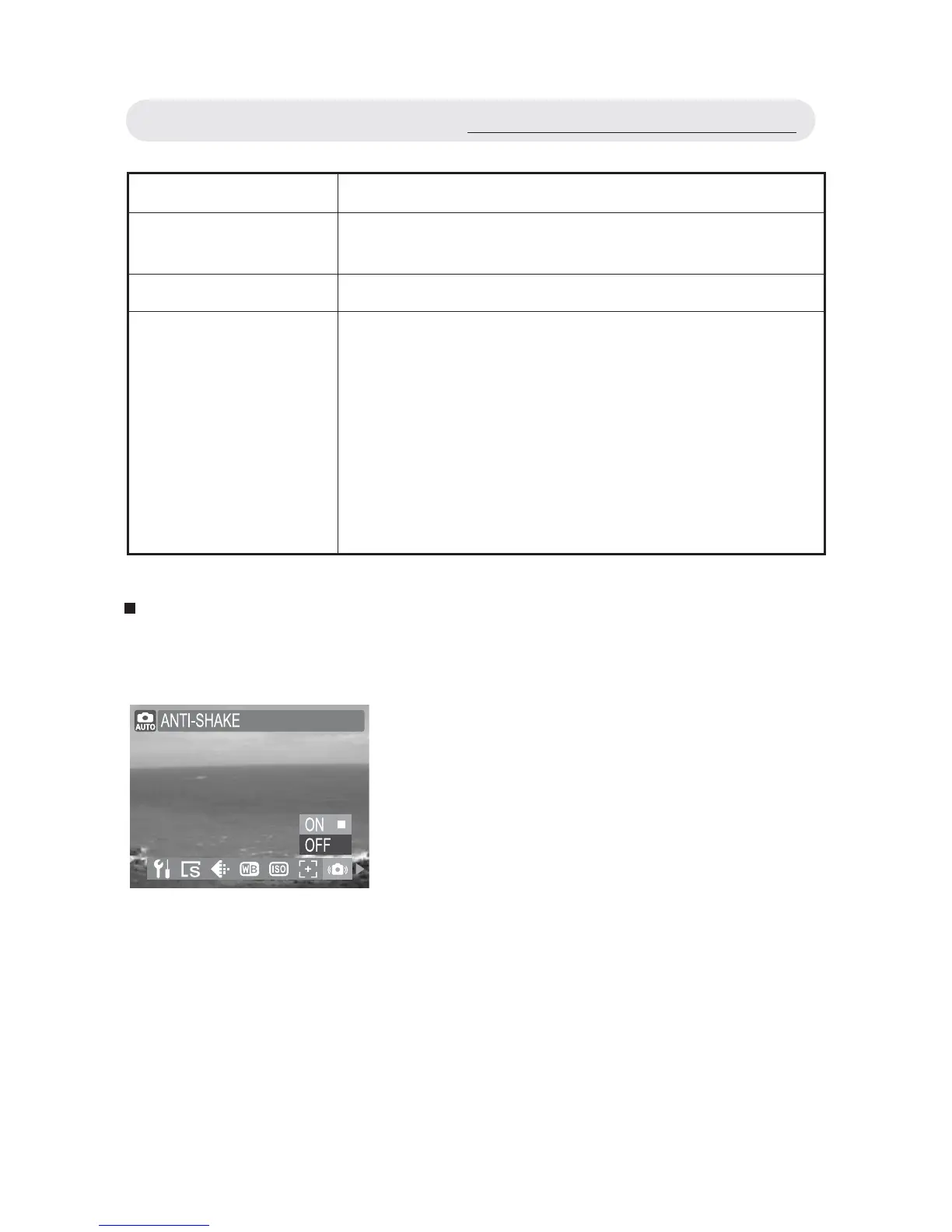
Setting Anti-shake
In a bad light, Anti-shake will help you to get a nice image without using
fl ash.
1 In Capture menu, select “ANTI-SHAKE”.
2 Select “ON” or “OFF”.
3 Press OK button to confi rm the setting.
Note: The Anti-shake is “OFF“ when the
ISO sets to “Auto“.
Using the Capture/Video Menu
Setting Function
MULTI AF The camera will see the shooting conditions and
select among the nine focus frames to focus on.
CENTER AF The camera uses the center focus frame to focus on.
FACE TRACKING The camera will detect and focus on faces
automatically.
Note 1: If no face is detected, the Focus mode
will automatically set to Multi AF.
Note 2: You can use the FACE TRACKING
function to take pictures of yourself. If
the AF LED lights up a solid red, your
face is in focus, if the AF LED fl ashes
red, your face is out of the focus.



 To Next Page