41
Using Playback
Playback mode allows you to review still images and video clips stored
on your camera.
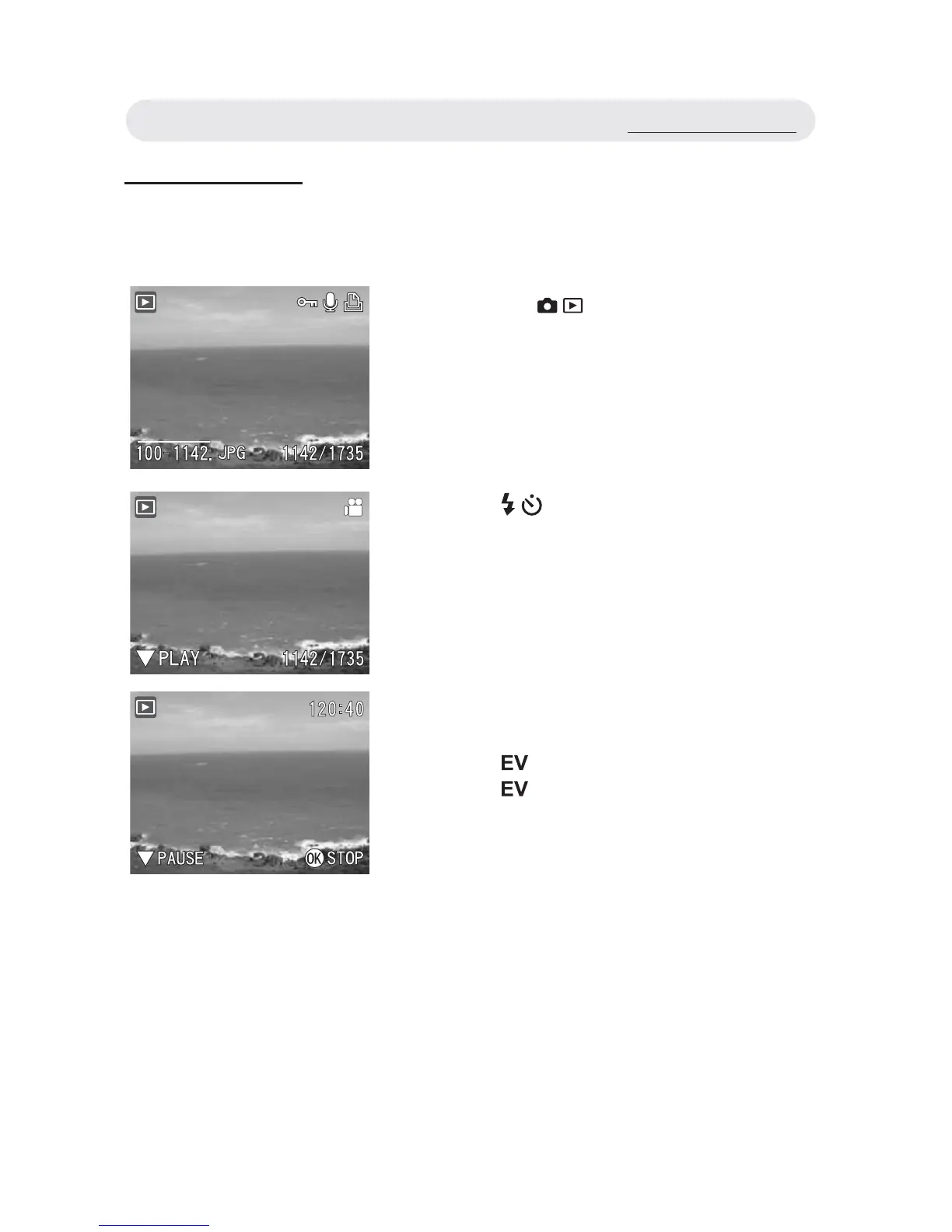
1 Press the / button to select
Playback mode. The last taken image
or the fi rst frame of the videos appears
on the LCD monitor.
2 Press / button to the previous or
next fi le.
3 If you select a video clip, an operation
guide appears on the LCD monitor.
Press button to play the video clip.
Press button again to pause.
Press OK button to stop playing.
Using Playback



 To Next Page