67
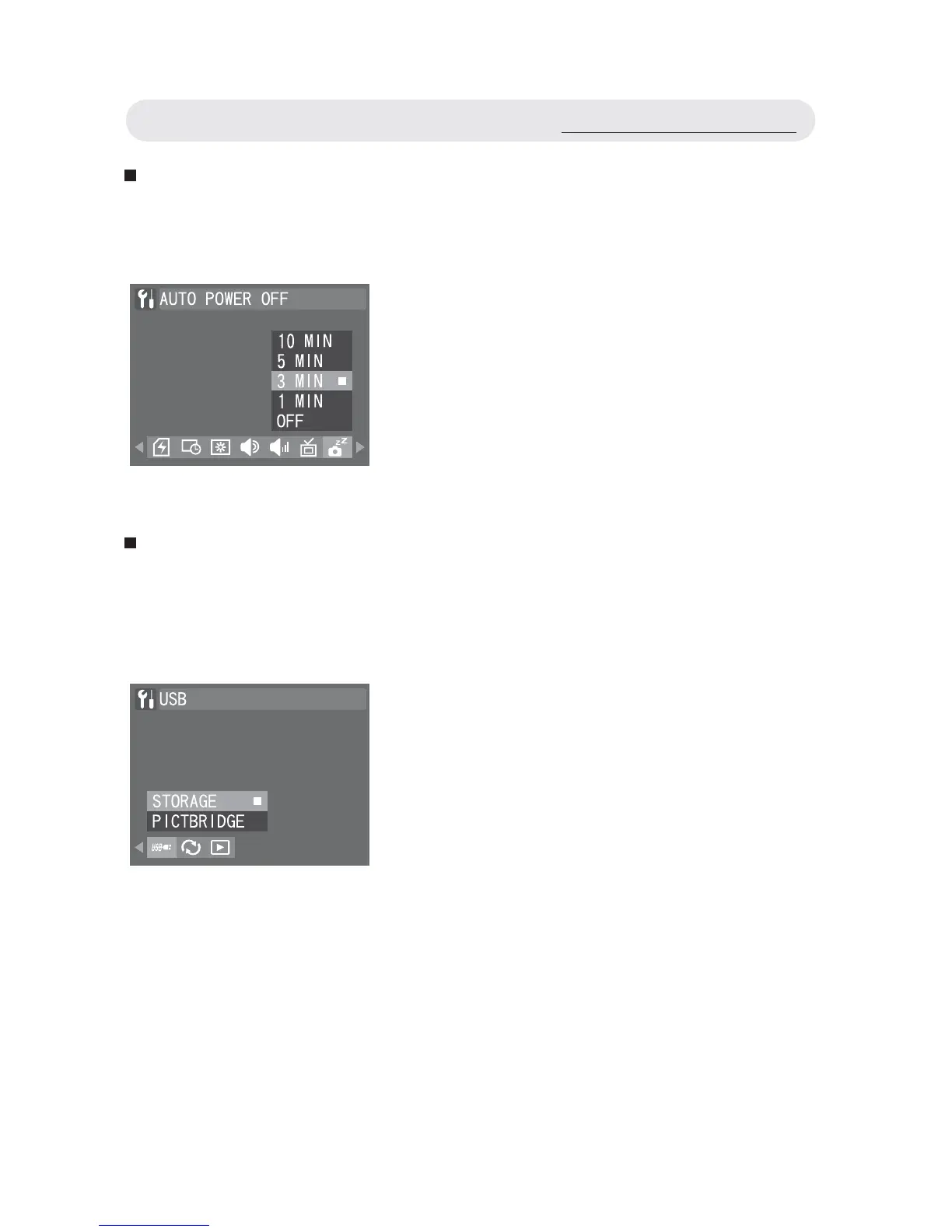
Setting Auto Power Off
To save battery power, you can set the camera to turn off automatically
when it is not in use for a fi xed time.
Changing USB Mode
You can change the USB connection mode depending on whether the
camera is to be connected to a computer (STORAGE) or a printer
(PICTBRIDGE).
1 In Setup menu, select “AUTO POWER
OFF”.
2 Select “10 MIN”, “5 MIN”, “3 MIN”, “1
MIN” or “OFF”. Press the OK button to
confi rm all settings.
1 In Setup menu, select “USB”.
2 Select “STORAGE” or “PICTBRIDGE”.
Press the OK button to confi rm all
settings.
Using the Setup Menu



 To Next Page