68
Using PictBridge
You can connect the camera directly to a printer that supports PictBridge,
and perform image selection and printing using the camera monitor
screen and controls.
PictBridge is a standard established by the Camera and Imaging Products
Association (CIPA).
1 In “SETUP” menu, change the USB
connection mode to “PICTBRIDGE”.
2 Use the USB cable that comes with the
package to connect the camera to a
PictBridge compatible printer.
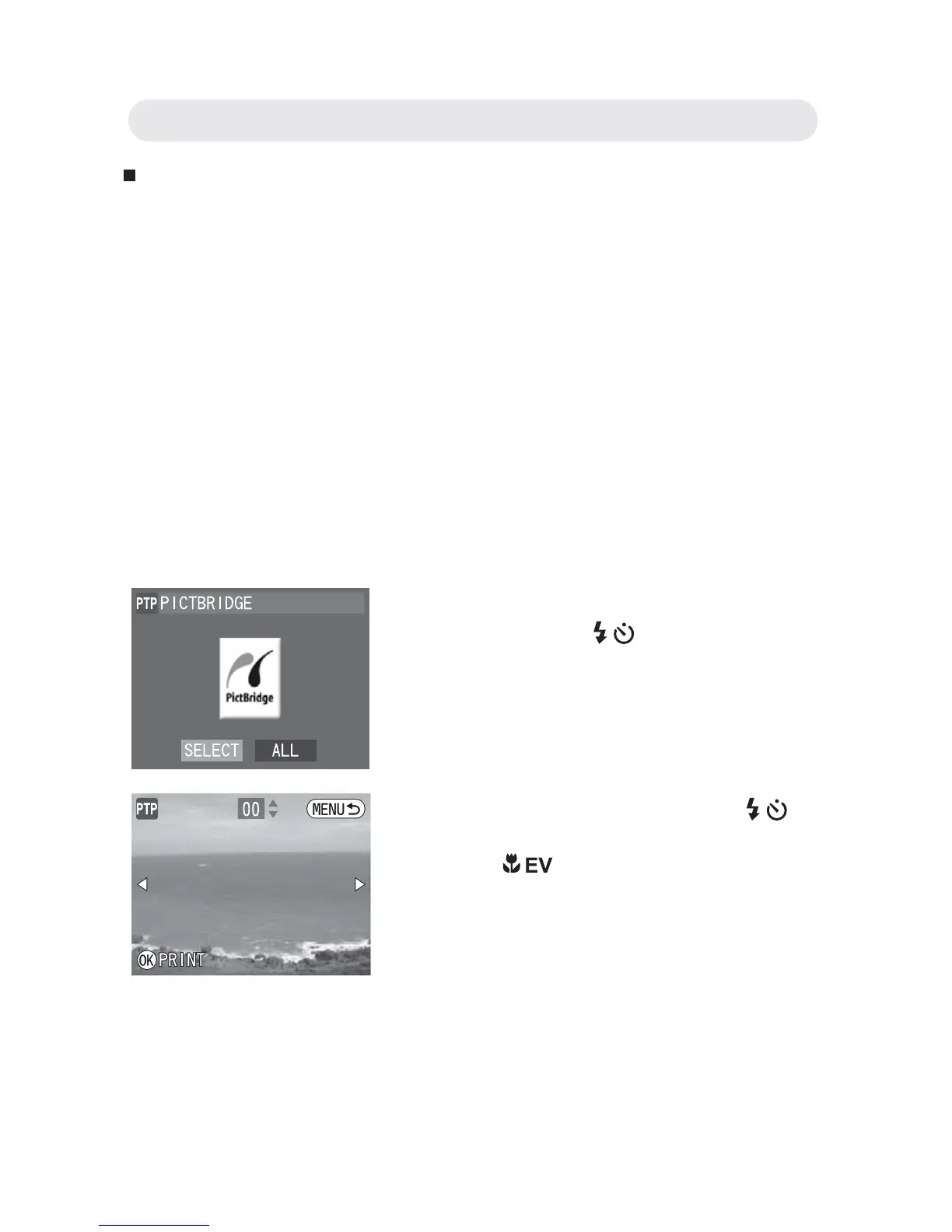
3 Once connected, the PictBridge menu
appears. Press
/ button to choose
the option you want and press the OK
button to confi rm.
4 If you choose “SELECT”, press / to
select the images you want to print.
Press / to specify the number of
copies. Press the OK button to confi rm
all settings.
Chapter 6: Adjusting the Camera Settings



 To Next Page