66
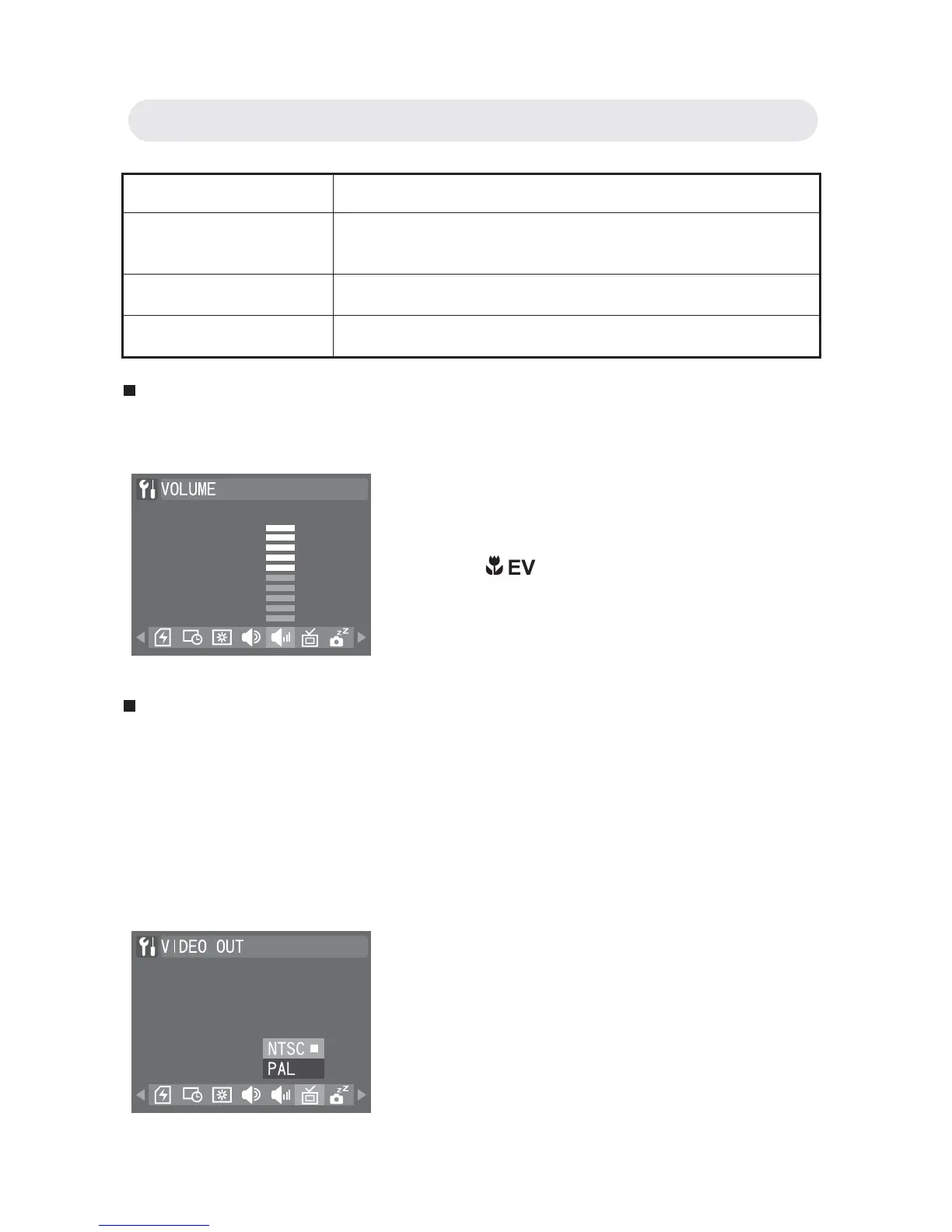
Setting Camera Volume
This function allows you to adjust the volume.
Setting TV System
Both NTSC and PAL are TV broadcast systems. The NTSC system is
used mainly in the USA, Japan, Canada, Mexico, the Philippines, Korea
and Taiwan. The PAL system is used in western European countries
such as Germany, the UK, Switzerland, Holland, Italy (except for France)
and Australia, Singapore, Thailand and China. As these systems are not
compatible, you cannot watch an NTSC system based TV in an area
where the PAL system is used.
Setting Function
SHUTTER ONLY All sound is off apart from a shutter sound when
an image is taken.
ON All camera sounds are turned on.
OFF All camera sounds are turned off.
1 In Setup menu, select “VOLUME”.
2 Use / button to increase or
decrease the volume. Press the OK
button to confi rm all settings.
1 In Setup menu, select “VIDEO OUT”.
2 Select “NTSC” or “PAL”. Press the OK
button to confi rm all settings.
Chapter 6: Adjusting the Camera Settings



 To Next Page