63
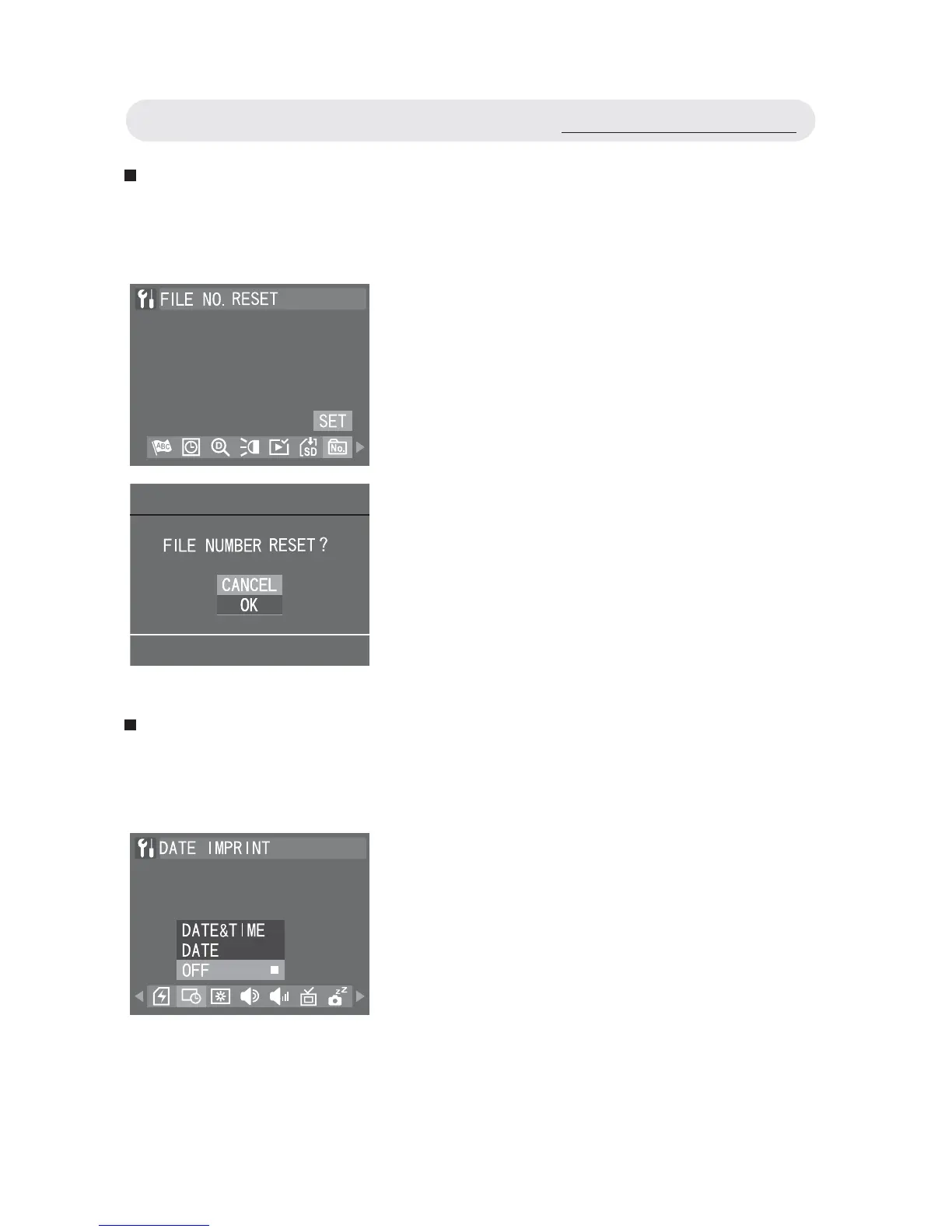
Resetting the File Number
This function allows you to reset the fi le numbers assigned to each
image or fi le.
Imprinting the Date and Time
When printing out or displaying images, you can decide whether to im-
print the date and time on the images or not.
1 In Setup menu, select “FILE NO.
RESET” and then press OK button.
2 A confi rmation dialogue will appear.
Select “OK” and press OK button to
reset.
1 In Setup menu, select “DATE
IMPRINT”.
2 Select “DATE & TIME”, “DATE” or
“OFF”. Press OK button to confi rm the
setting.
Using the Setup Menu



 To Next Page