43
Activating Digital Enlargement
You can magnify images when reviewing images in playback mode.
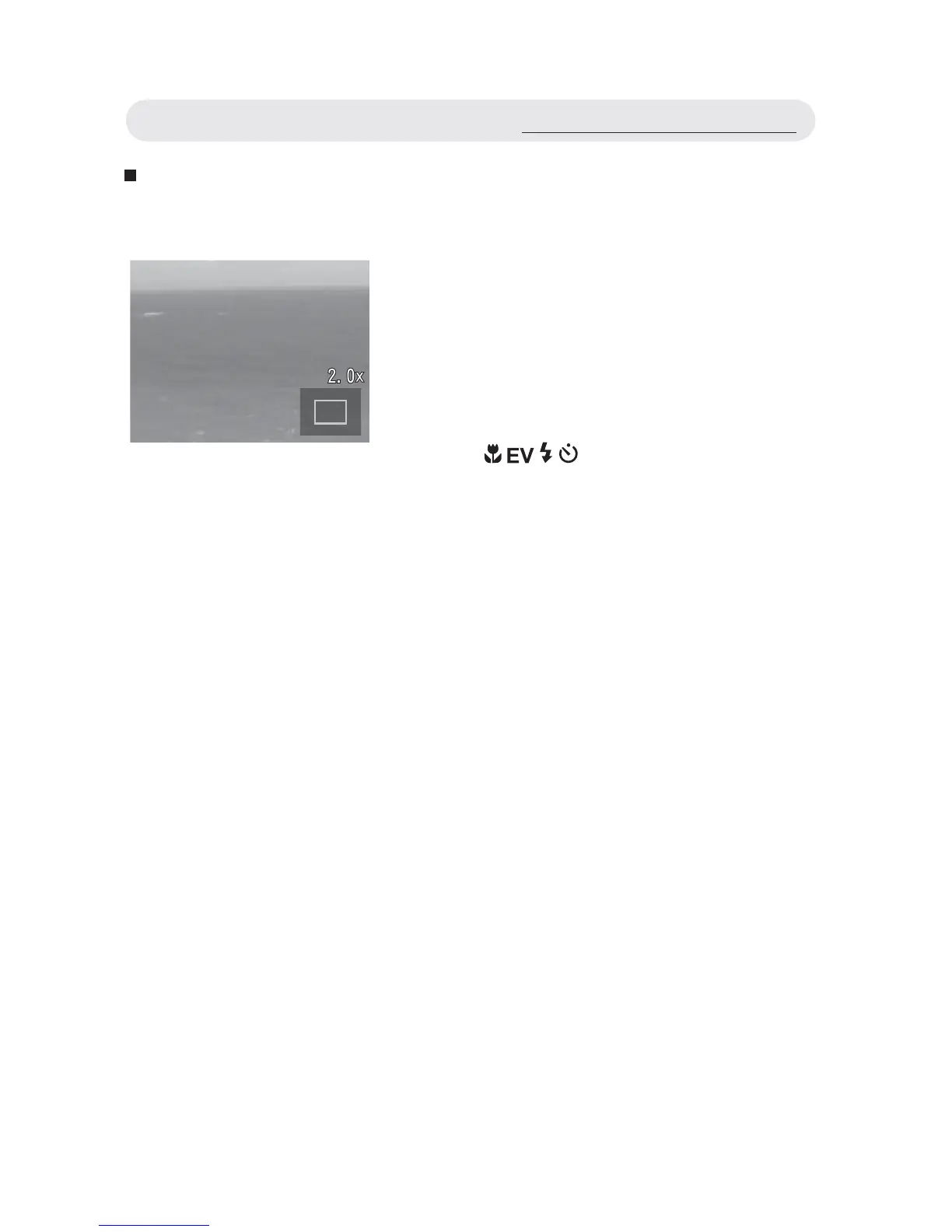
1 When reviewing the image, press T
button to magnify. The icons on the
LCD monitor will disappear and the
approximate location of the area and
magnifi cation level will show.
2 Use / / / button to move around
the image.
3 Press the W button to decrease the
magnifi cation level. Press OK button to
cancel the magnifi cation.
Note: The video clips cannot be magnifi ed.
When reviewing the video clip, a
“CANNOT MAGNIFY” warning
appears on the LCD monitor.
Using the Playback Menu



 To Next Page