36
Setting Saturation
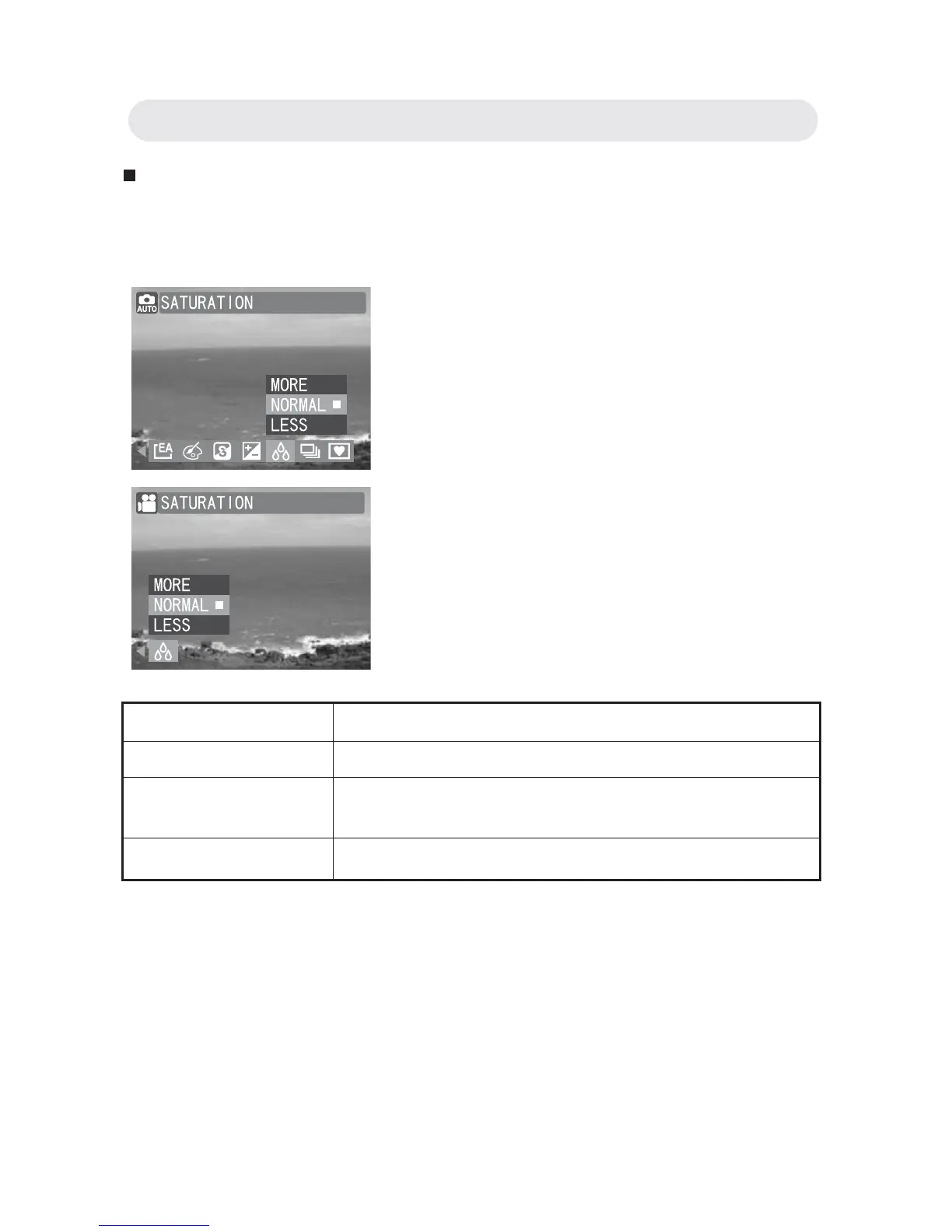
Adjust the Saturation setting to alter the intensity and purity of the color.
The higher the saturation setting, the more vivid the image is.
1 In Capture/Video menu, select
“SATURATION”.
2 Select “MORE”, “NORMAL” or “LESS”.
3 Press OK button to confi rm the setting.
Setting Function
MORE Makes images look more vivid.
NORMAL The image is captured without any adjustments
to saturation levels.
LESS Makes images look duller.
Chapter2: Taking Images and Recording Video Clips



 To Next Page