44
Using Index Display
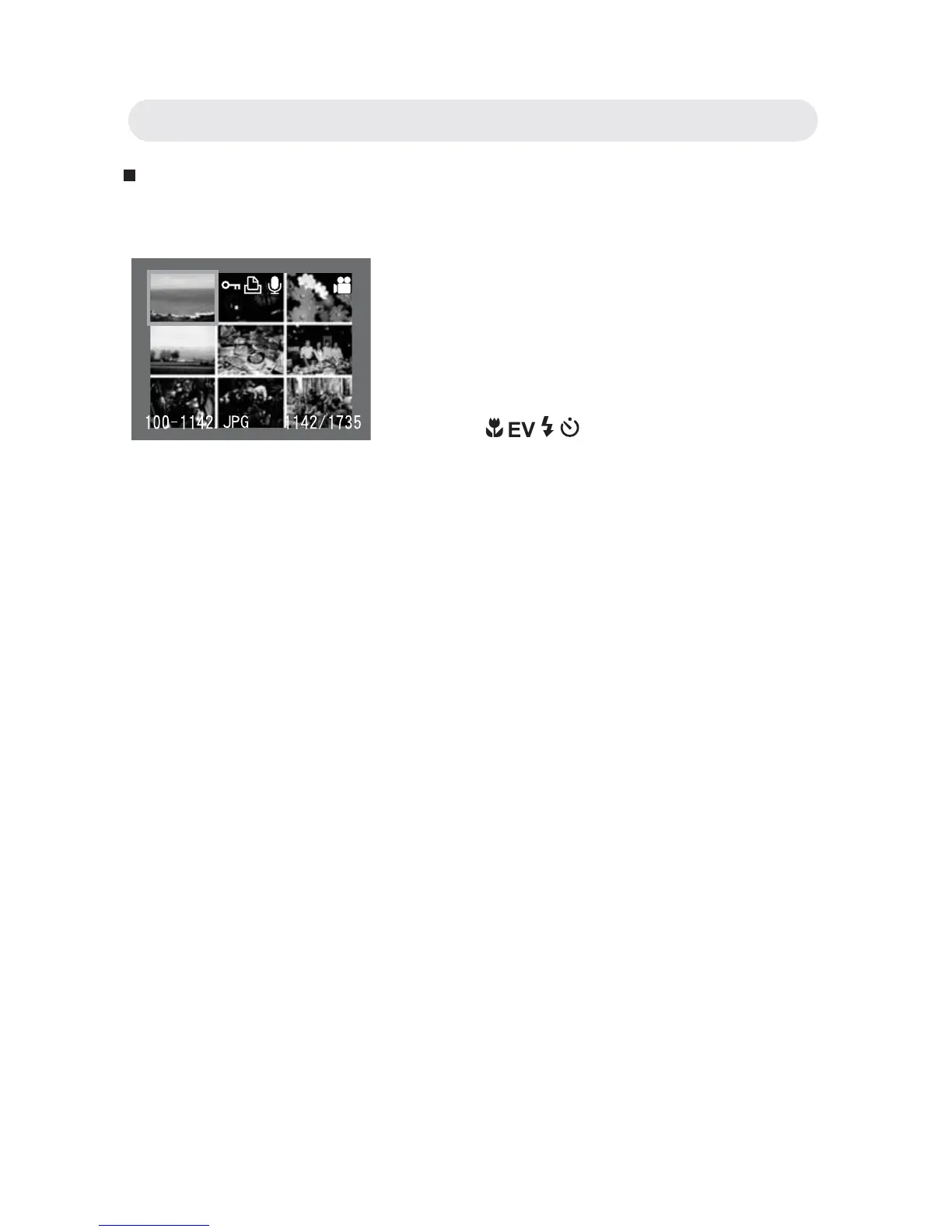
Index display allows you to view up to nine images at a time.
1 When reviewing the image, press W
button to show the index . Up to nine
images can be viewed at the same
time.
2 Use / / / button to change the
image selection.
3 Press the T button to return to single
image playback.
Chapter3: Reviewing Images and Video Clips



 To Next Page