33
Color Style
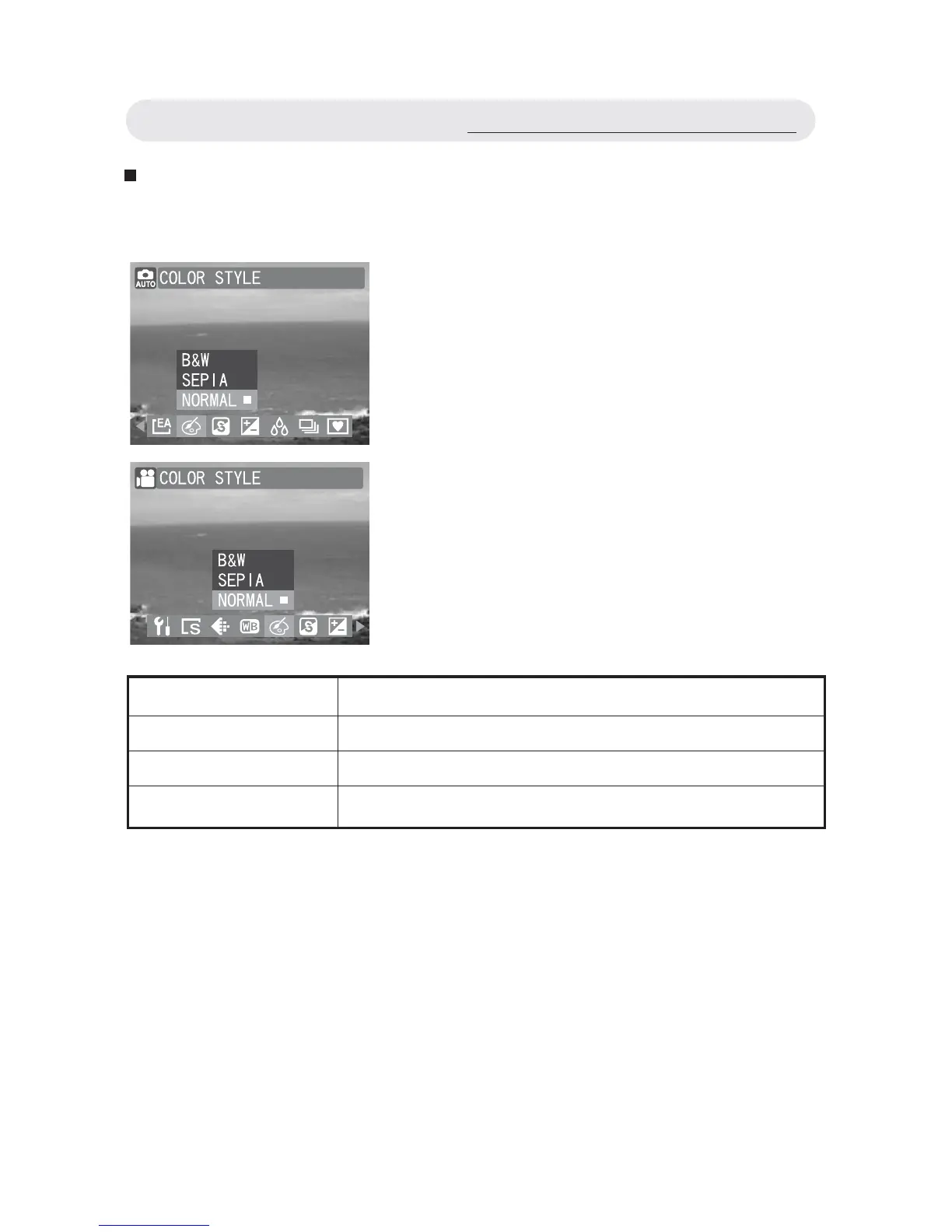
Adjust the color style to change the color of the fi nal image.
1 In Capture/Video menu, select
“COLOR STYLE”.
2 Select “B&W”, “SEPIA” or “NORMAL”.
3 Press OK button to confi rm the setting.
Setting Function
B&W Takes the photo in black and white.
SEPIA Takes the photo in sepia (a vintage effect).
NORMAL Takes the photo without any special effects.
Using the Capture/Video Menu



 To Next Page