61
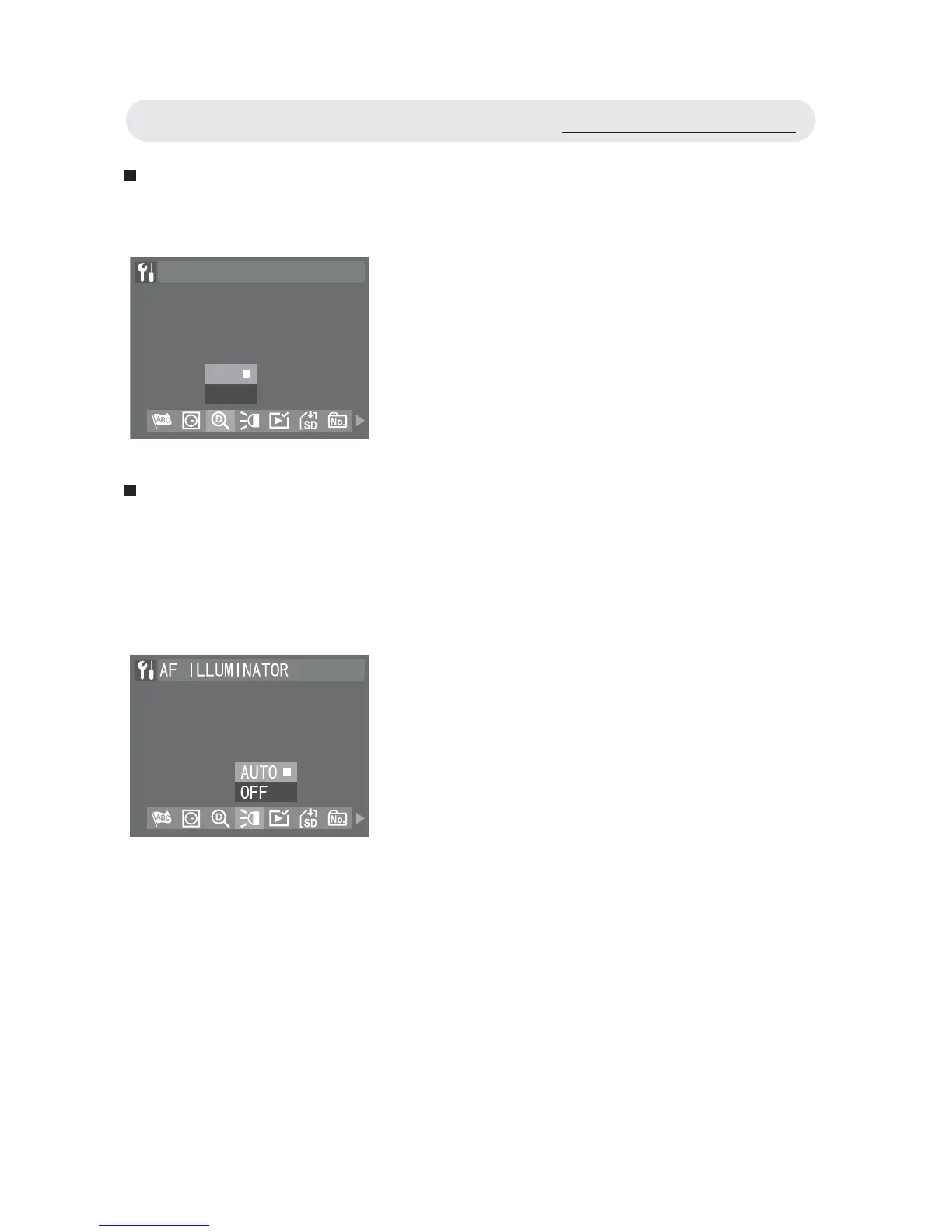
Setting Digital Zoom
This function allows you to activate digital zoom function.
Setting AF Illuminator
This function allows you to turn on or off the AF illuminator at the front of
the camera. Turn on this function to aid focusing in low-light situations.
Turn off this function if you are capturing an image, which may be
distracted by the illuminator (wildlife, for example).
1 In Setup menu, select “DIGITAL
ZOOM”.
2 Select “ON” or “OFF”. Press OK button
to confi rm the setting.
DIGITAL ZOOM
OFF
ON
1 In Setup menu, select “AF
ILLUMINATOR”.
2 Select “AUTO” or “OFF”. Press OK
button to confi rm the setting.
Using the Setup Menu



 To Next Page