65
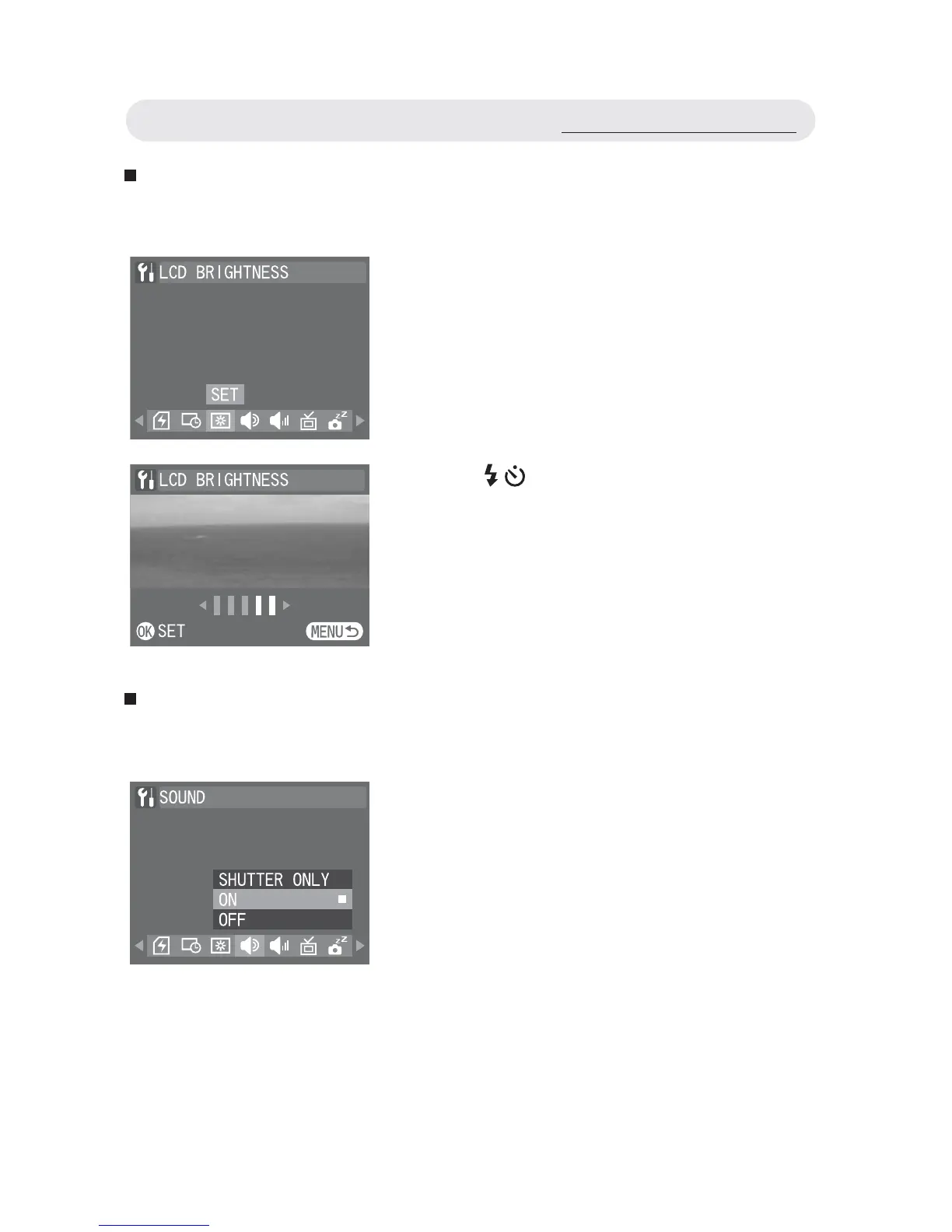
Setting LCD Brightness
This function allows you to adjust the brightness of the LCD monitor.
Setting Camera Sound
You can adjust the camera sound effect by setting camera sound.
1 In Setup menu, select “LCD
BRIGHTNESS”.
2 Use / button to adjust the brightness
value. Press OK button to confi rm the
setting.
Note: This setting is disabled when viewing
images or videos through your TV.
1 In Setup menu, select “SOUND”.
2 Select “SHUTTER ONLY”, “ON”, or
“OFF”. Press OK button to confi rm the
setting.
Using the Setup Menu



 To Next Page